NexLinq Software

NexLinq

Lightweight Fan, Lighting & Screen Control

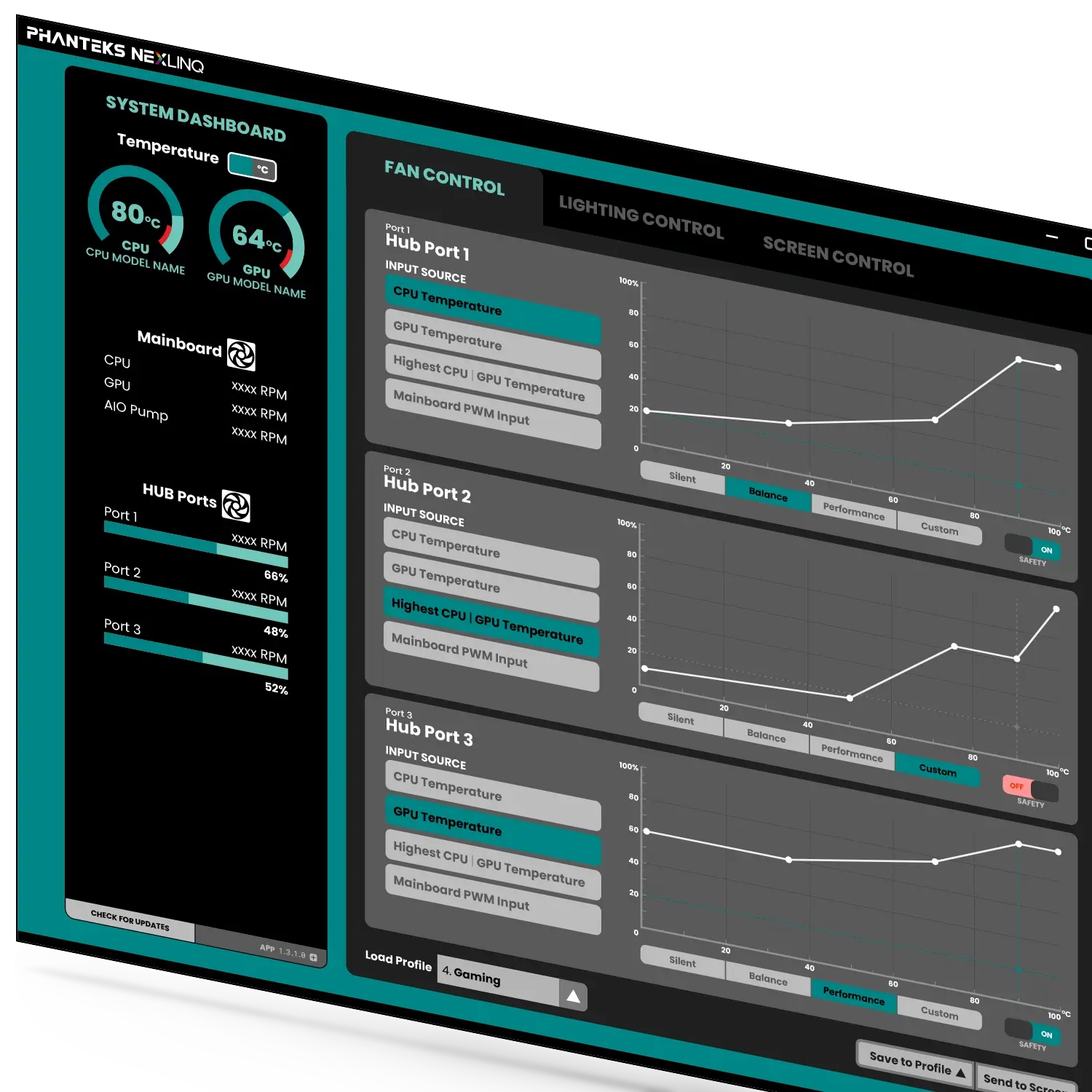
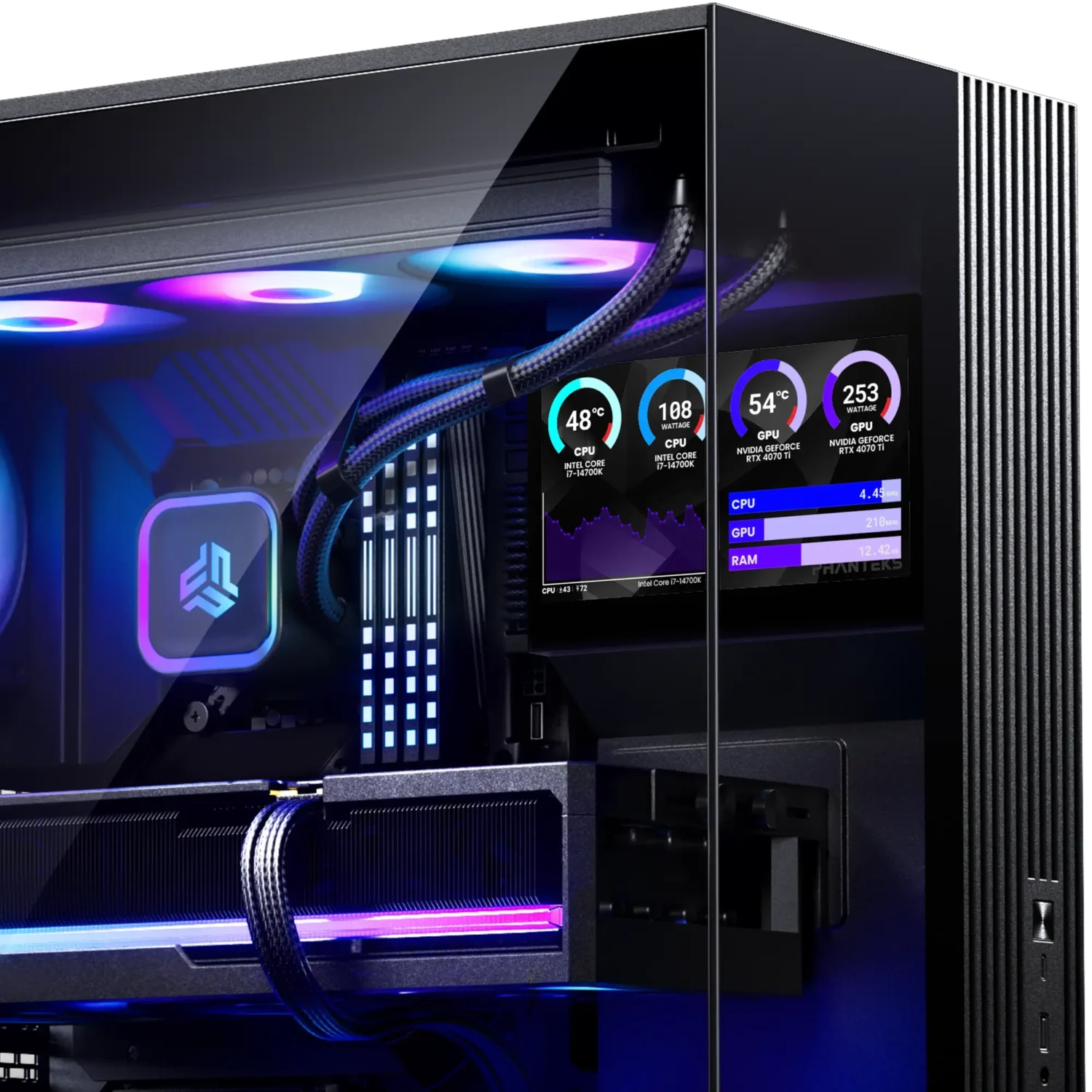
With the Phanteks Nexlinq Windows app, fan, lighting, and screen control become a breeze. The Phanteks Nexlinq Windows App is a lightweight application that takes very few resources yet presents a comprehensive overview of core system stats and powerful fan control settings. Users can automate fan RPMs through either automatic or manual PWM curves, based on CPU or GPU temperatures or whichever is higher.

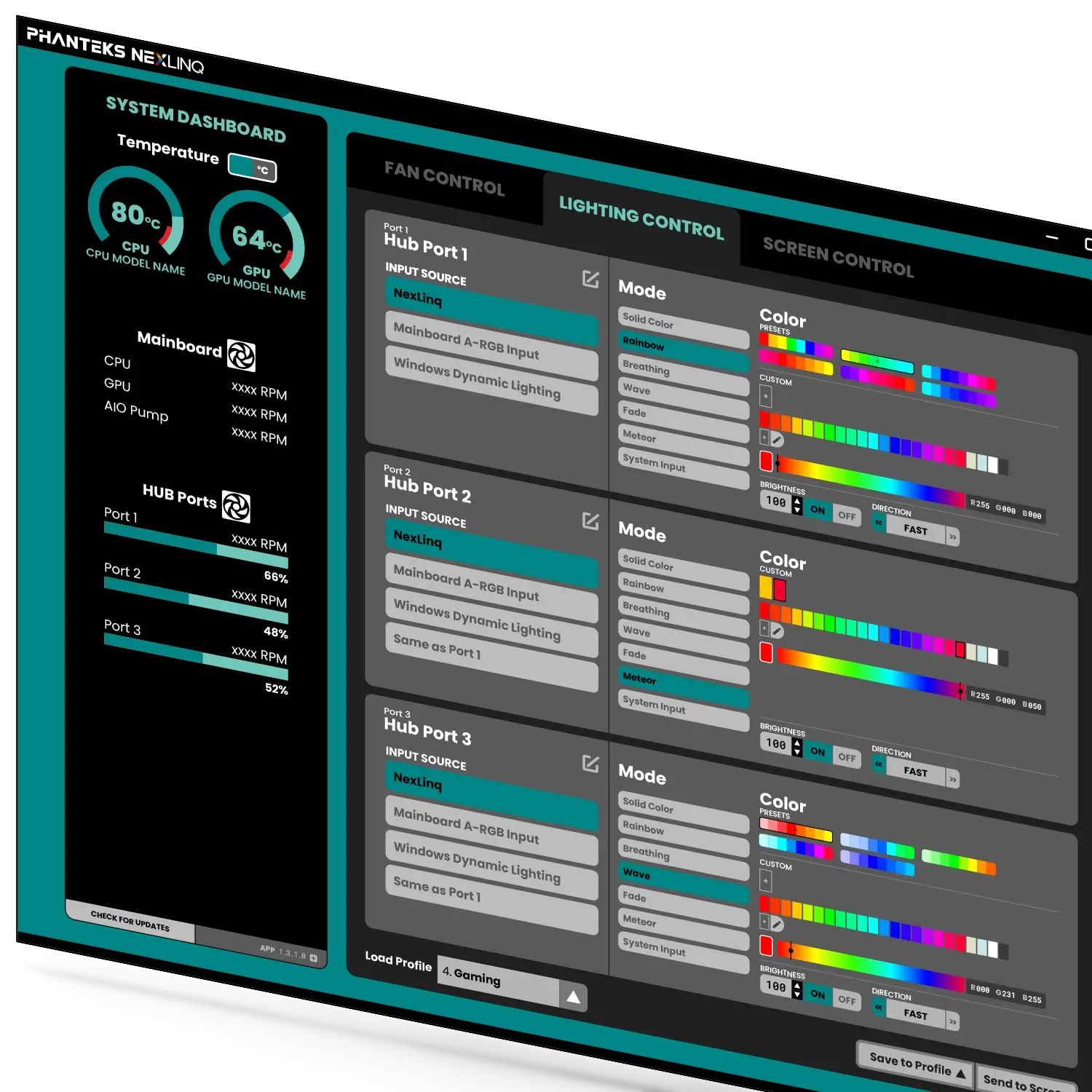
The lighting effects have been carefully curated to offer a wide range of tastefully executed options to personalize your build.

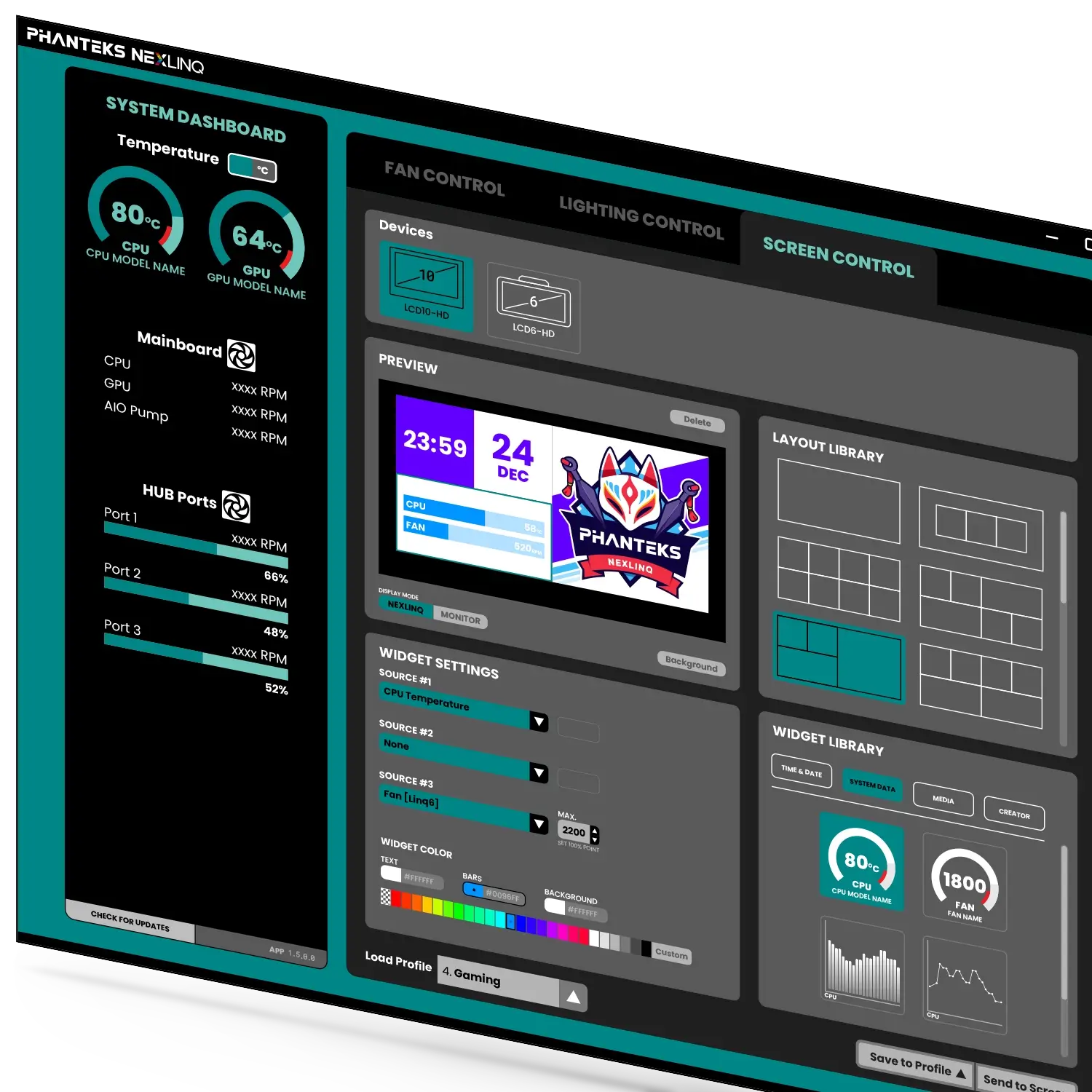
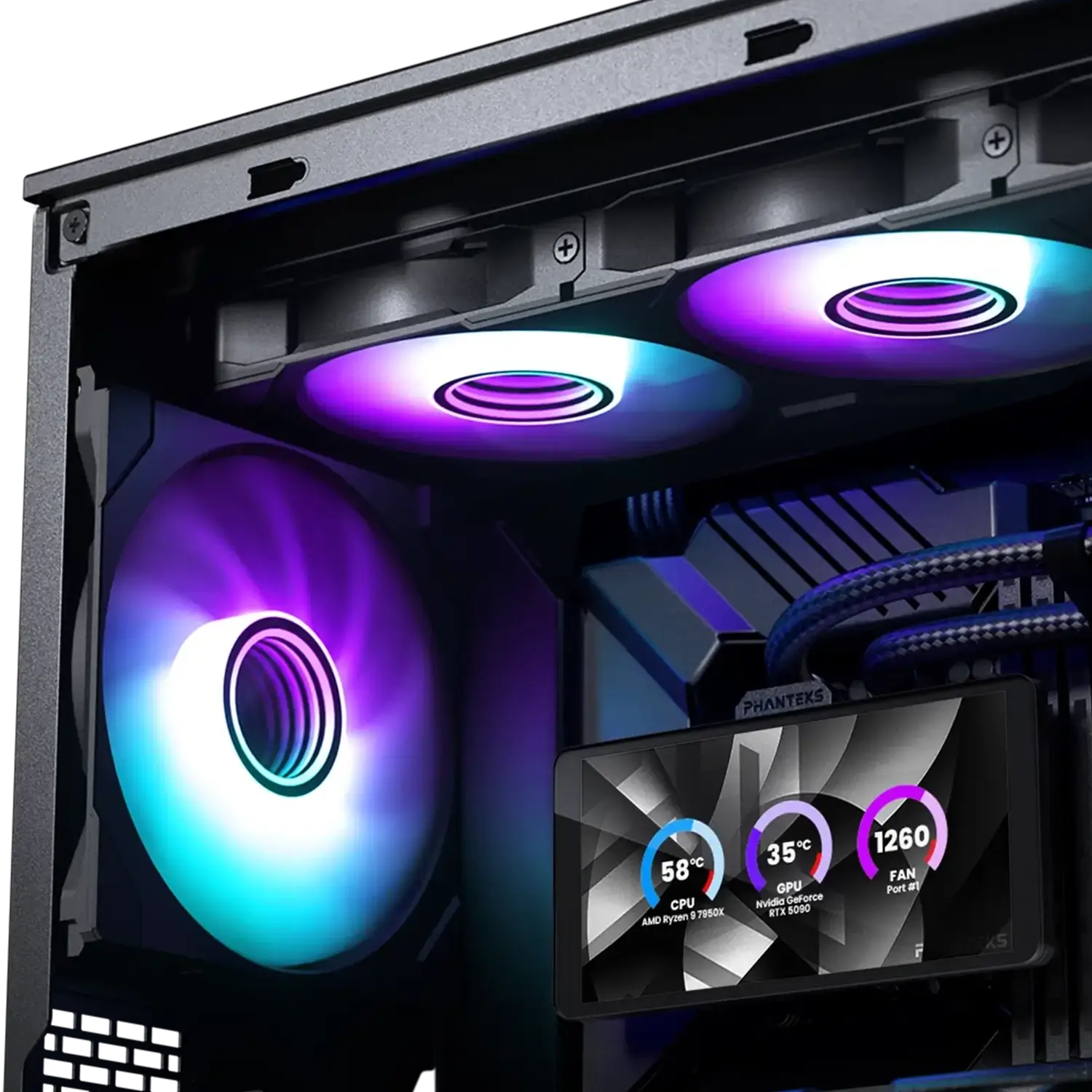
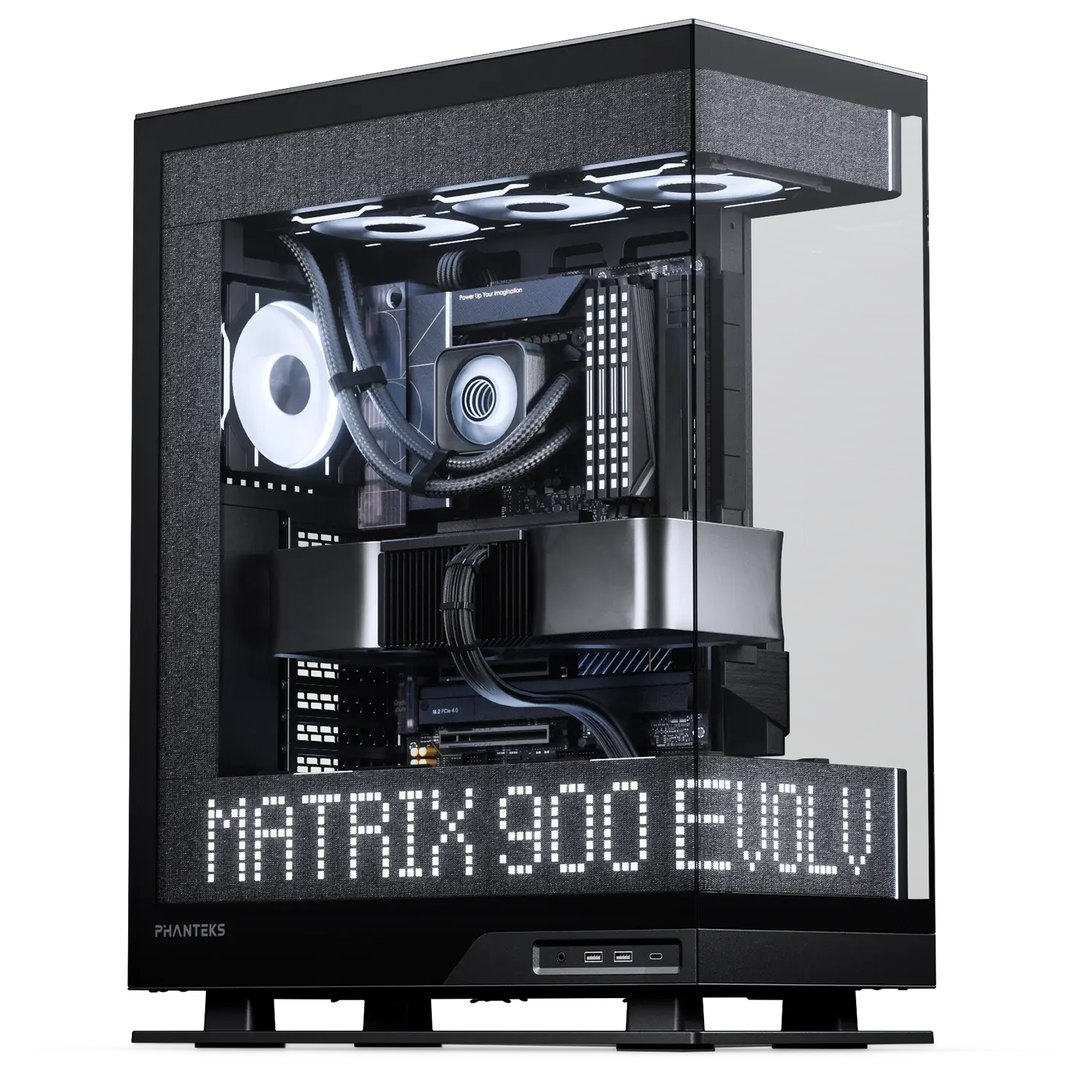
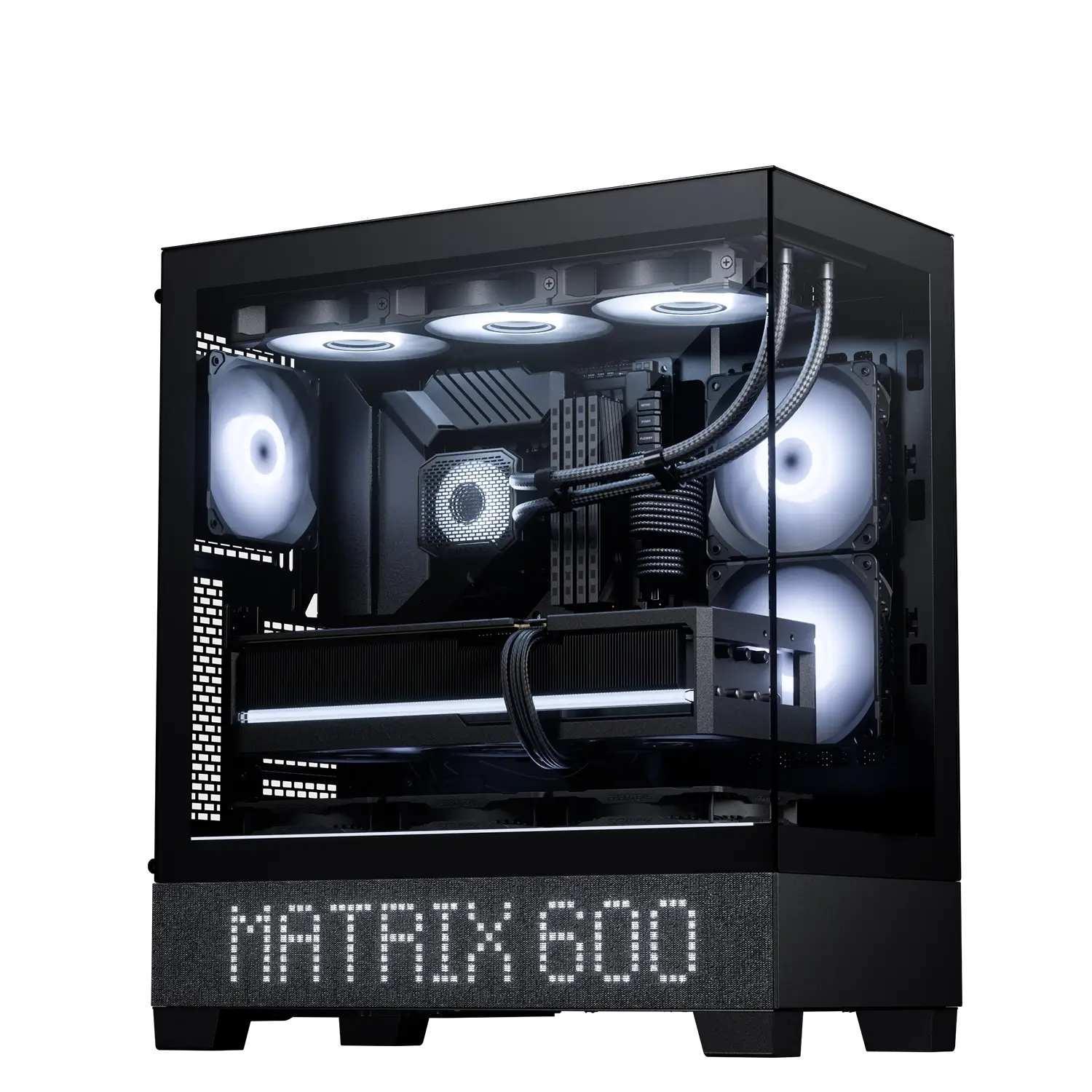
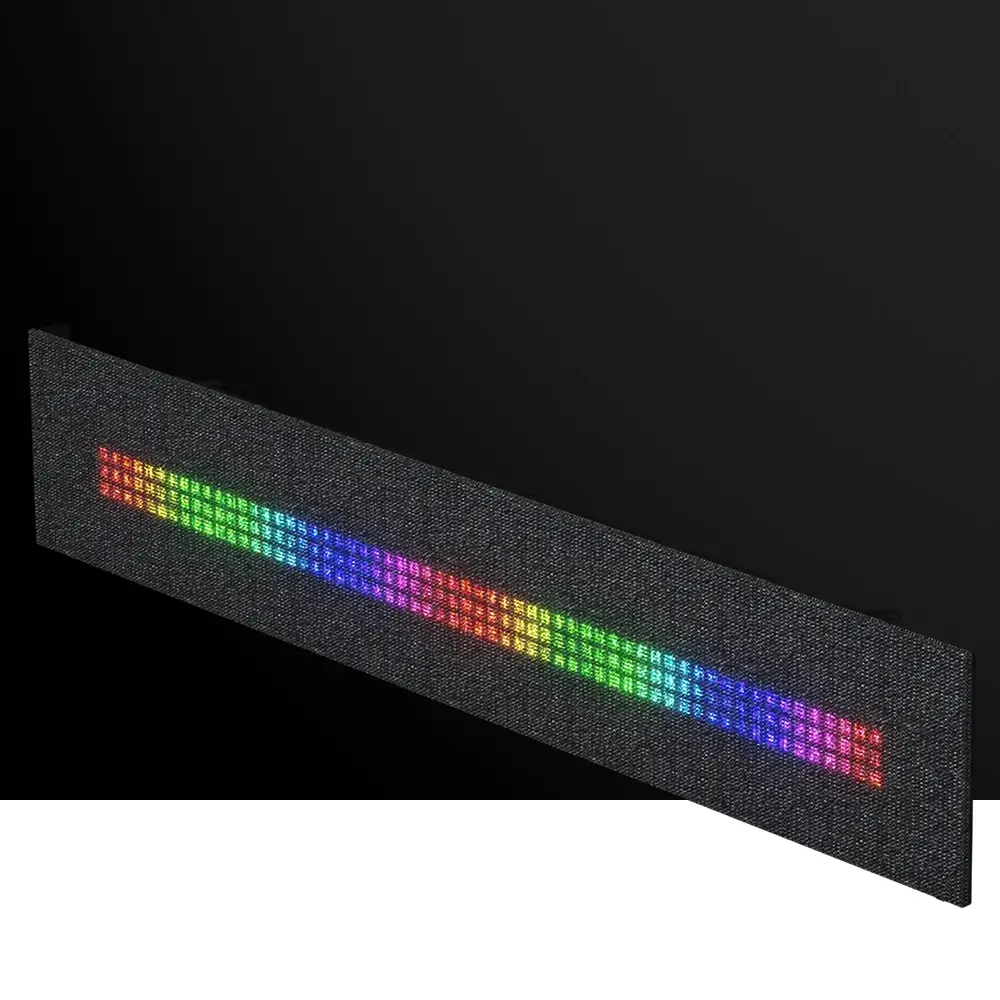
For further personalization, you can also control the Phanteks Matrix screen with Nexlinq software. Design the matrix layout to your own taste with the fully packed library of widgets. Users can even create their own art with the built-in Nexlinq Editor widget.

NexLinq v1.4.0.2

Lightweight Control Without Compromise

  • Designed to be lightweight and highly effective while using extremely low system resources.

  • No account is required; simply install the software and start customizing immediately.

  • Unified fan, lighting and screen control through a single intuitive interface.

  • Regular software updates with expanding functionality, widgets, and personalization options.

Personalize Every Part of Your Setup

  • Optimized pre-defined or custom PWM fan curves.
  • Custom ARGB effects and color control.
  • Create custom LCD and Matrix layouts with widgets for system data, media, time & date, and much more.

Built your NexLinq Ecosystem

  • Clean cable management, connect and control all fans easily with minimal cable usage.
  • Connect intake fans on a separate channel to make the fan speed dependent on GPU temperature for optimal cooling performance.
  • Create separate groups of connected fans or daisy-chain all fans together onto one single channel.

Support

Documentation

NexLinq App

FAQ

v1.4.0.1

With the V1.4.0.1 release, the Phanteks NexLinq App further improves stability and reliability.

What’s New

  • LCD – Video Cropping Tool
    ▪ Added a built-in tool for cropping, trimming, and compressing videos to provide a streamlined workflow.
    ▪ Removed the 30 MB import limit.
    ▪ The new export limitation is based on time to increase possible video length.

What’s Fixed

  • Updated Wave Lighting Presets
    ▪ Refined the presets for the Wave lighting effect.

The NexLinq App strives to provide a lightweight and stable solution to control your cooling, lighting, and screen devices. We will continue to improve it with more bug fixes and introduce new features to the Phanteks Nexlinq App for Windows.

v1.4.0.0

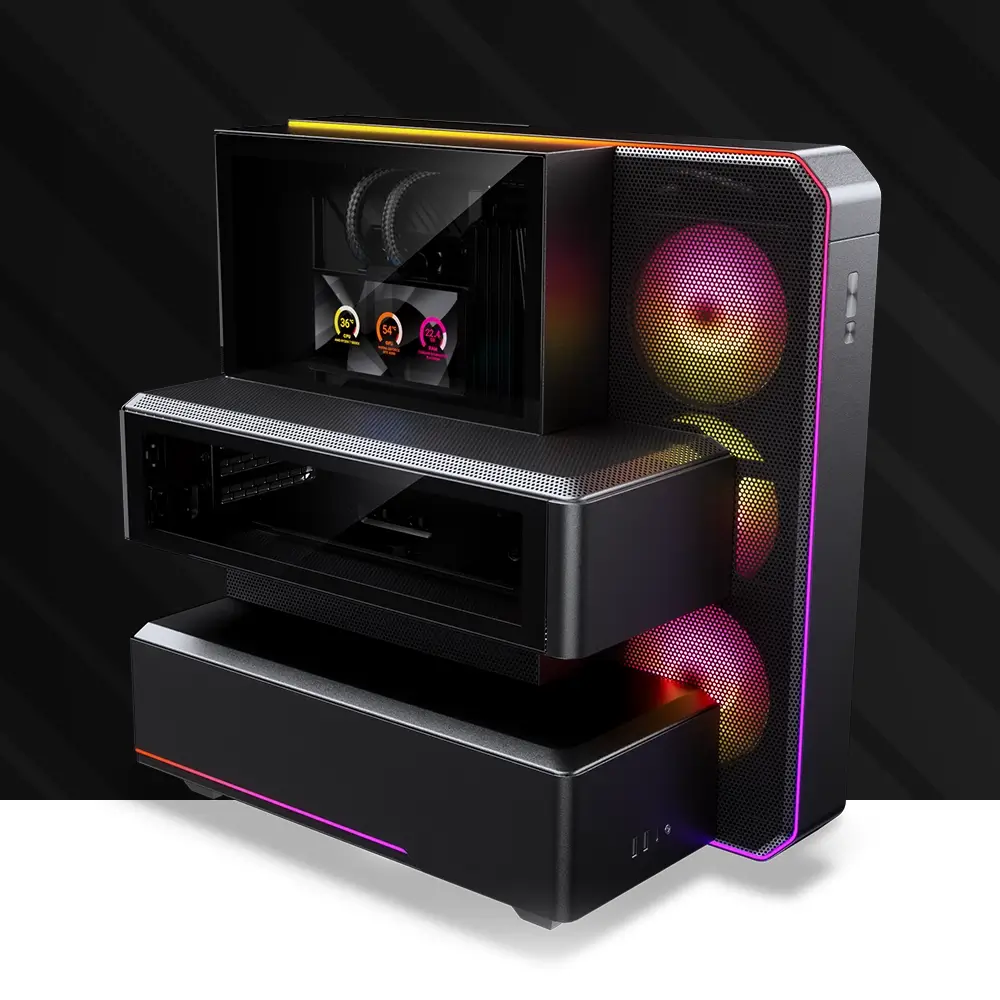
This release improves the interface and adds support for the upcoming XT V5-LCD chassis.

What’s New

  • Device Detection UI Improvement
    ▪ The application now automatically detects connected devices.
    ▪ When no NexLinq hardware is detected, function tabs will be hidden to simplify the interface and avoid confusion.
  • Preset Lighting Control Restored
    ▪ Preset lighting control has been reintroduced, allowing users to quickly apply predefined lighting effects.
  • Lighting Speed Control Logic Improvement
    ▪ Updated the lighting speed control logic to provide a more intuitive user experience.
  • LCD System Data Widget, Fan Name Display
    ▪ Fan names are now displayed for clearer device identification.

What’s Fixed

  • Fan Curve Tooltip Behavior
    ▪ Fixed an issue where the fan curve tooltip would not close after the mouse cursor left the control point.
  • Fan Name Sync in Widgets
    ▪ Fixed an issue where renaming a fan did not update correctly in certain widgets.
  • Hub Port Name Synchronization
    ▪ Fixed an issue where widget labels did not update automatically after renaming a HUB port.
  • Matrix Widget Text Display
    ▪ Fixed an issue where CPU, GPU, and FAN labels displayed incorrectly in Matrix small widgets.
  • Screen Orientation Issue
    ▪ Fixed an issue where widget scaling and background images behaved incorrectly when switching between landscape and portrait modes.
  • External Mainboard Control Switching
    ▪ Fixed an issue where switching HUB ports set to “Same as Port1” to external mainboard control caused incorrect behavior.

The NexLinq App strives to provide a lightweight and stable solution to control your cooling, lighting, and screen devices. We will continue to improve it with more bug fixes and introduce new features to the Phanteks Nexlinq App for Windows.

v1.3.1.0

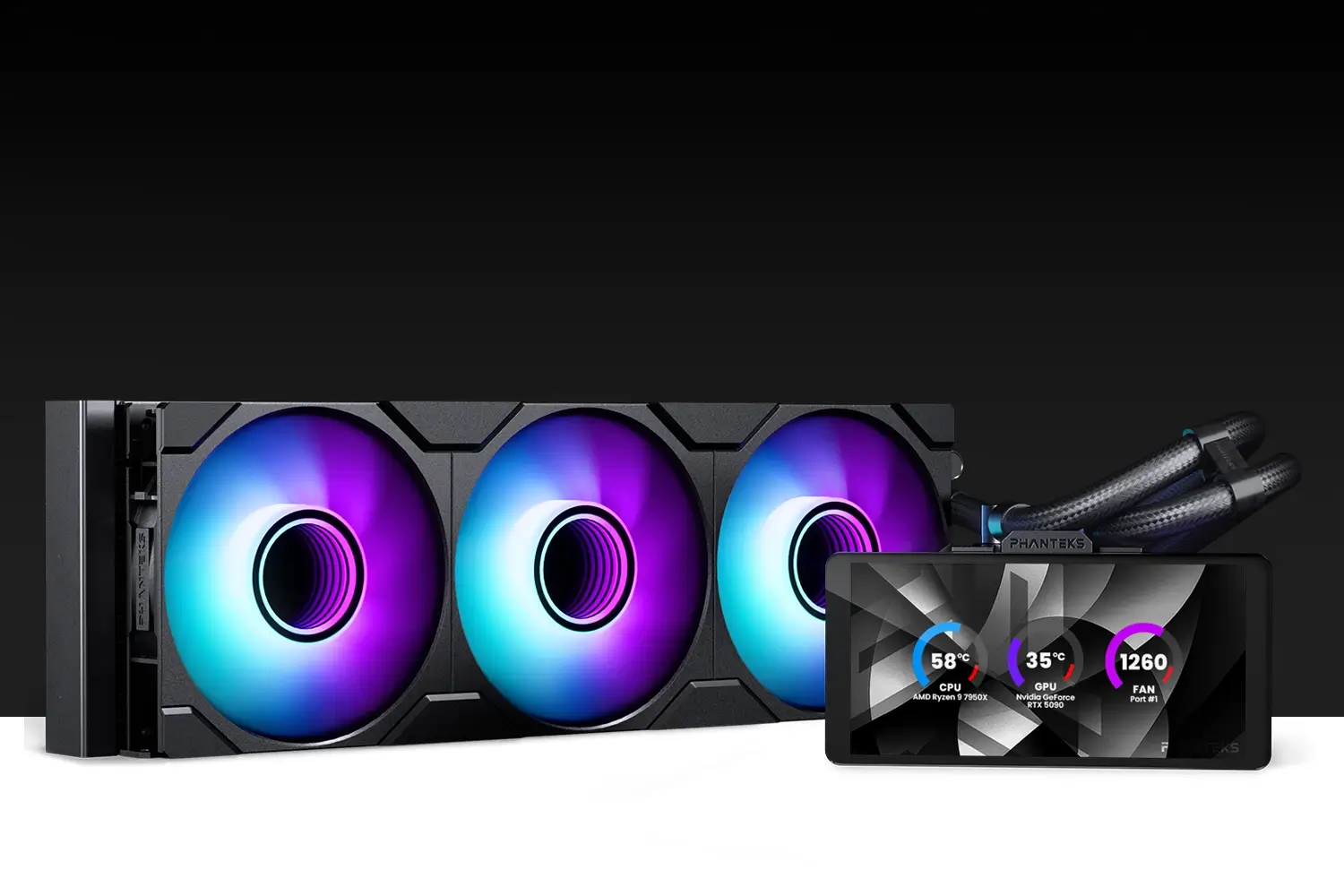
With the V1.3.1.0 release, the Phanteks NexLinq App further improves stability and reliability. This release adds support for the new 6″ LCD display.

What’s New

  • Fan Curve Value Display
    ▪ PWM percentage and temperature values are now clearly shown when adjusting the fan curve for more precise tuning.
  • LED Effect Direction Control
    ▪ Added direction control for D-RGB lighting effects, allowing better visual customization.
  • Gradient Line Tool for Matrix Editor
    ▪ The Matrix Editor gradient line tool now supports the transparent color, resulting in more dynamic visual options.

What’s Fixed

  • No Hardware Detection Improved
    ▪ Tabs show a clear message when no hardware is connected.
  • Fan Curve Safety Enabled by Default
    ▪ Safety mode is now turned on by default to help prevent unsafe fan behavior.
  • Profile Loading Optimization
    ▪ Profile loading performance and reliability have been improved.
  • Default Profile Behaviour Improved
    ▪ When editing the default profile, users can now save changes directly to any profile.
  • Matrix Custom Color Picker Improvements
    ▪ Newly added custom colors are now automatically selected for immediate use.
  • Matrix Temperature Graph Refinement
    ▪ Improved graph visualization behavior for better readability on the 5×10 Matrix layouts.
  • LCD Text Widget Width Adjustment
    ▪ LCD text widgets now display more consistently with improved width handling.

The NexLinq App strives to provide a lightweight and stable solution to control your cooling, lighting, and screen devices. We will continue to improve it with more bug fixes and introduce new features to the Phanteks Nexlinq App for Windows.

v1.3.0.0

With the V1.3.0.0 release, the Phanteks NexLinq App further improves stability and reliability. This release adds support for the new 6″ LCD display.

What’s New

  • Custom Color Selector for Matrix
    ▪ All Matrix widgets now use a unified RGB color selector for consistent color control.
  • New 6-inch LCD Device Support
    ▪ Added support for the new 6″ LCD display.
  • Cleaner Interface and Naming
    ▪ Port numbers are shown above custom names, and version info now displays only the app version by default.
  • Hardware Detection
    ▪ When no NexLinq hardware is detected, the NexLinq app shows an inactive preview.
  • Refined Fan Curve Editor
    ▪ Added Balance mode and per-port Safety Mode for improved cooling stability.
    ▪ Fan curve editing is clearer and more precise, with improved control points and visible safety indicators.
  • LED Brightness Control
    ▪ LED brightness can now be adjusted from 10% to 100%.
  • Updated D-RGB Effects and Speed Control
    ▪ Two-Tone and Fade are combined into one mode with selectable transitions and adjustable effect speed.

What’s Fixed

  • Improved FAN and GPU Input Selection
    ▪ Selecting a FAN or GPU source now applies immediately without an extra click.
  • Matrix Editor Color Picker Stability Improved
    ▪ Improved stability when switching colors; drag-to-select is now more reliable.
  • Clearer Color Picker Tool Feedback
    ▪ The cursor now correctly reflects when the color sampling tool is active.

The NexLinq App strives to provide a lightweight and stable solution to control your cooling, lighting, and screen devices. We will continue to improve it with more bug fixes and introduce new features to the Phanteks Nexlinq App for Windows.
v1.2.1.0

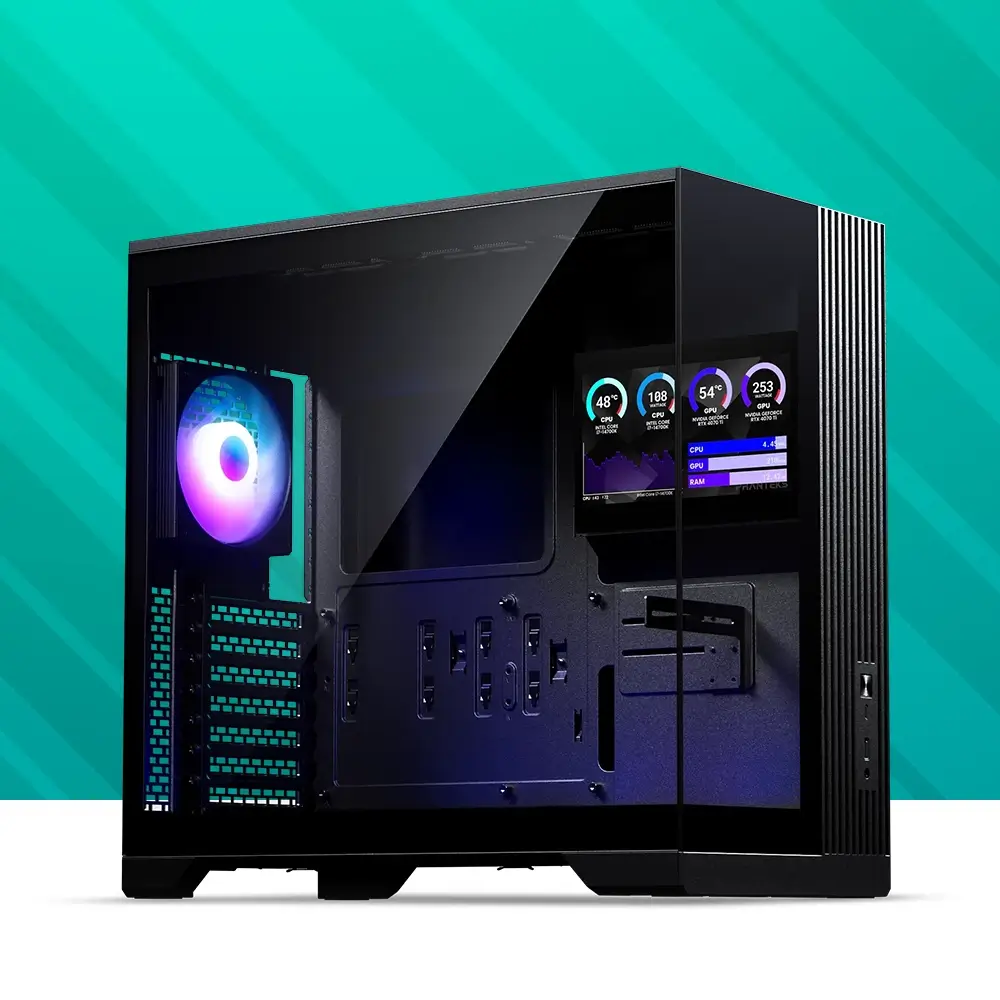
With the V1.2.1.0 release, the Phanteks NexLinq App further improves stability and reliability. This release adds a new Matrix Editor tool.

What’s New

  • New Matrix Editor Tool Added
    ▪ Create custom drawings on the Matrix-900 and Matrix-600 panels.
    ▪ Share drawings made in Nexlinq with others using the import and export buttons.
    ▪ Changed the ‘Text’ category to ‘Creator’.

The NexLinq App strives to provide a lightweight and stable solution to control your cooling, lighting, and screen devices. We will continue to improve it with more bug fixes and introduce new features to the Phanteks Nexlinq App for Windows.
v1.2.0.1

With the V1.2.0.1 release, the Phanteks NexLinq App further improves the stability and reliability. This release addresses several security items listed below.

What’s Fixed

  • Installation Stability & Security
    ▪ Addressed an issue that previously caused Windows Defender to block the installer.
    ▪ Resolved Microsoft SmartScreen warnings during installation and launch.
    ▪ Improved overall reliability and security to ensure a smoother update experience.

We strive to provide a lightweight and stable app to control your cooling and lighting devices, and we will continue to improve it with more bug fixes and introduce new features to the Phanteks Nexlinq App for Windows.
v1.2.0.0

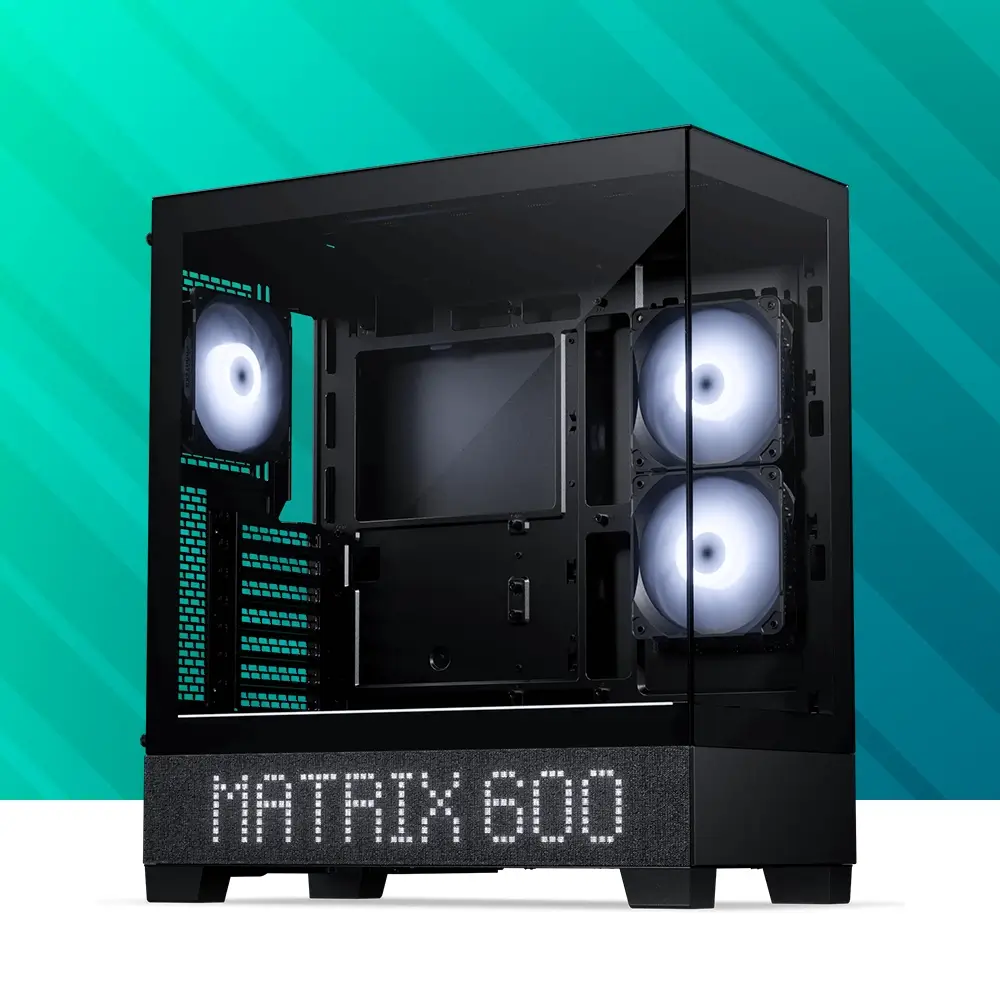
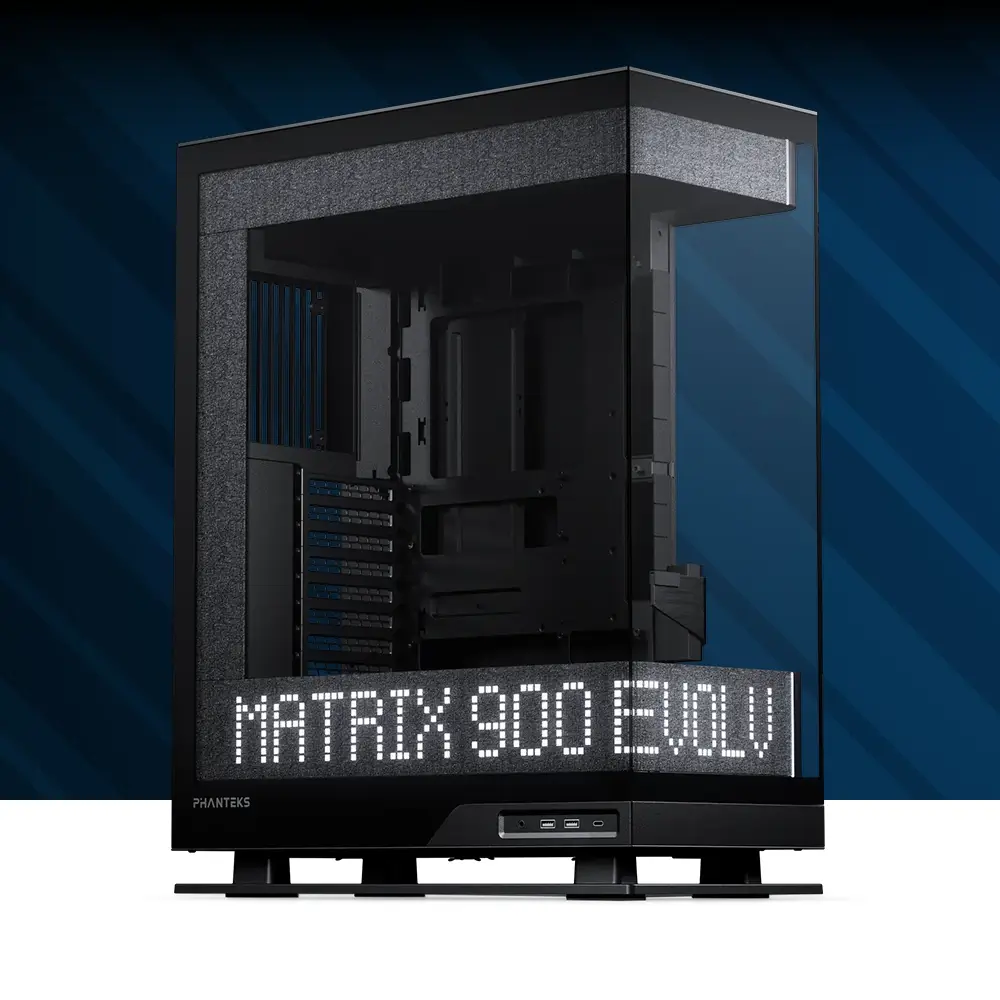
With the V1.2.0.0 release, the Phanteks Nexlinq App has been prepared for the upcoming Evolv X2 and XT View Matrix-Screen chassis releases later this year. It also fixes several known issues.

What’s New

  • Screen Control Tab
    A brand-new interface to manage the Matrix screen devices directly from NexLinq.
    New devices supported are the Matrix-900 and Matrix-600 screens.
    Widget Library custom-designed for the Matrix Screens.

What’s Fixed

  • UI Behavior on High-DPI Displays
    Resolved scaling issues on high-resolution screens; fonts, buttons, and layouts now display correctly at 150% and 200% scaling.

  • Device Version Display
    Improved font and alignment of version information for a clearer view.

We strive to provide a lightweight and stable app to control your cooling and lighting devices, and we will continue to improve it with more bug fixes and introduce new features to the Phanteks Nexlinq App for Windows.
v1.1.0.2

With the V1.1.0.2 release, the Phanteks Nexlinq App has been thoroughly overhauled for future feature expansion and stable operation. It also fixes several known issues.

NexLinq App Updates

  • Refactored UI Framework
    The software interface has been refactored using a new HTML-based structure. Enables

  • GPU Selection Dropdown for Multi-GPU Systems
    When two or more GPUs are detected, a dropdown allows the user to select the GPU to monitor manually.

  • Long GPU Name Display Optimization
    Resolved UI truncation for long GPU model names.
  • Blank Profile Auto-Save Structure
    If the app is disabled without saving settings or sending to the hub, changes are stored temporarily in a blank profile.
  • Save-to-Profile Toggle Selection
    Introduced a toggle list to the “Save to Profile” button, allowing users to directly choose which profile to save into.
  • Profile Control UI Enhancements
    “Send to Hub” and “Save to Profile” buttons have been grouped and redesigned for clearer differentiation. Status indicators and layout spacing have been improved for usability.
  • Save and Send Button Behaviour
    Modified the logic of the “Save to Profile” and “Send to Hub” buttons.
  • System Font Scaling Fix
    Resolved an issue where changes in system font size caused UI layout disruptions.

  • GPU Temperature Data Source Priority
    GPU temperature is now set as the primary source for GPU thermal readings.

  • Temperature Reporting Frequency Improved
    Addressed a delay in temperature reporting where updates lagged by ~5 seconds.
  • Profile Dropdown Visual Enhancement
    Fixed a visual issue where divider lines between profiles were missing in the dropdown menu.

NexLinq Hub v10215 Updates

  • Incorrect RPM Display at 0% PWM
    Fixed a bug where HWMonitor reported 207 RPM when the fan was at 0 RPM.
  • Mainboard RPM Signal Source Fixed
    When the mainboard RPM cable is connected, the RPM signal is now consistently sourced from Port 1.

  • Fan Behaviour Stabilized Under CPU/GPU Load
    Resolved an issue where fans would abruptly stop and restart (drop to 0 RPM) during CPU or GPU stress tests.

We strive to provide a lightweight and stable app to control your cooling and lighting devices, and we will continue to improve it with more bug fixes and introduce new features to the Phanteks Nexlinq App for Windows.
Can’t find the answer you’re looking for?
Contact us through the SUPPORT button in the bottom right corner of the website.

NexLinq Compatibility

Fans

M25 Gen2

High Value Daisy-Chained Fan

All-In-One Watercoolers

Glacier One M25G2

High Value Daisy-Chained Fan

Glacier One D30 X2

High Performance Cooling

Upgrade Kits

M25 Gen2

The unique Matrix-600 Screen hides beautifully behind the soft fabric panels with its 600-LED array.

Go to Top