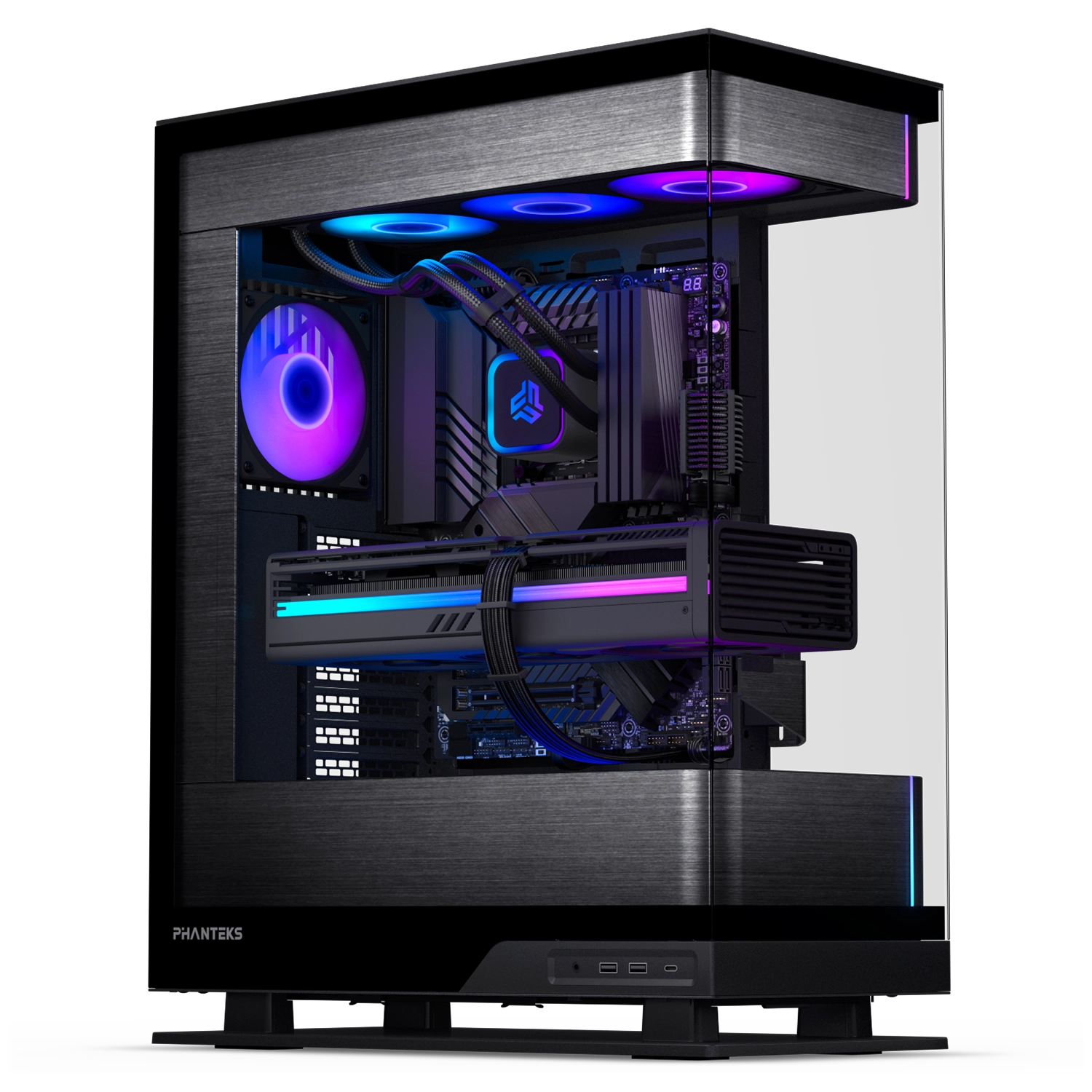
Glacier One 360S25-SE
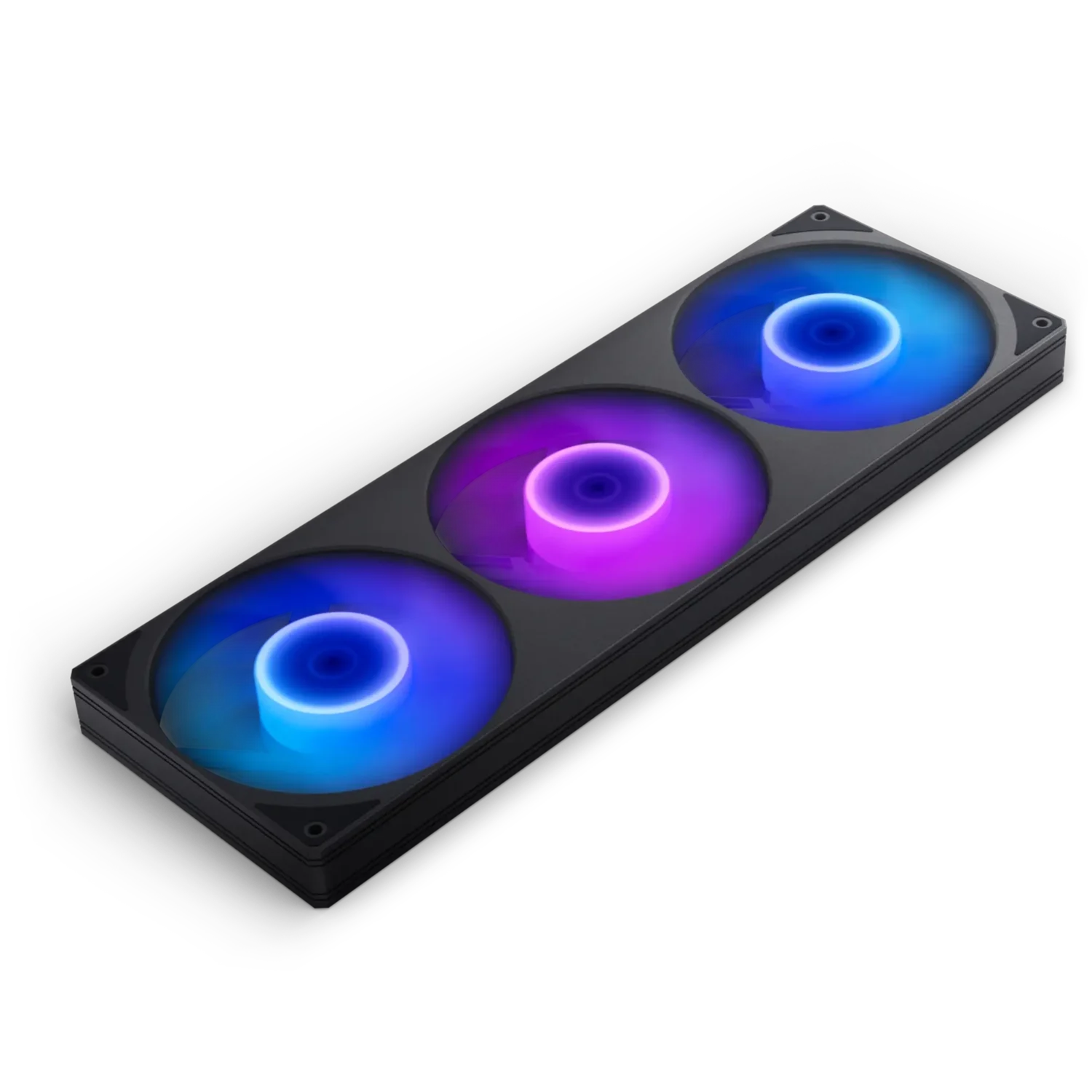
Cooling with Single Frame Fan
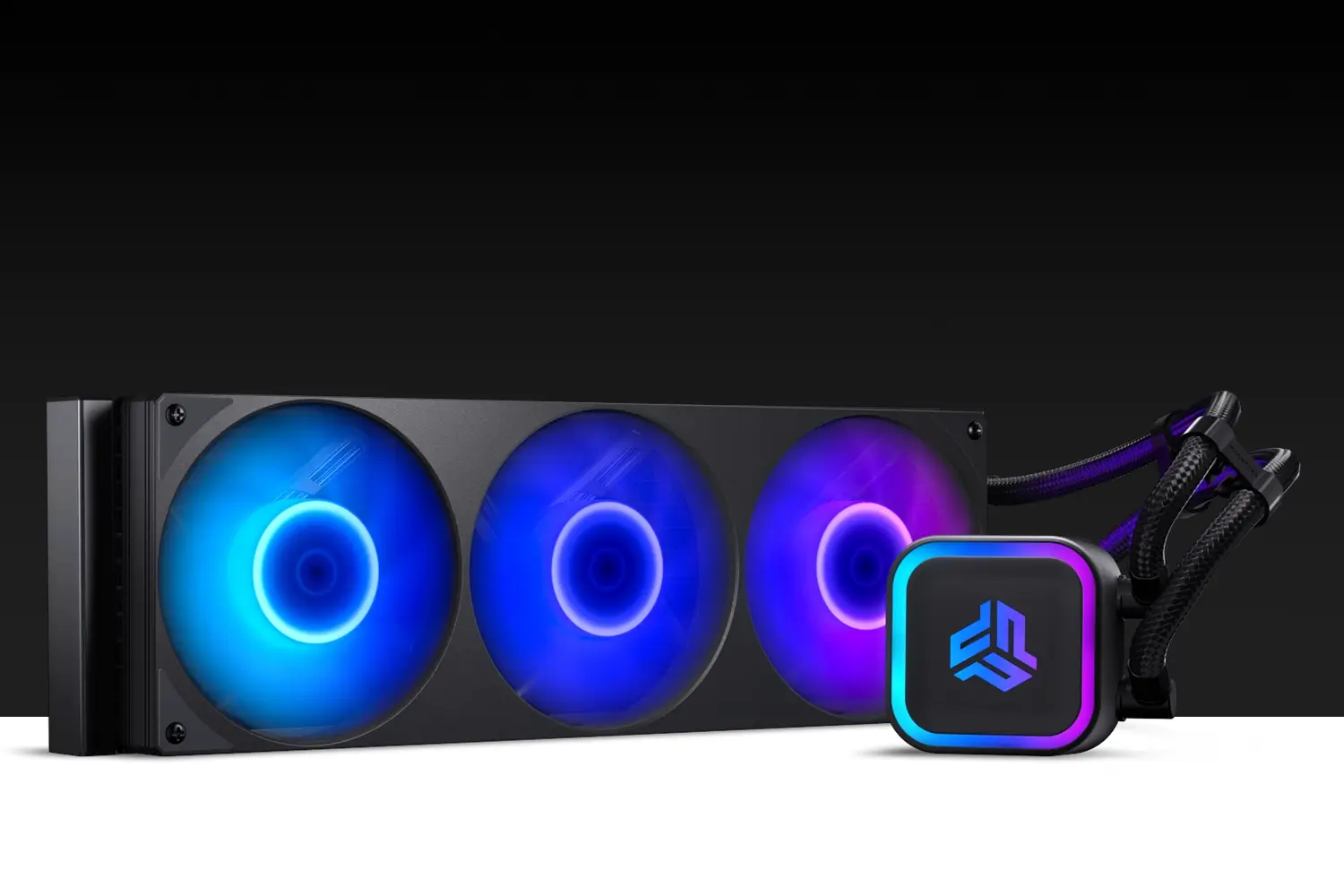
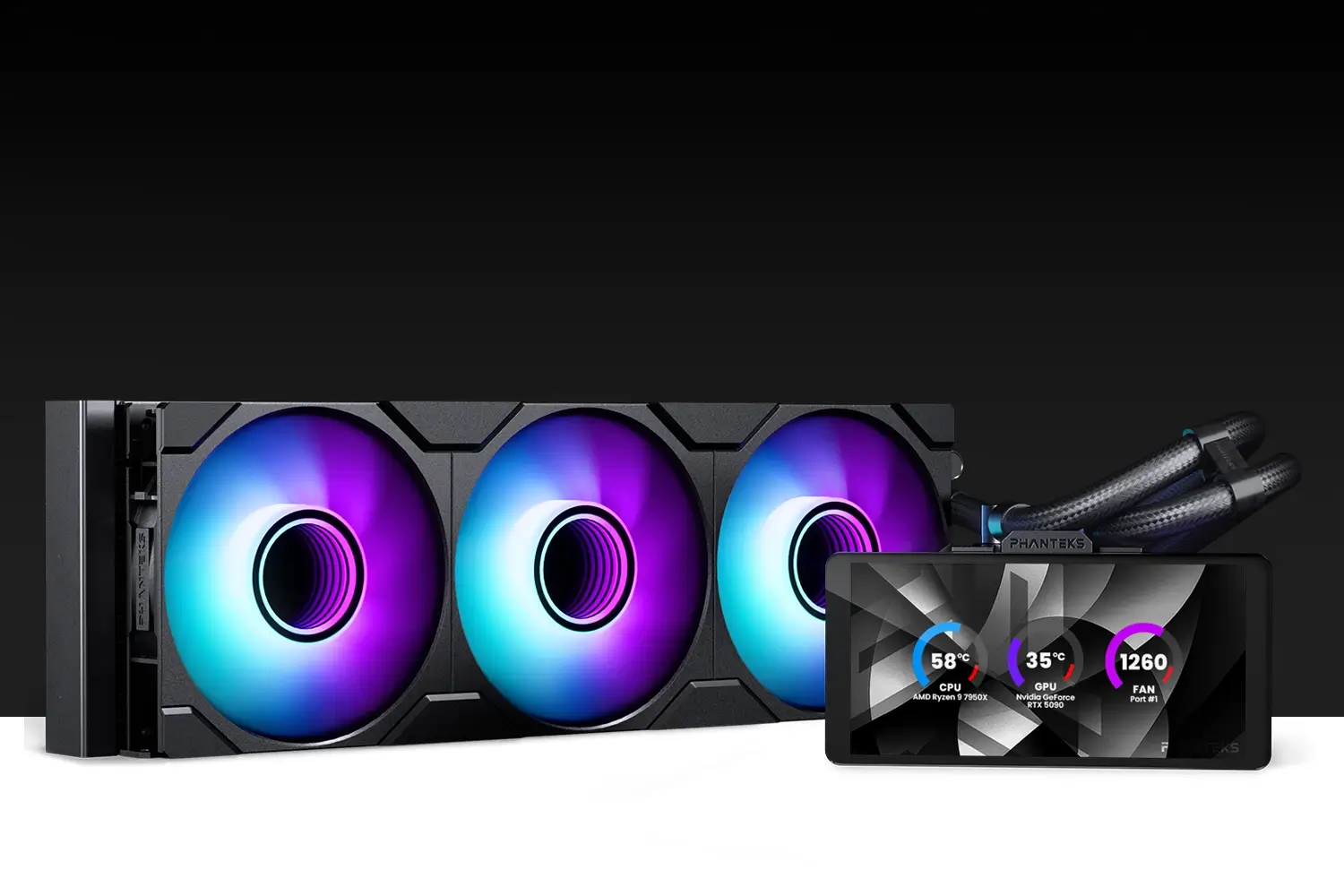
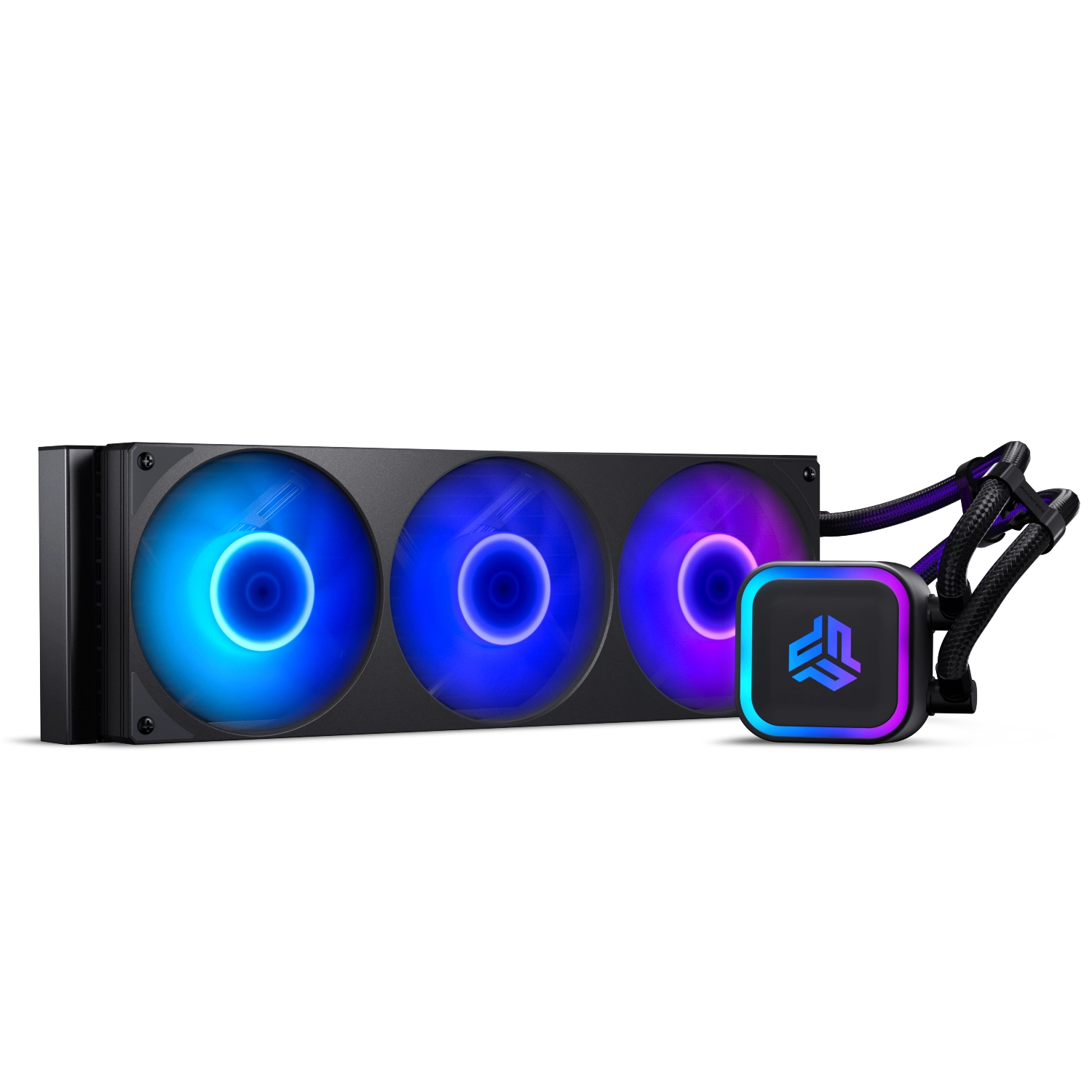
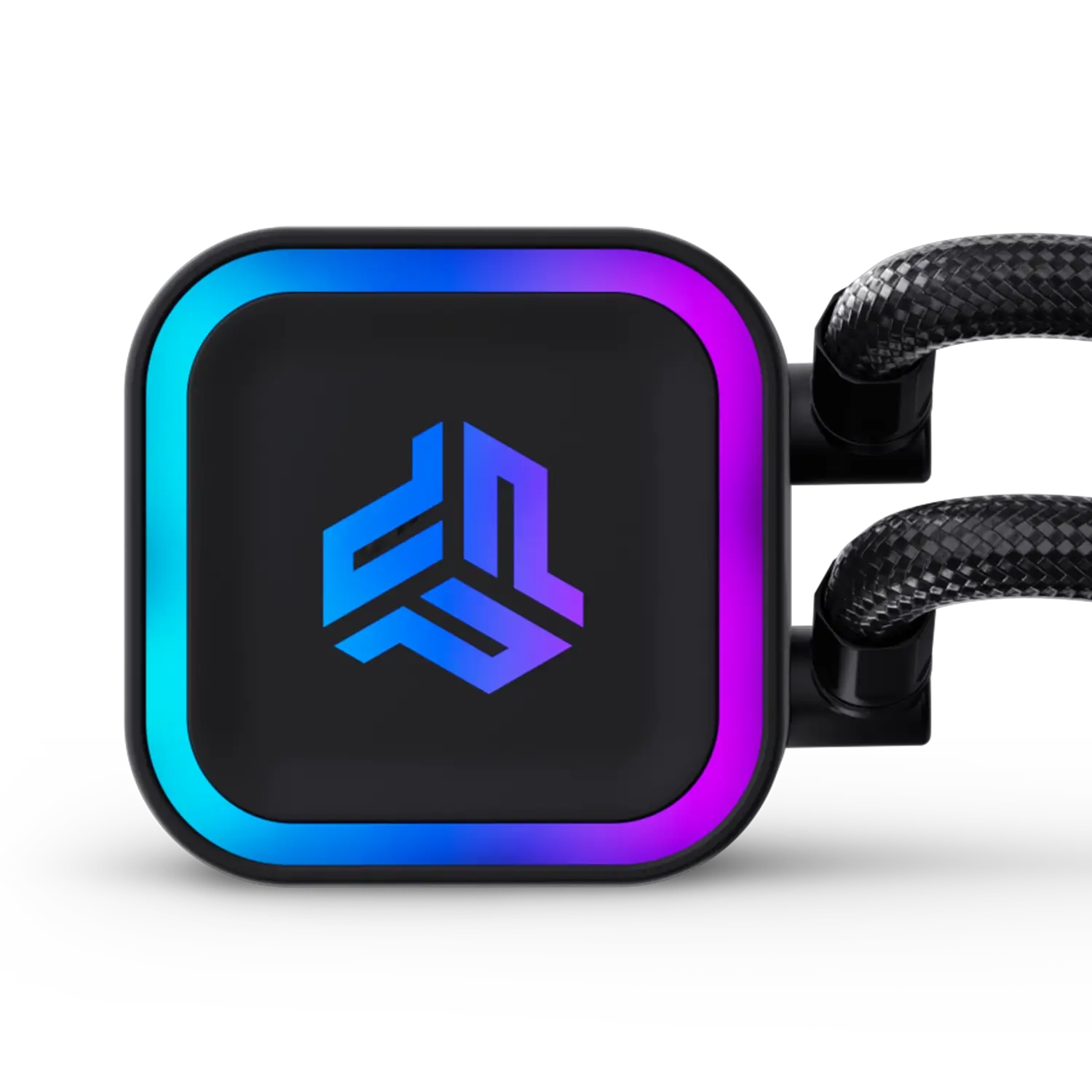
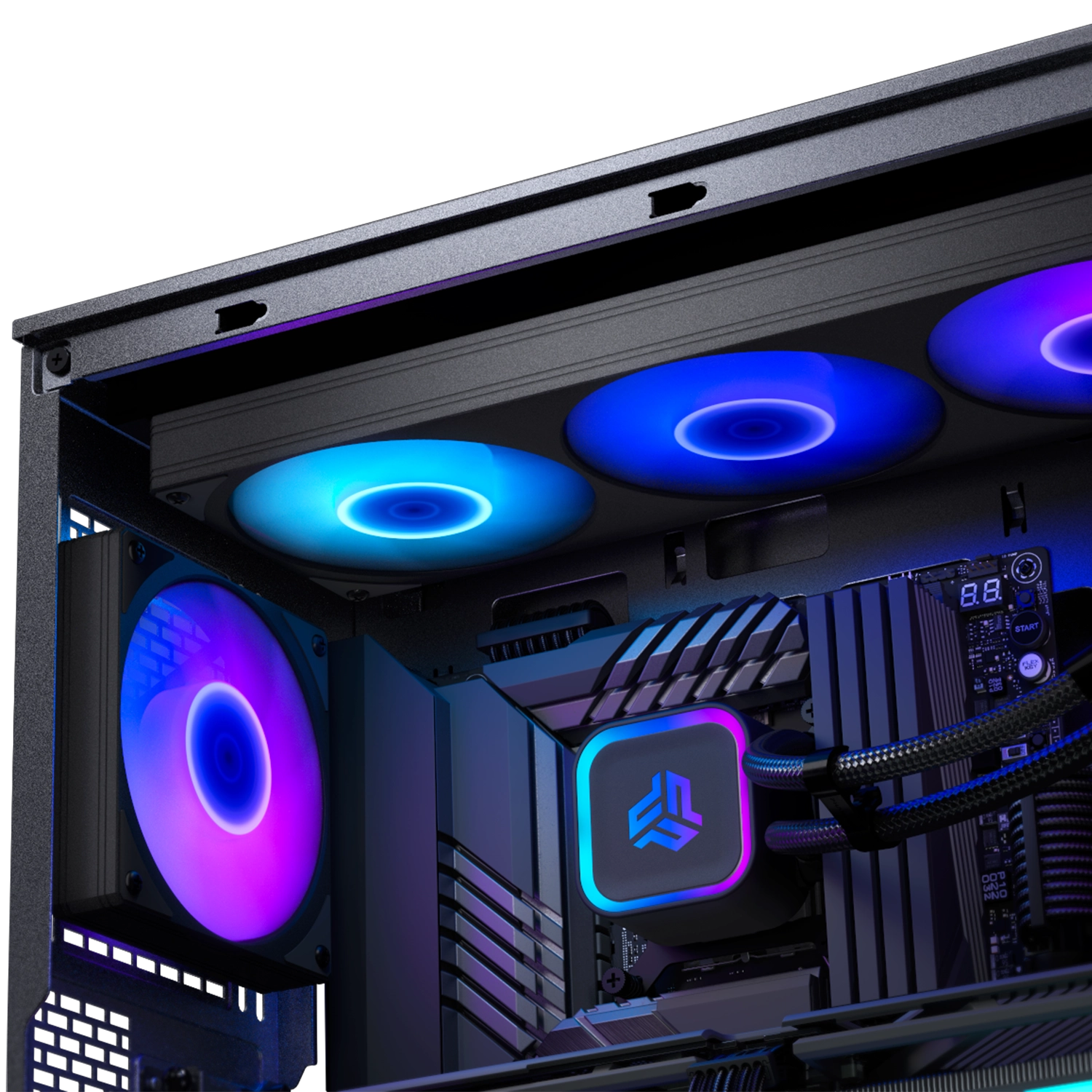
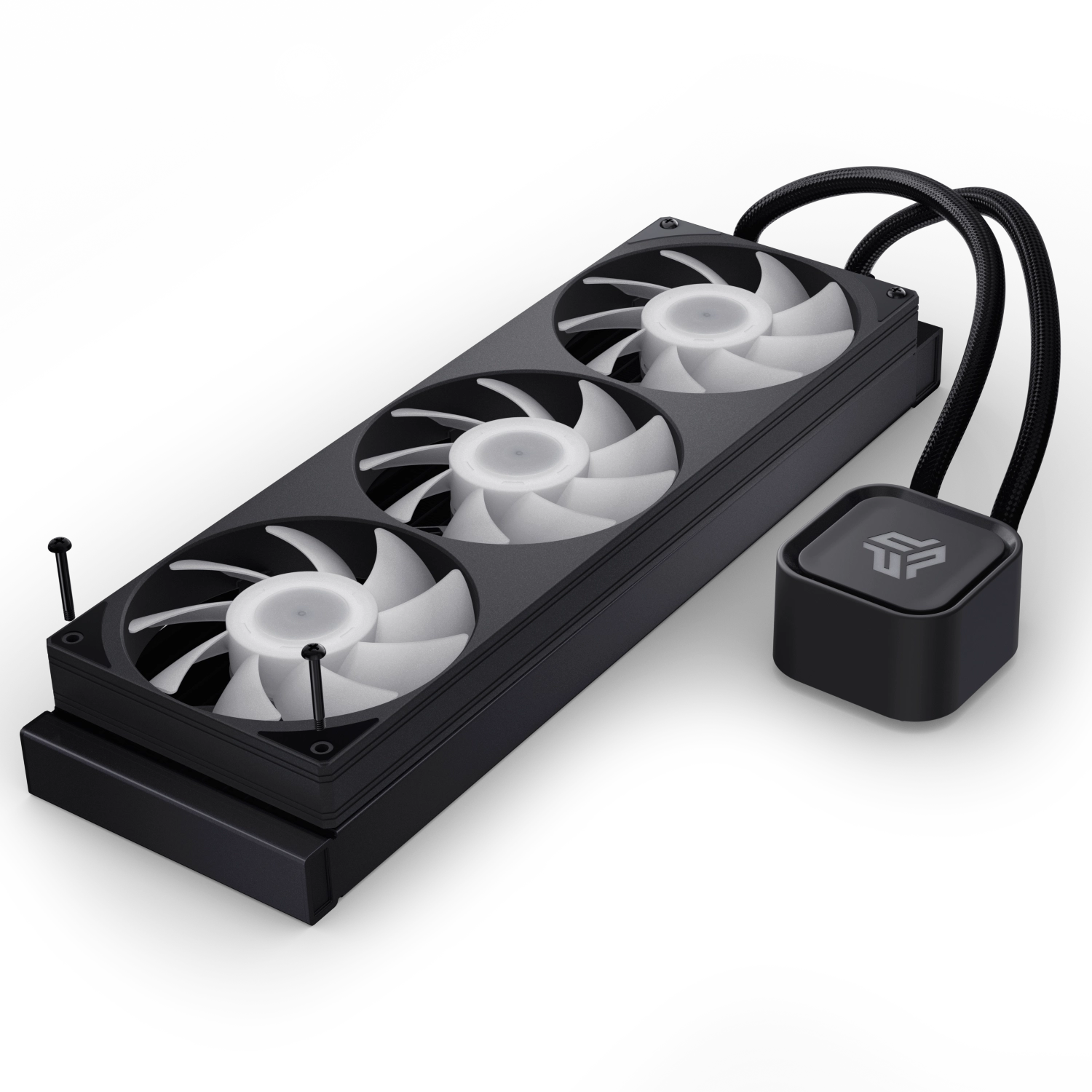
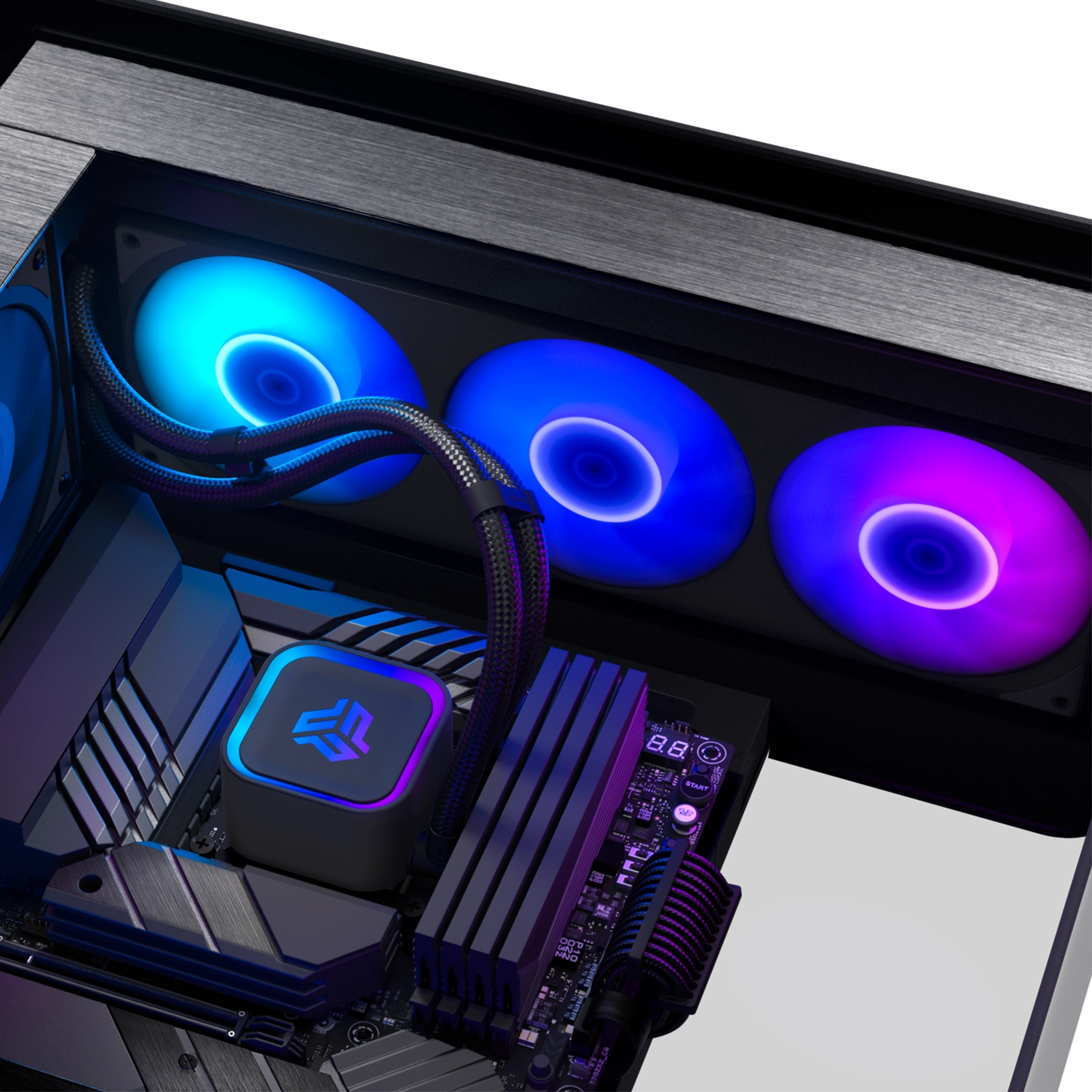
The Glacier One S25-SE AIO Liquid CPU Cooler is a high-performance CPU cooling solution. Equipped with a single frame S25 ARGB fan with a single cable for the complete fan frame, installation is a breeze. The large copper base and fin array efficiently cool high-end CPUs, even under heavy loads.
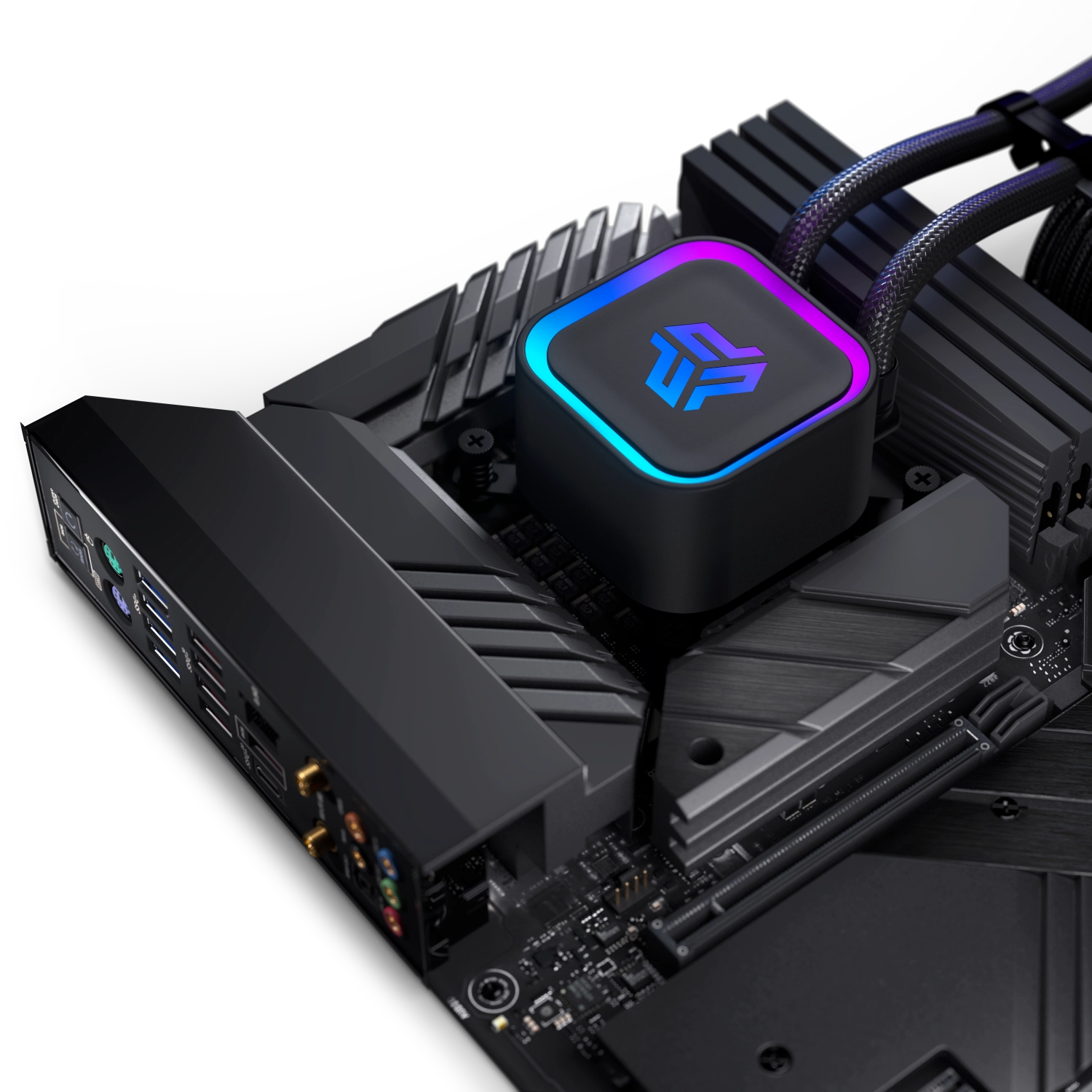
With a design that maximizes clearance for motherboard and RAM components, the Glacier One S25-SE makes it perfect for users seeking optimal cooling and a clean, sleek setup.


Specifications
General
Model No.
PH-GO360S25SE_DBK01
UPC Code
886523512226
Materials
Aluminum | ABS plastic | Copper
Color
Black
Intel Compatibility
LGA 115x | 1200 | 1700 | 1851
AMD Compatibility
AM4 | AM5
Radiator Dimensions
Length x Width x Height
394 x 120 x 27 mm | 15.51 x 4.72 x 1.06 in
Pump Dimensions
Length x Width x Height
70 x 66 x 50.94 mm | 2.75 x 2.59 x 2.00 in
Pump Details
Tube Details
Motor Speed
3100 RPM ± 10% (100% Duty Cycle)
Power
12V | 0.35A | 4.20W
Pump DC Cable
400 + 10 mm | 15.74 + 0.39 in
Sound Level
18.0 dBA
Material
Copper | ABS
ARGB Connector
JST
ARGB Cable Length
535 ± 10 mm | 21.06 ± 0.39 in Daisy-chain
Length
400 mm | 15.74 in
Diameter
10 mm ⌀| 0.39 in ⌀
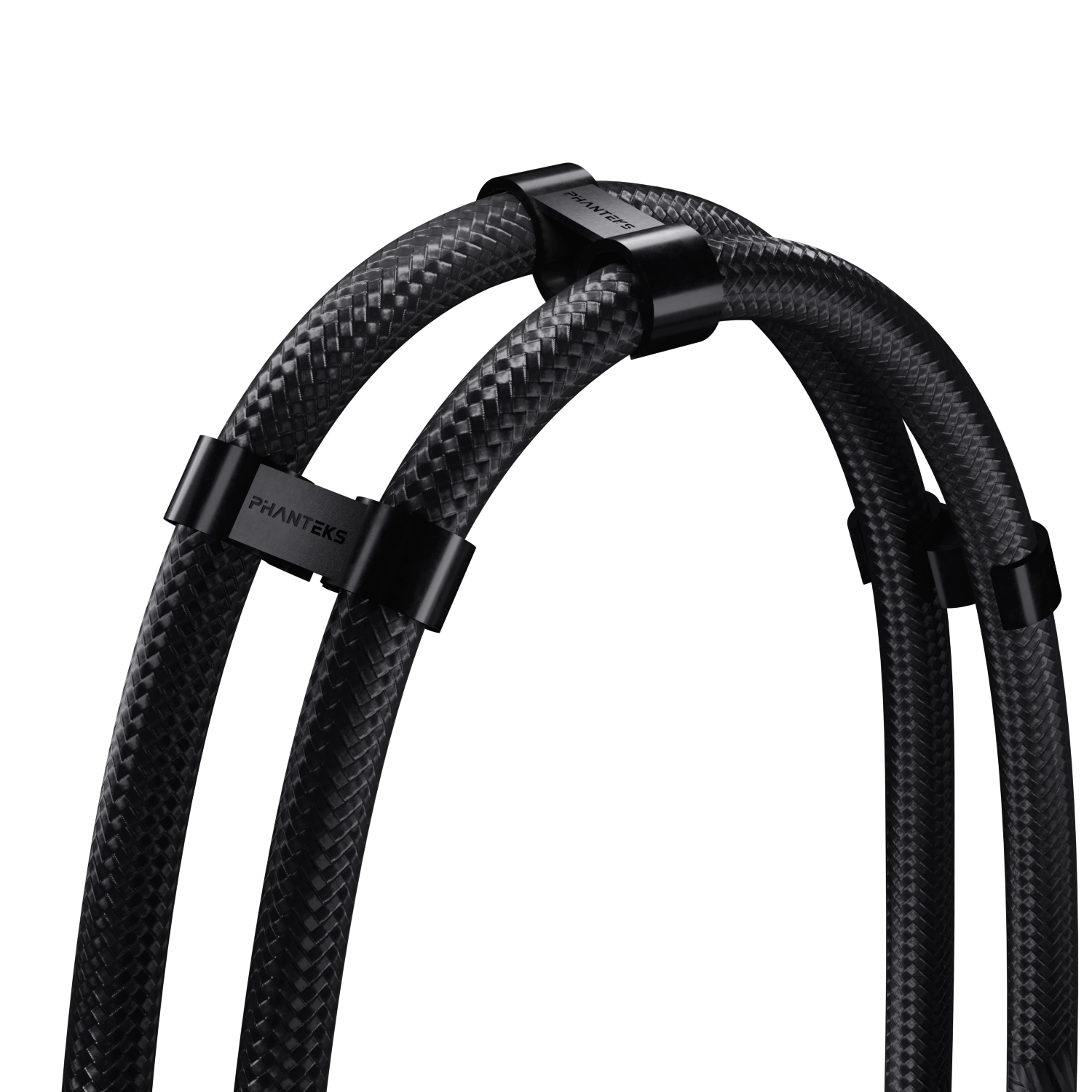
Tube Clips
3x
Material
EPDM | Braided sleeves
Fans S25-360
Fan Model
S25-360 ARGB
Dimensions
Length x Width x Height
360 x 120 x 30 mm | 14.17 x 4.72 x 1.18 in
Speed
300 – 2000 ± 10% RPM
Air Flow
75.07 CFM
Fan Static Pressure
2.96 mm H₂O
Sound Level
20.0 dBA
MTFB
100.000 Hours
Connector
4-Pin PWM
Cable Length
15 + 120 mm | 0.59 + 4.72 in Daisy-chain
Extra
Scope of Delivery
1x Glacier One 360S25-SE Pre-applied thermal paste
1x S25-360 fan
Accessory Box
3x Tube clip
1x Mainboard adapter cable 500 mm
1x PWM extension cable 500 mm
Screws
4x 30 mm 6-32 UNC Radiator screws
12x 6 mm 6-32 UNC Radiator screws
Mounting Hardware
1x LGA 115X | 1200 | 1700 | 1851 Bracket
4x LGA 1700 | 1851 Spacers
4x Thumb nuts
1x AM4 | AM5 Bracket
4x AM4 | AM5 Stand-off screws
Support
FAQ
Most products have their product manual in the accessory box or directly printed on the packaging if the installation only contains a few steps. For the latest version, we always recommend checking the online manual, which can be found under the support section of the product page.
Because there are many different GPU sizes, it is always recommended to check the GPU clearance beforehand. If the length of the GPU fits within the clearance numbers, the GPU should fit neatly. This information can be found within the ‘Specifications’ section on the product page.
The Phanteks website provides product information, specifications, features, compatibility information, manuals, downloads, and other resources for Phanteks products.
The Phanteks website is designed to provide product information and support. Products are available through authorized retailers and distributors. If you live within the USA, please visit our official online store: phanteks.store
Visit the product page for the product you are interested in. Product pages contain available specifications, features, compatibility information, downloads, and other relevant product details.
Compatibility information is provided on the corresponding product page where available. If you cannot find the information you need, contact our support team.
Product dimensions and other physical specifications can be found on the individual product page under the ‘Specifications’ section.
Information for discontinued products, also called ‘End of Life’ EoL for short, may remain available on the Phanteks website for reference. Availability of documentation and support may vary by product.
Product manuals can be found on the individual product page under the ‘Support’ section.
If you cannot find the information you are looking for, please contact our support team with your product name or model number.
Product availability varies by region and retailer. If a product is not currently available, check other authorized retailers or contact the appropriate regional Phanteks support team.
Use the Where to Buy section on the Phanteks website to find available retailers and distributors in your region.