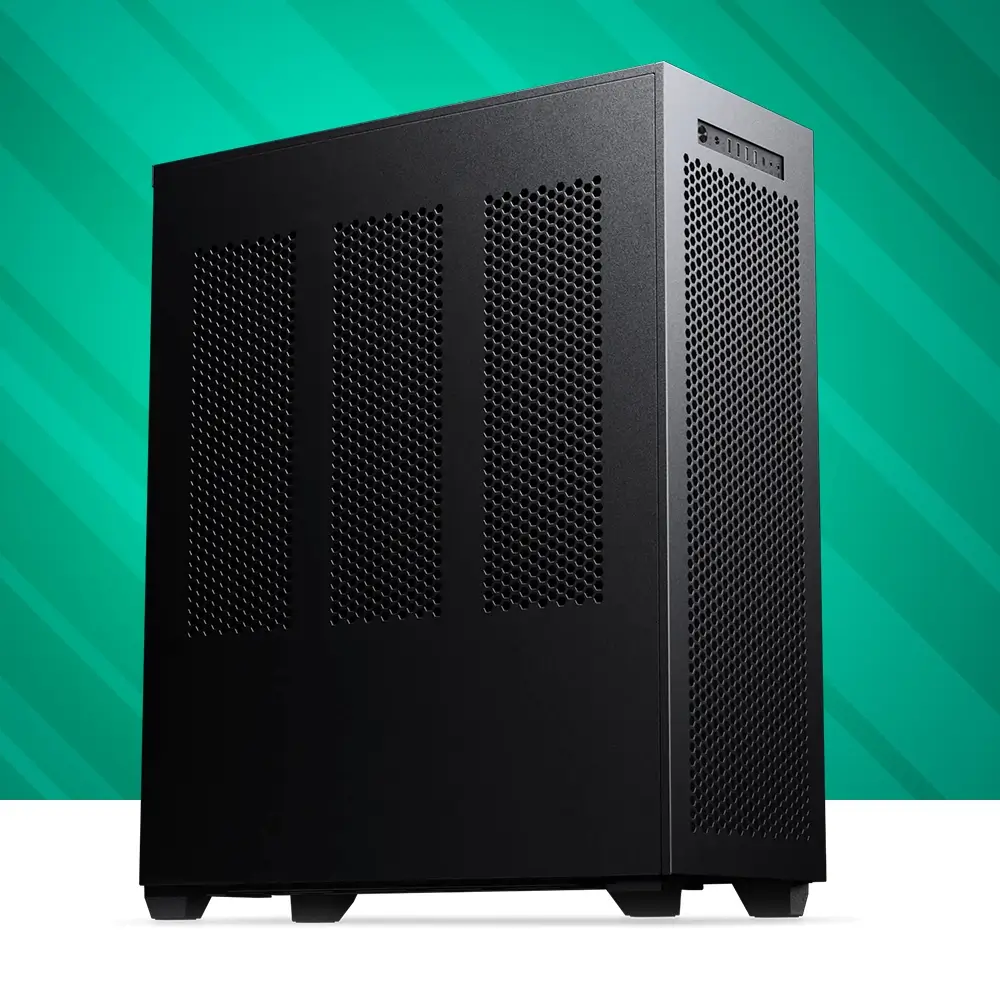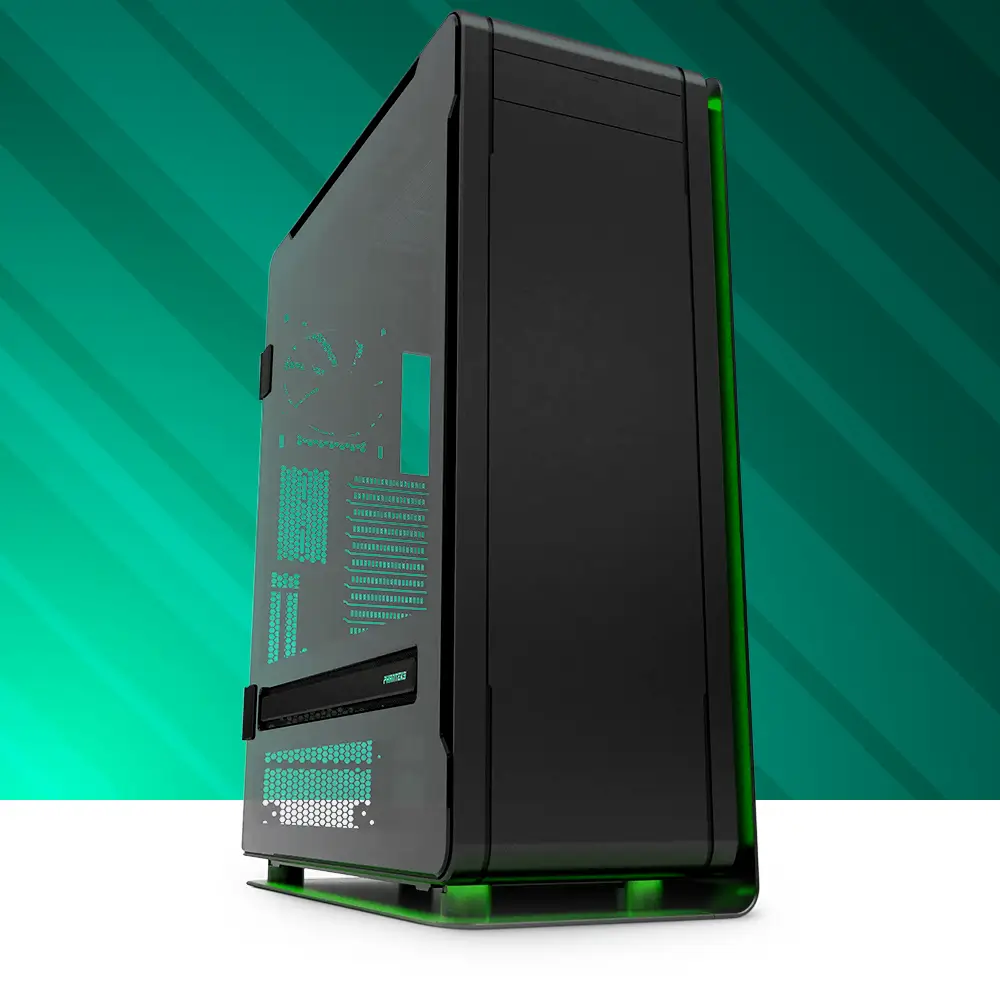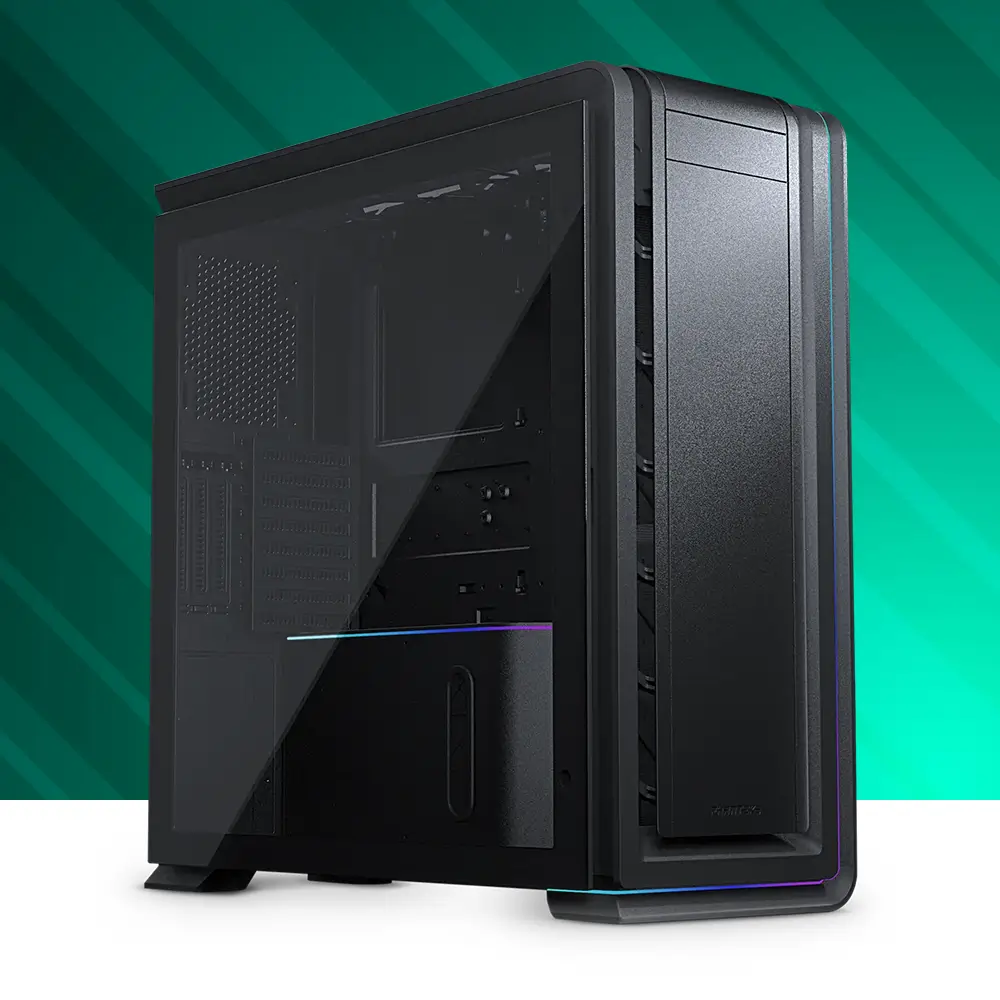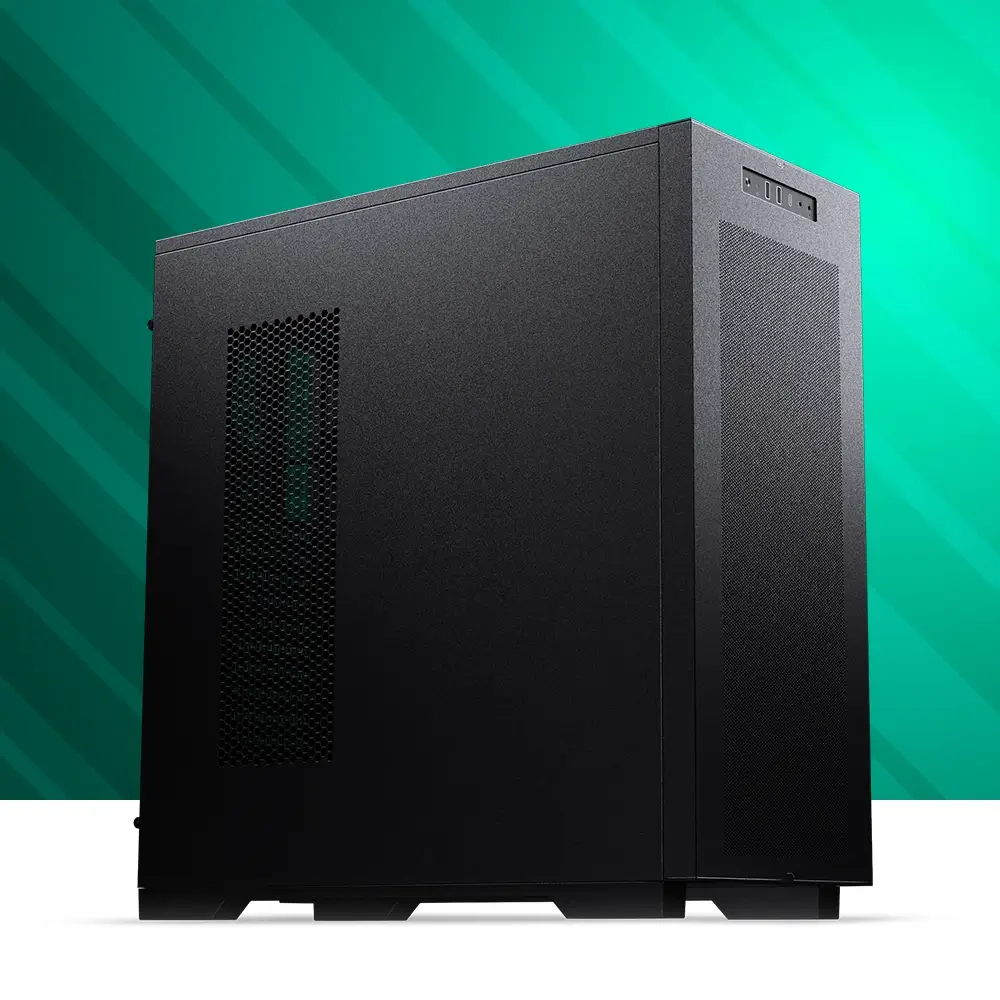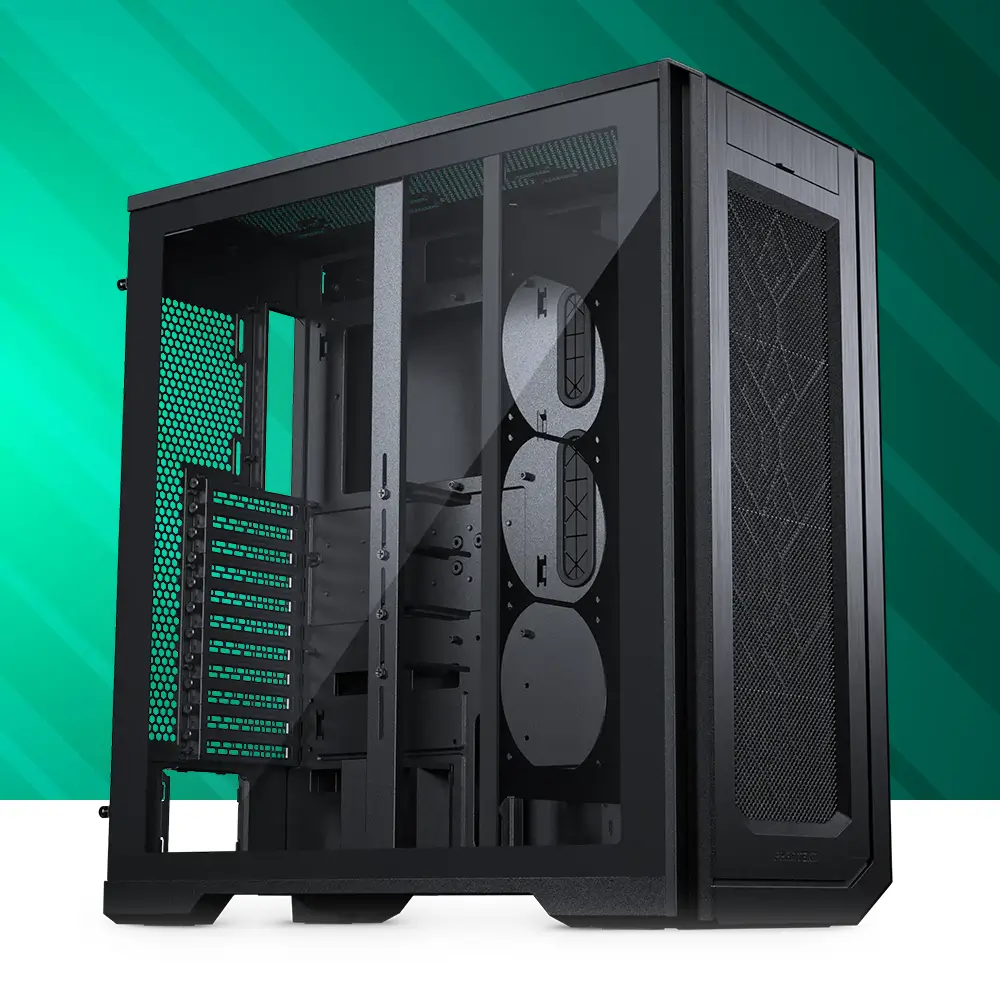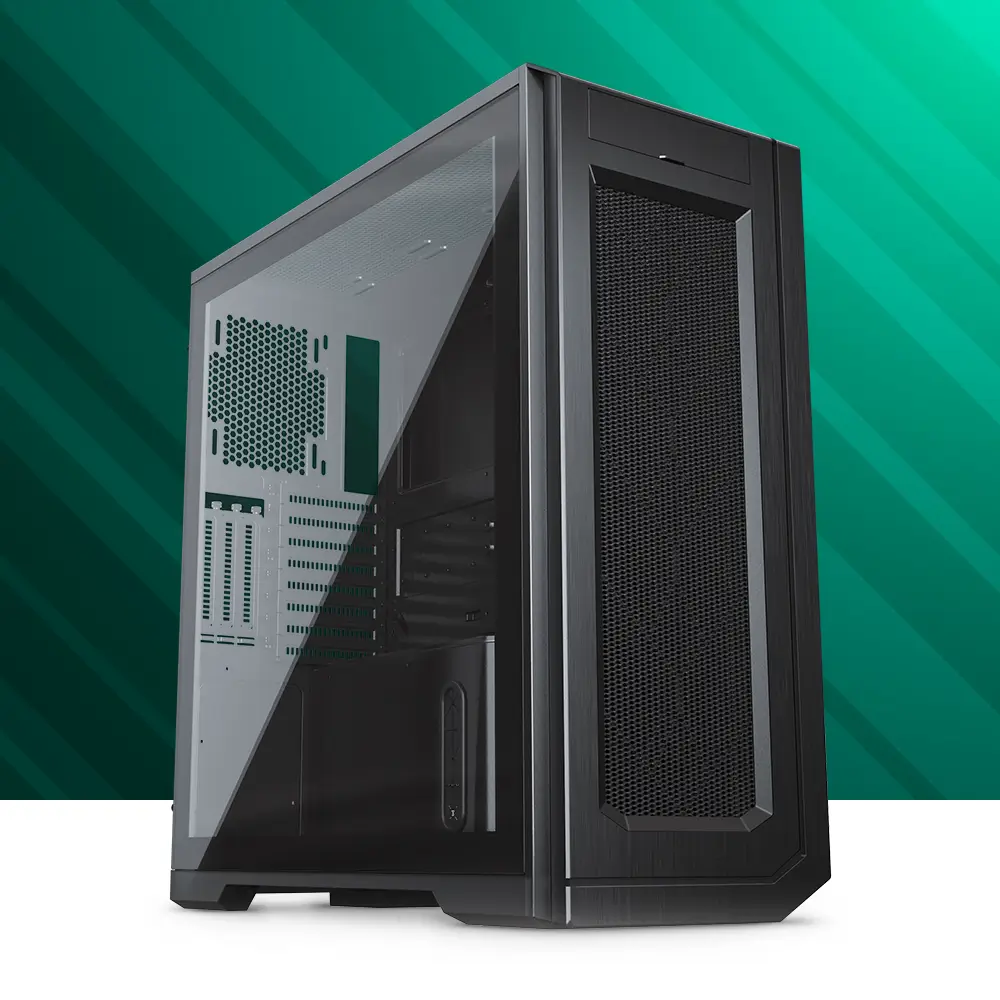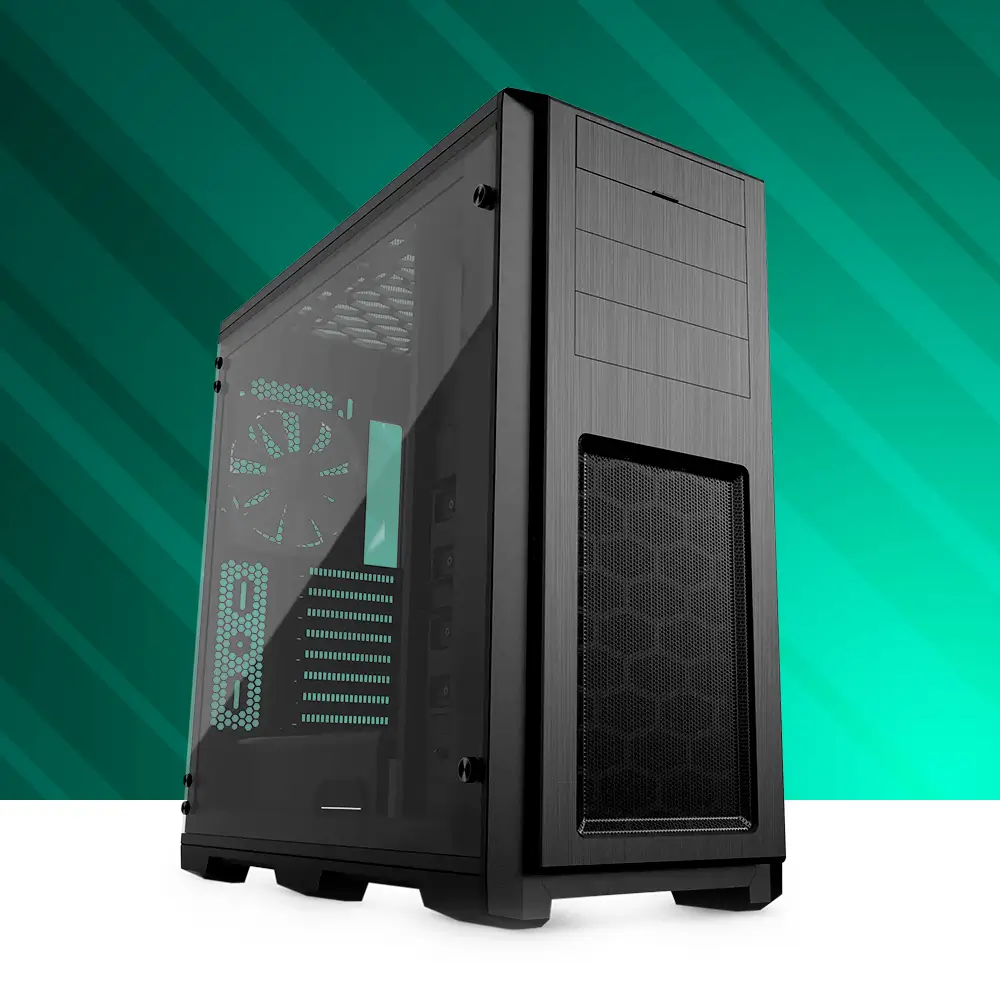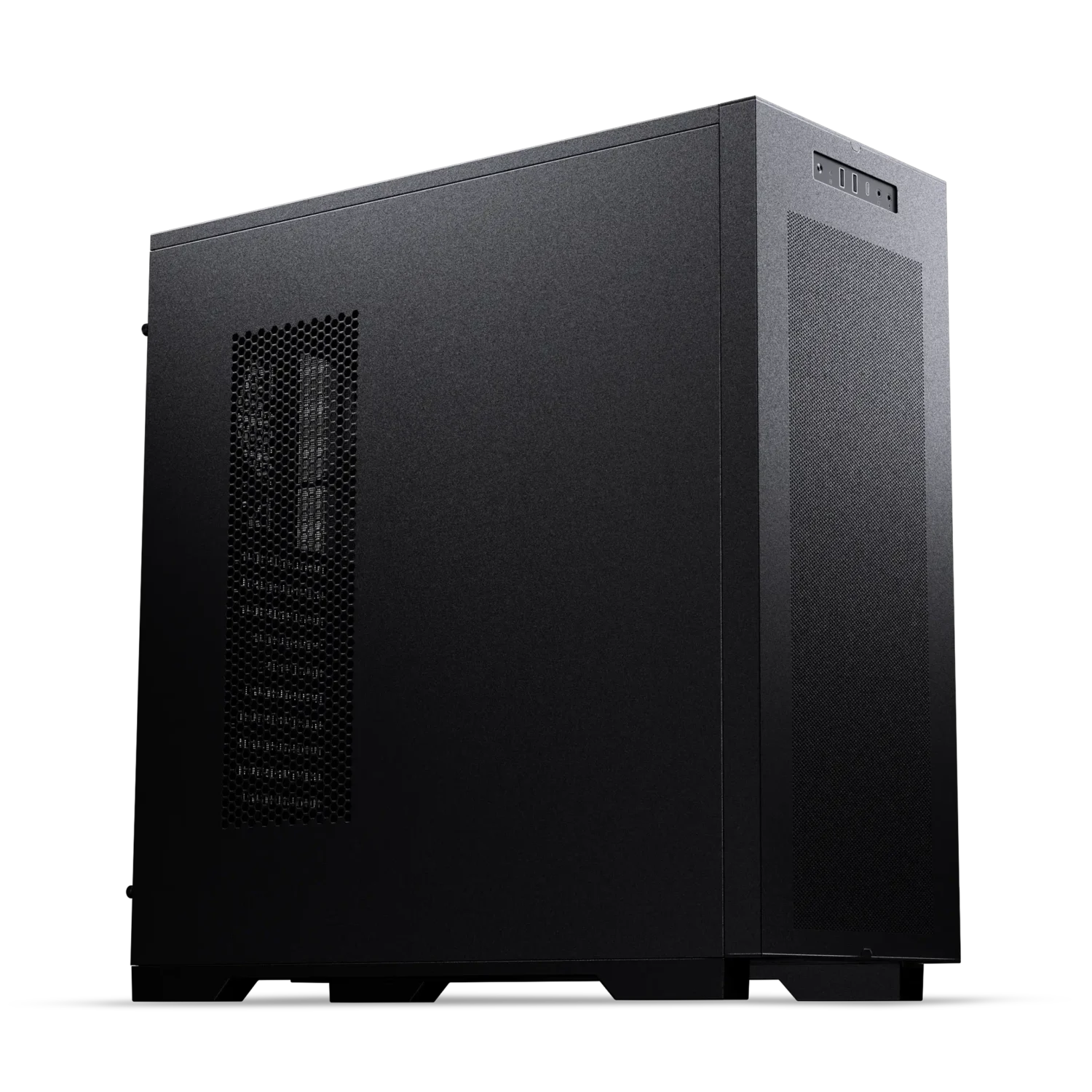
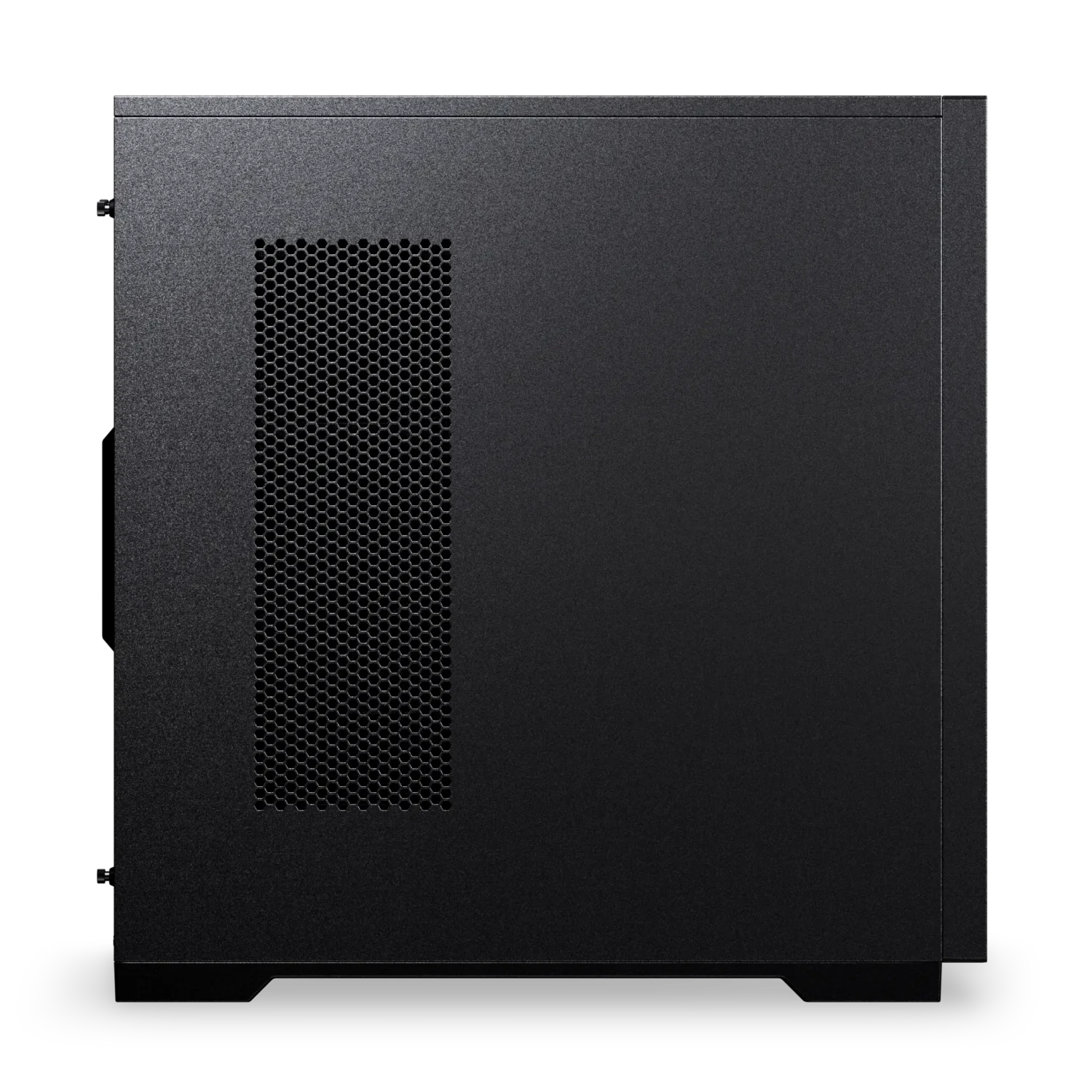
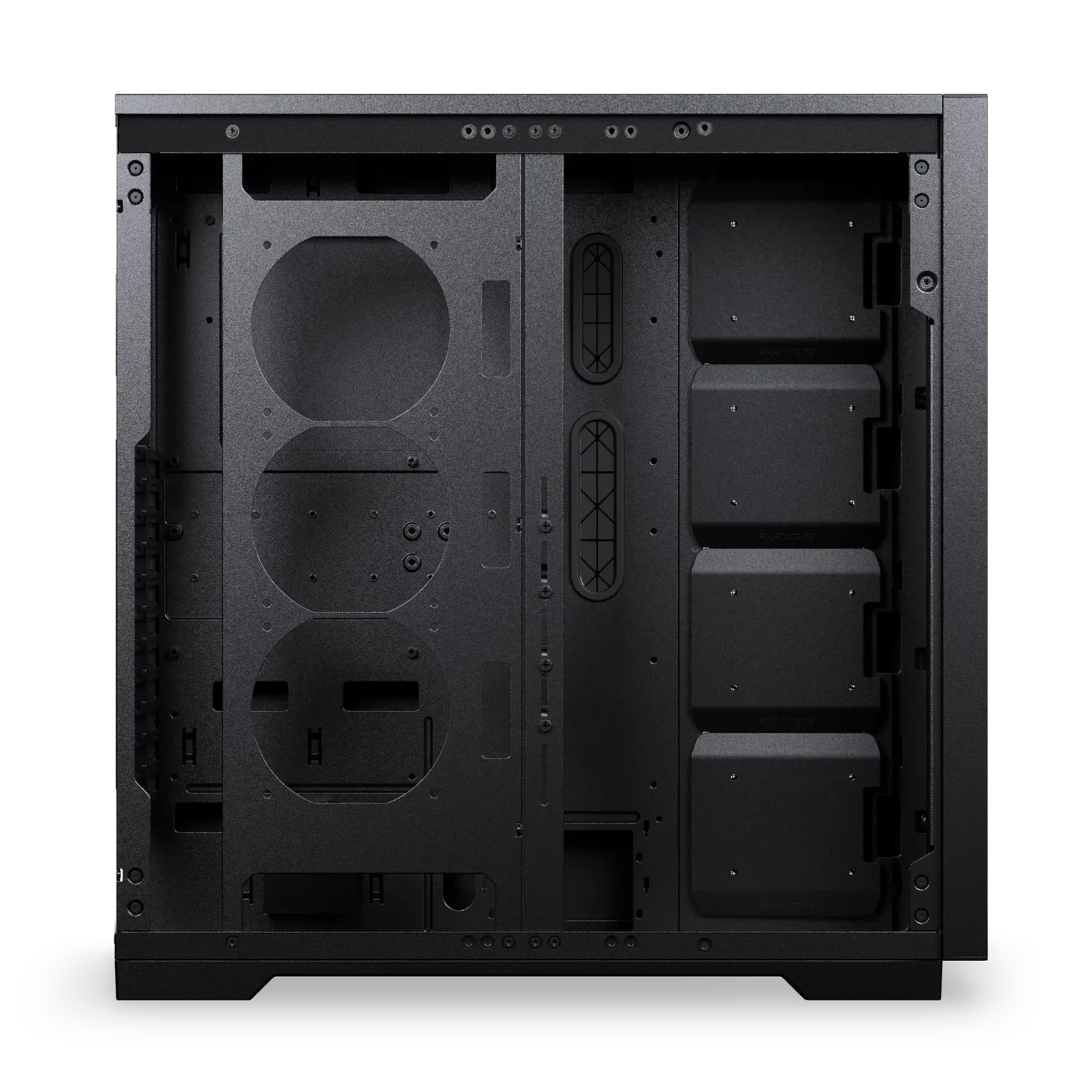
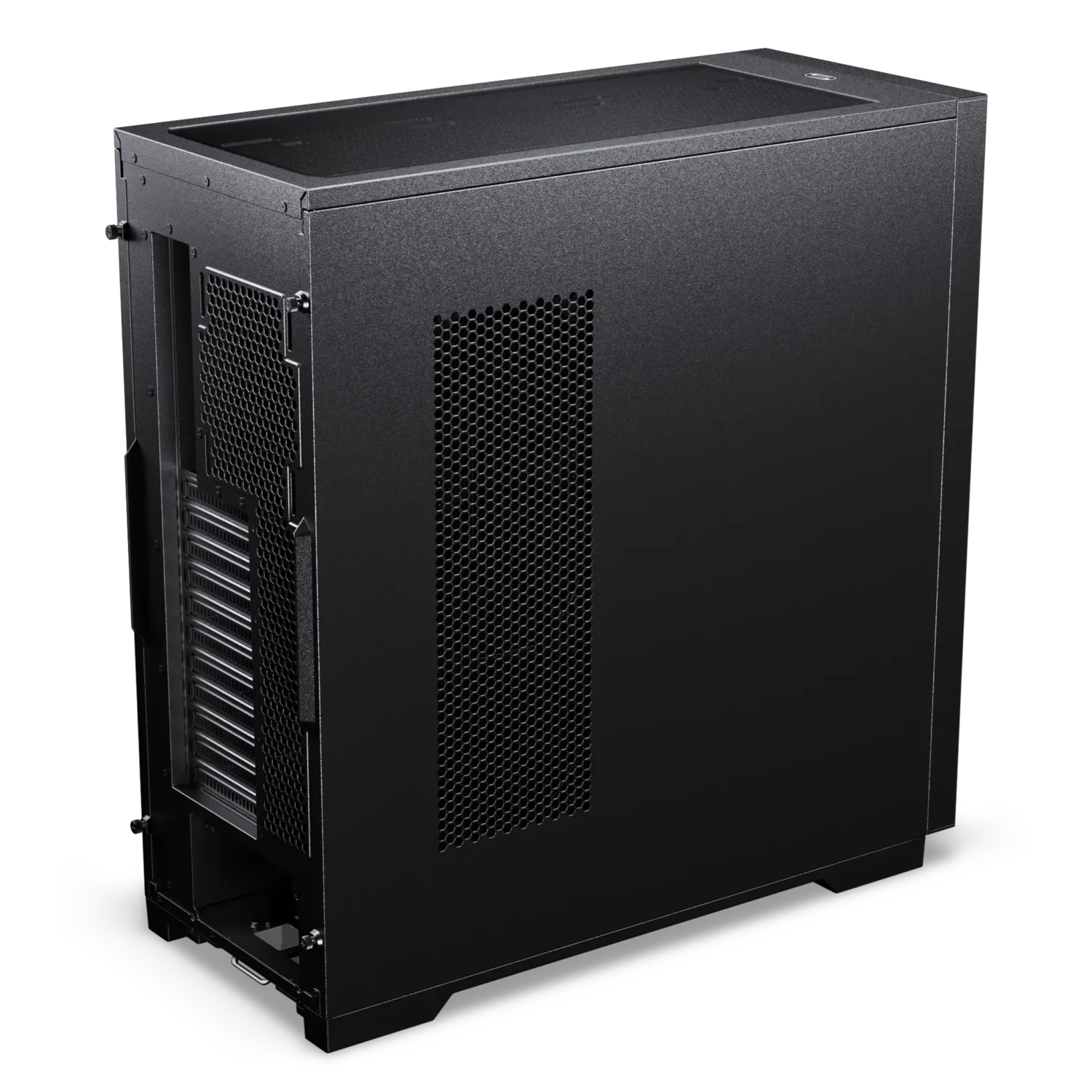
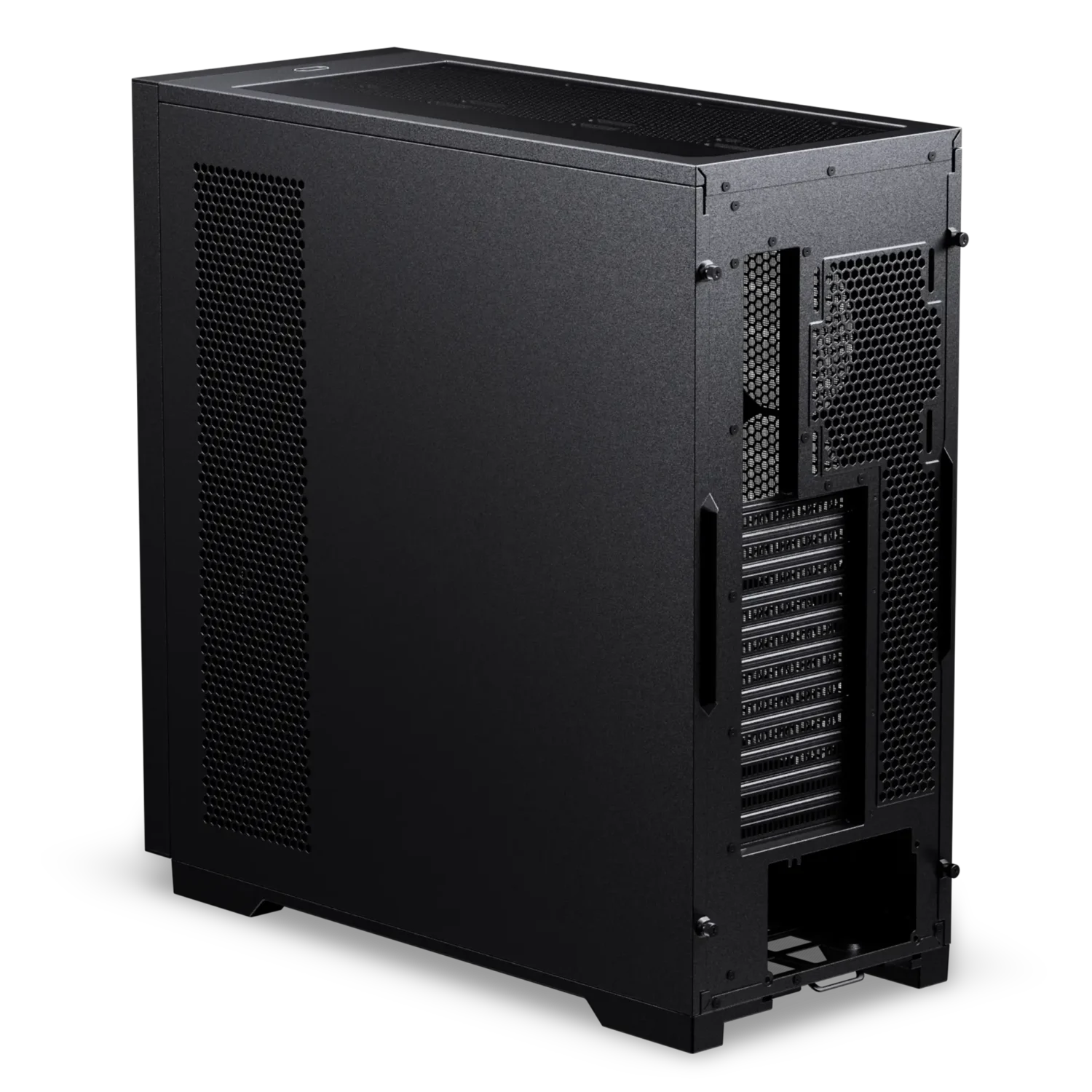
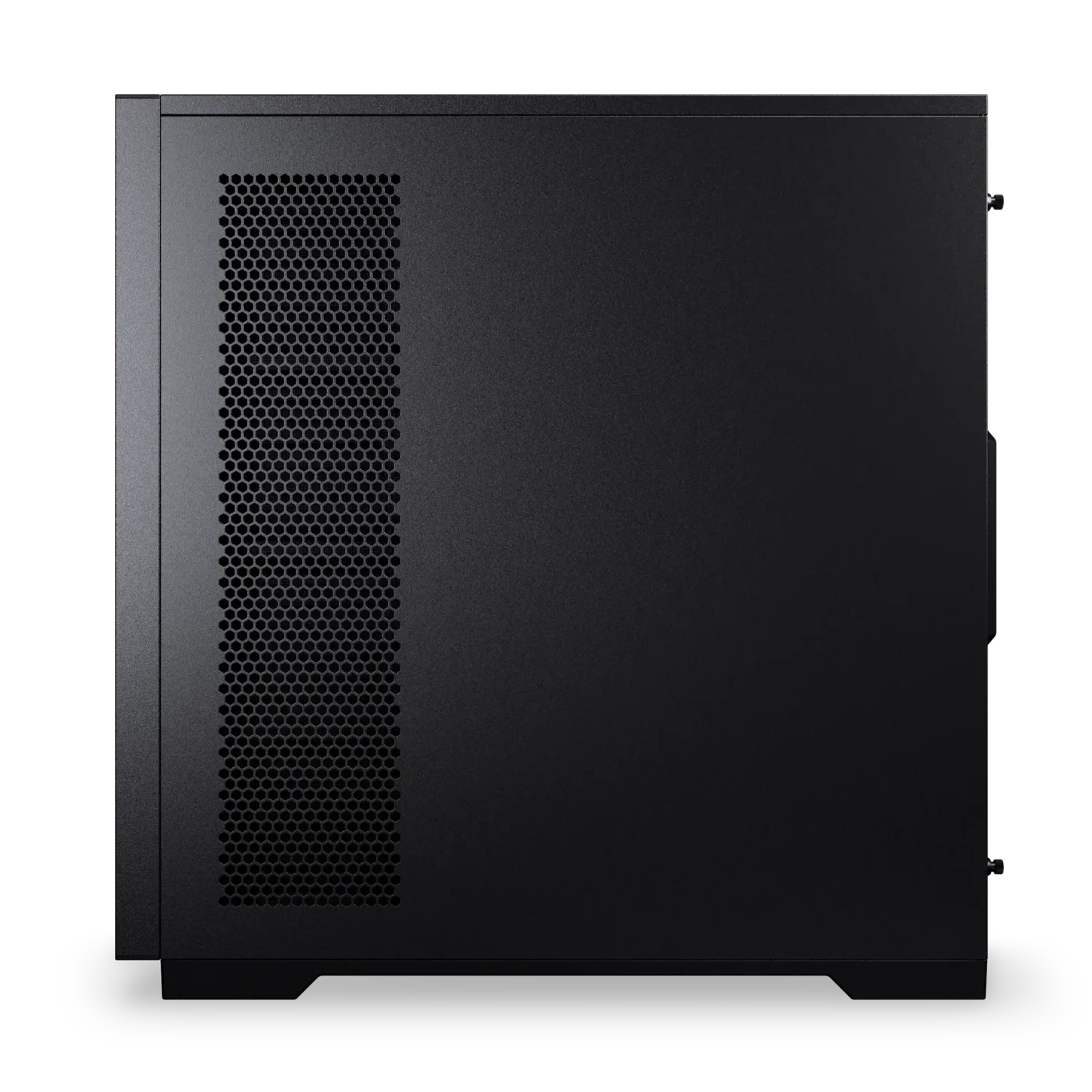
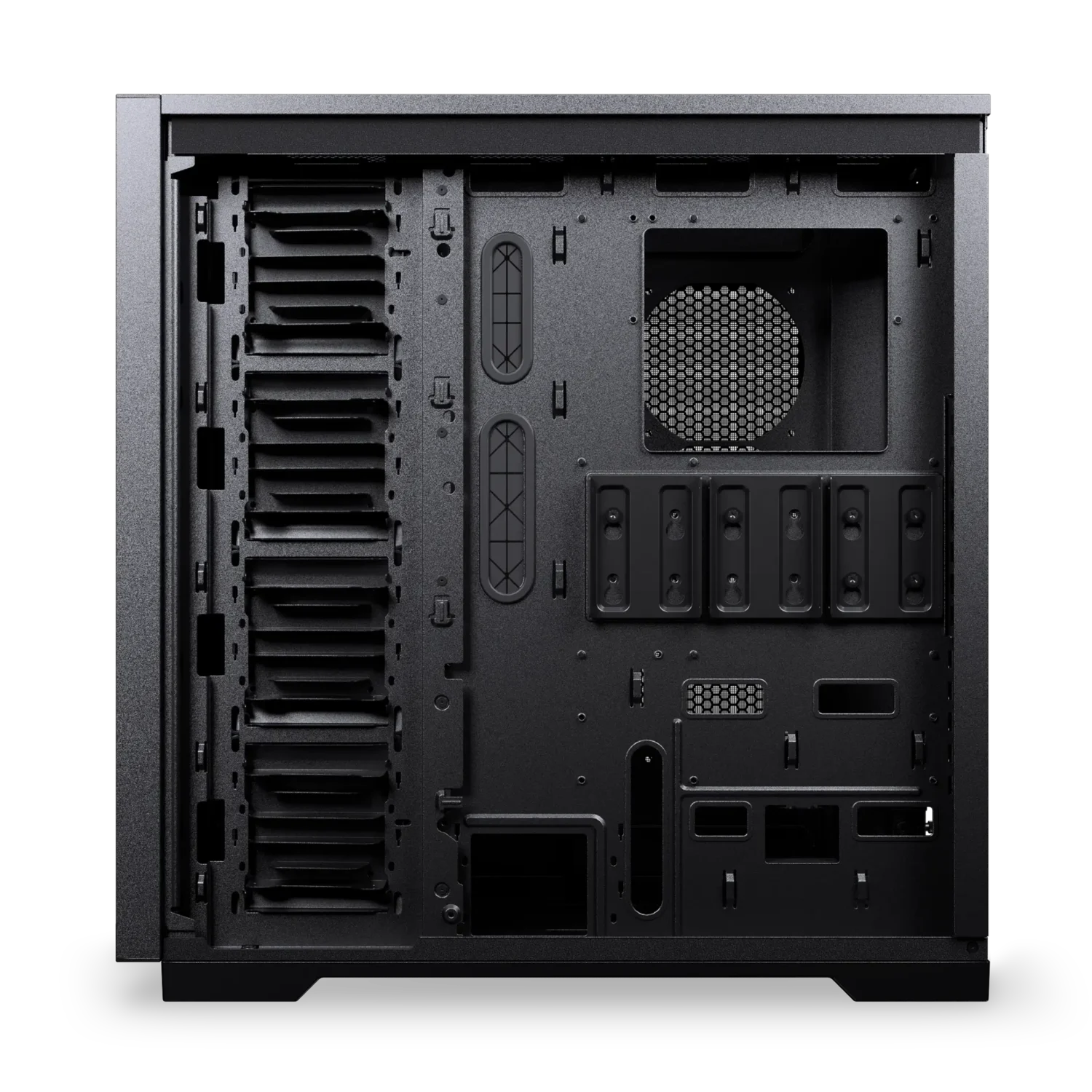
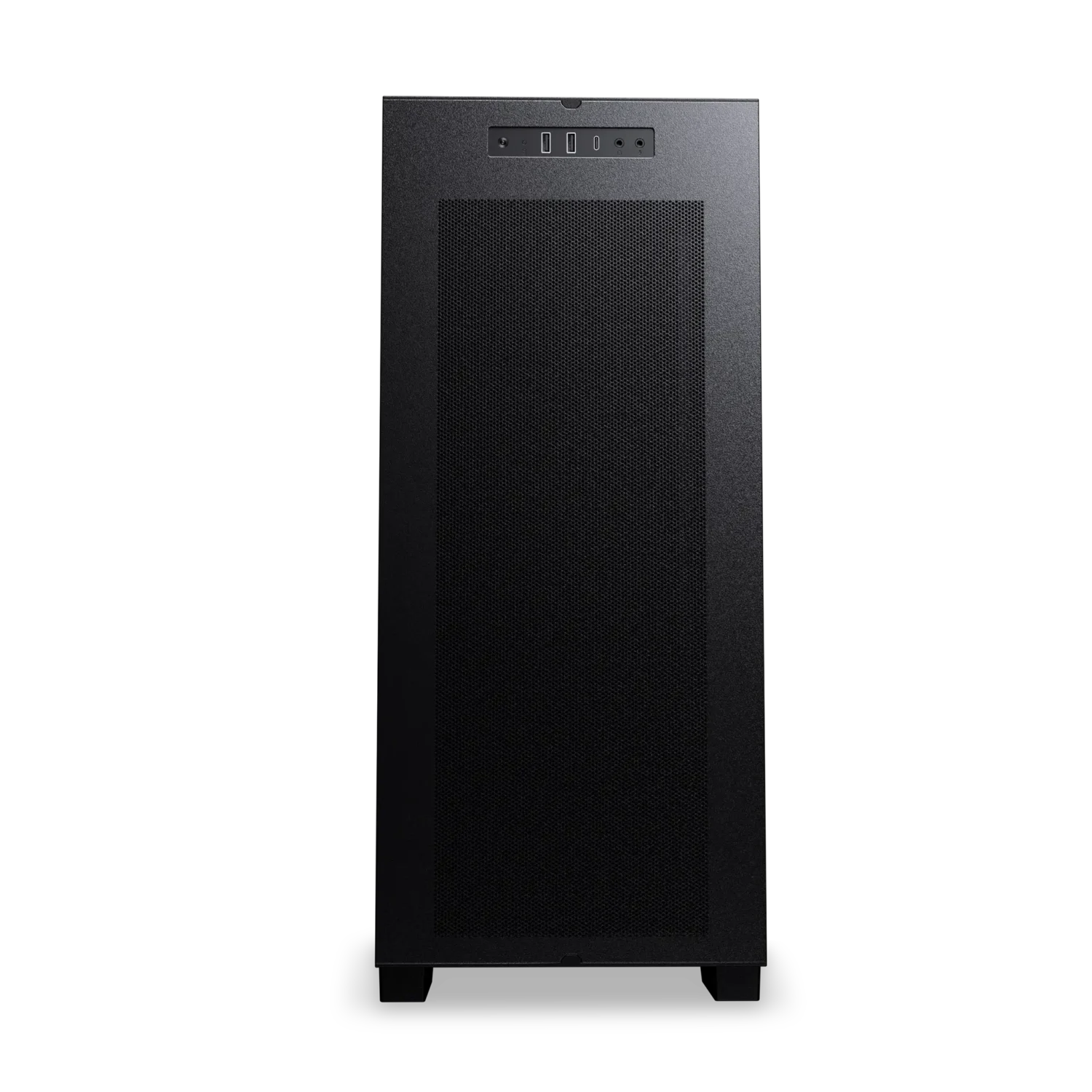
Enthoo Pro 2 Server V2
High-Performance Server Chassis
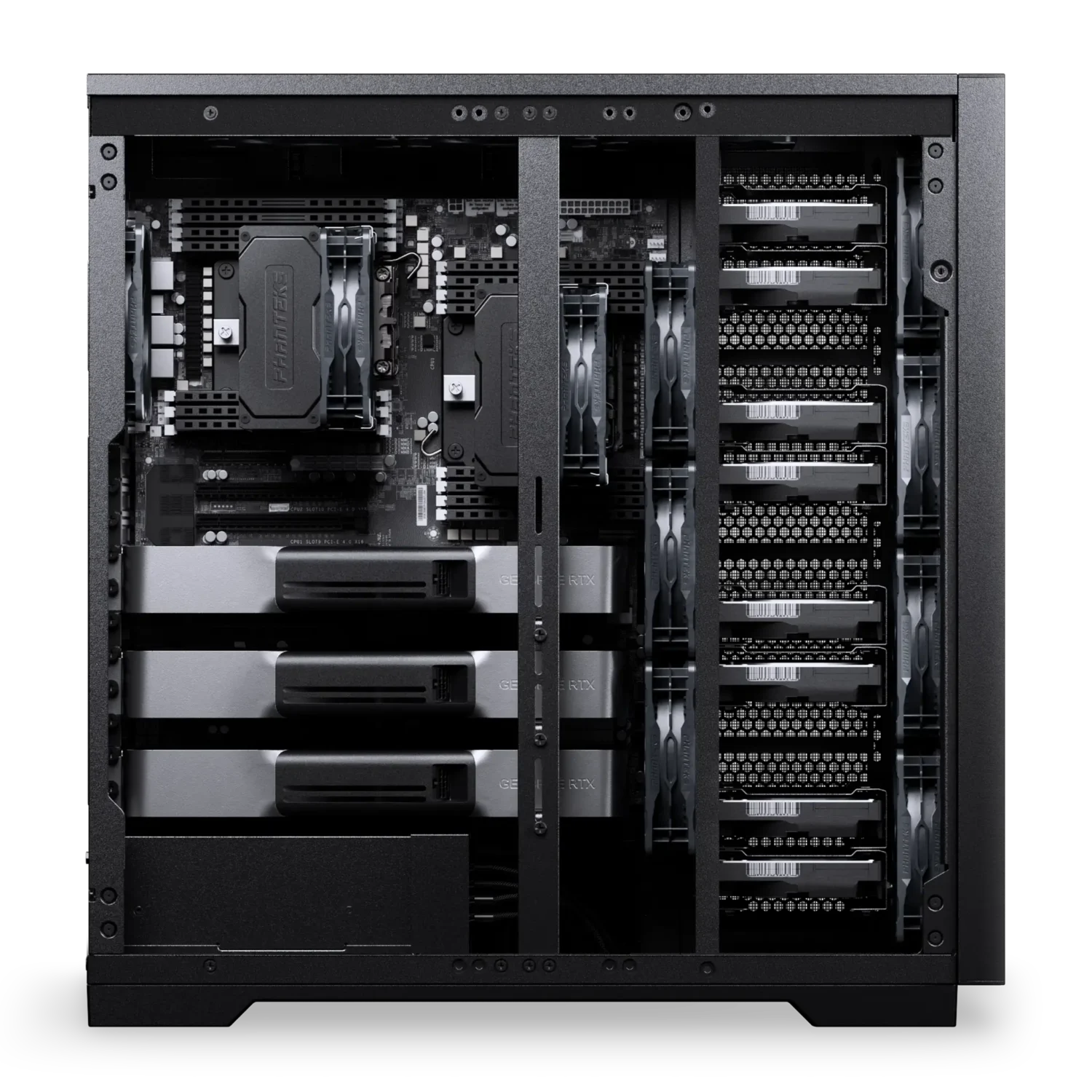
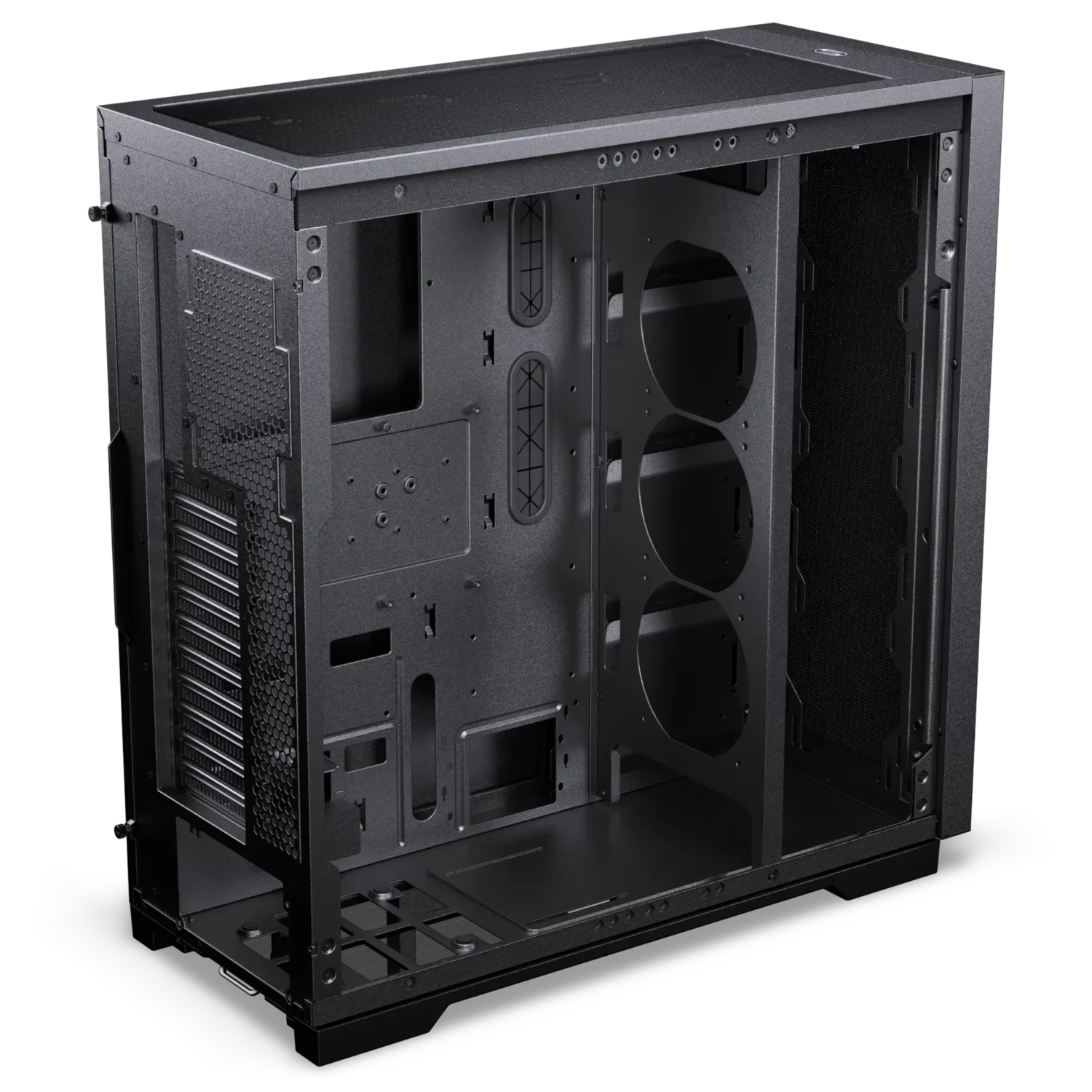
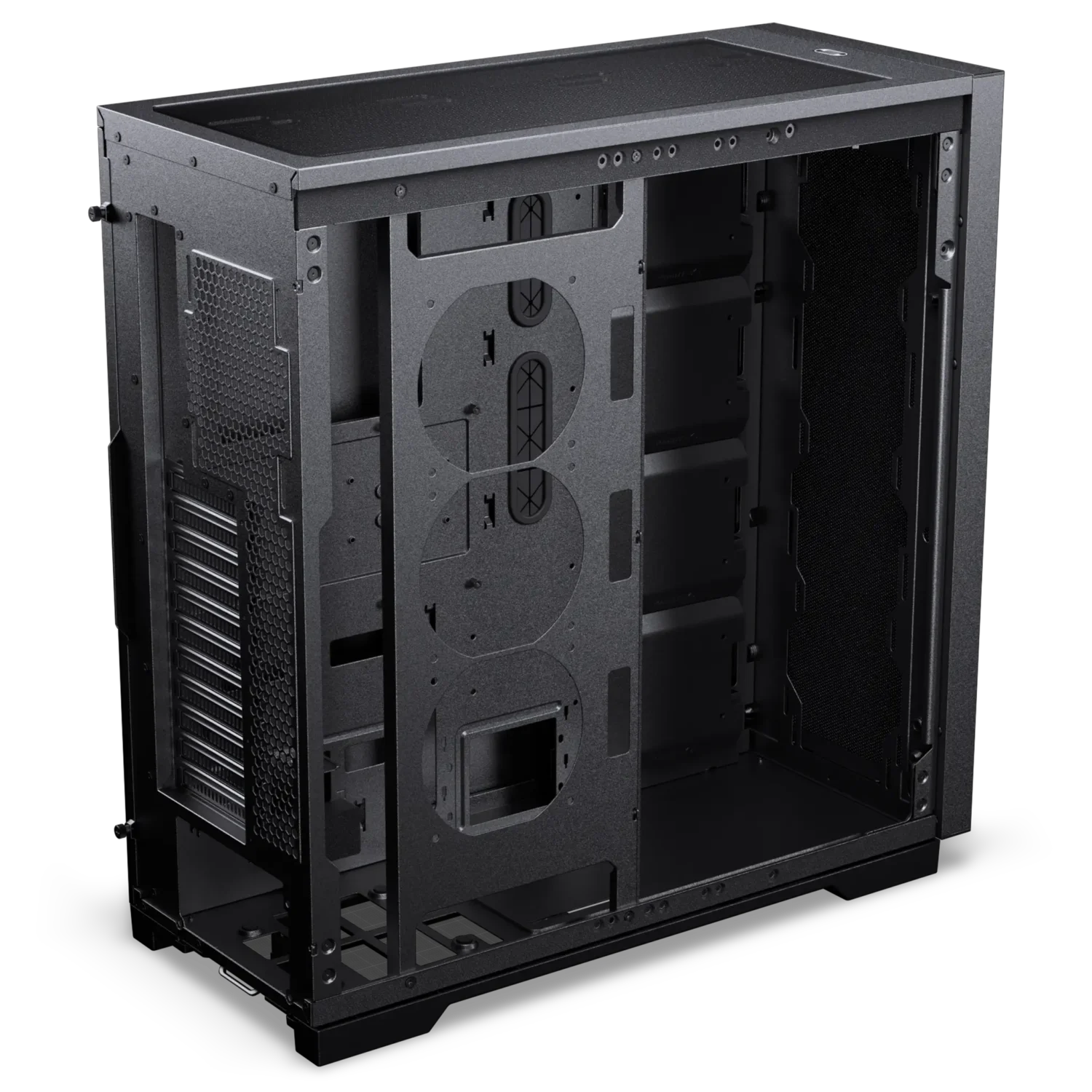
The Enthoo Pro 2 Server V2 is designed with extreme performance in mind and is built with all-metal external mesh panels, offering a new airflow performance standard. With an extremely spacious and versatile interior design and state-of-the-art features, the Pro 2 Server V2 is ready to house any high-end configuration.
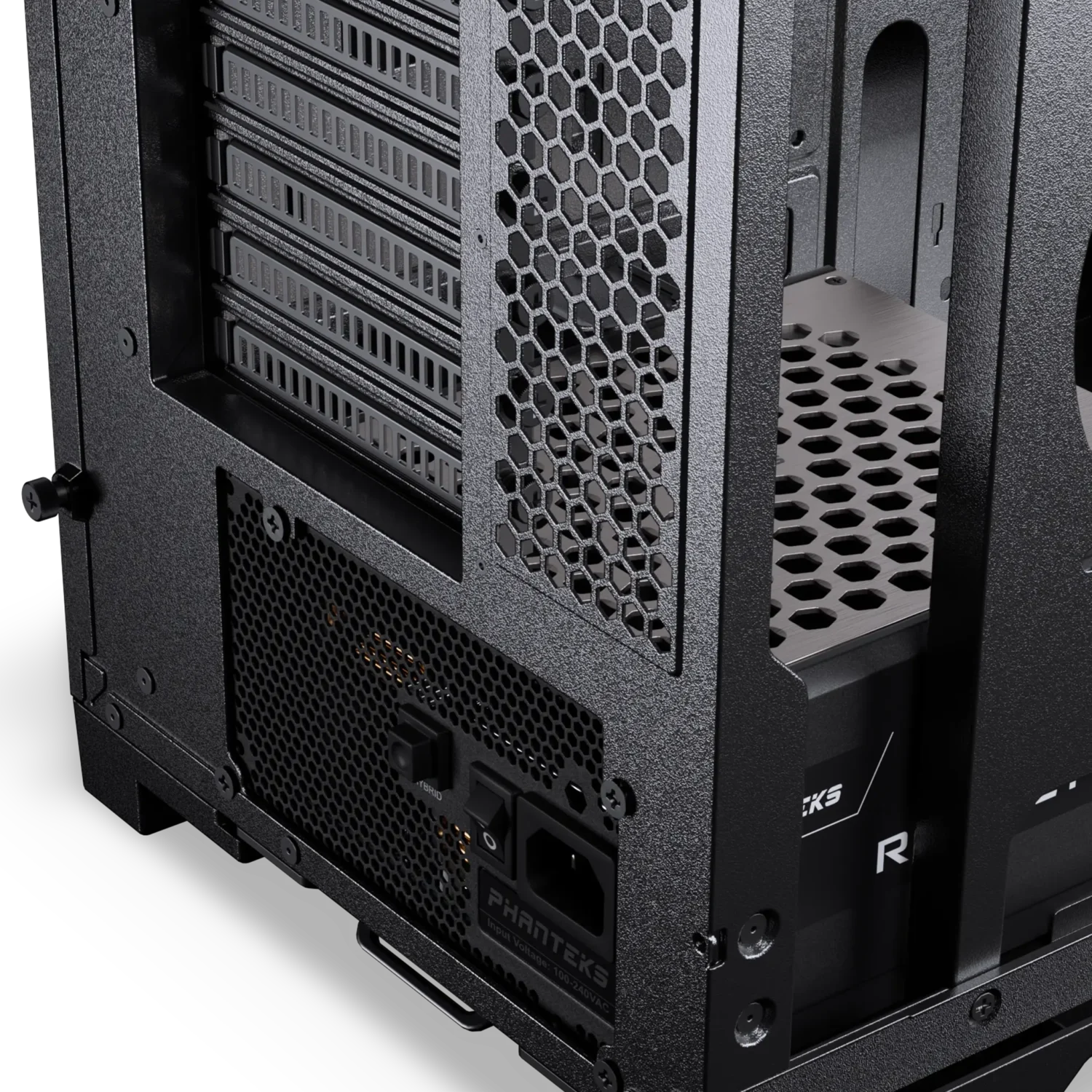
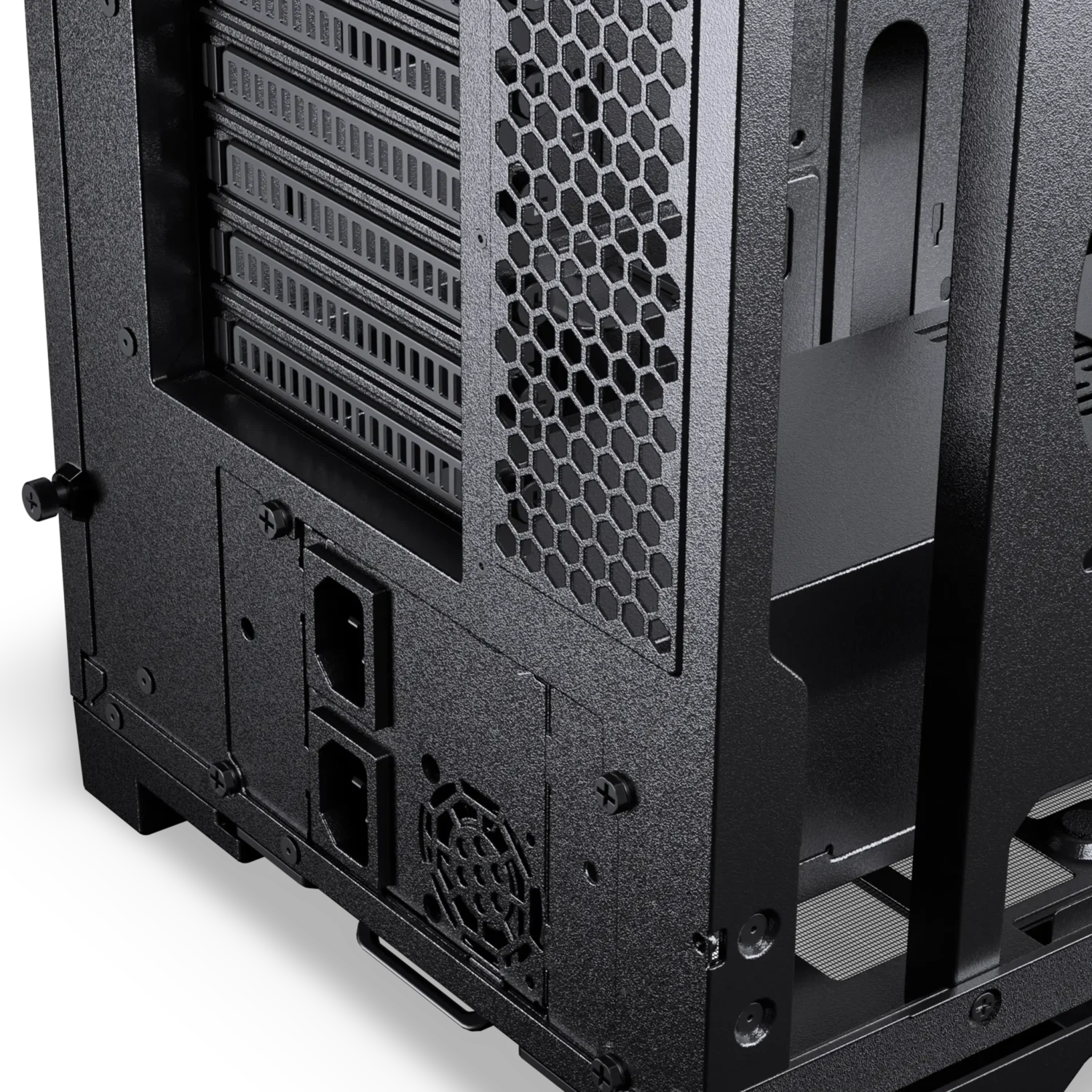
The V2 features support for the largest server and workstation-grade motherboards with 11 PCI slots in the rear. Numerous storage and cooling options are available to meet any cooling demand.
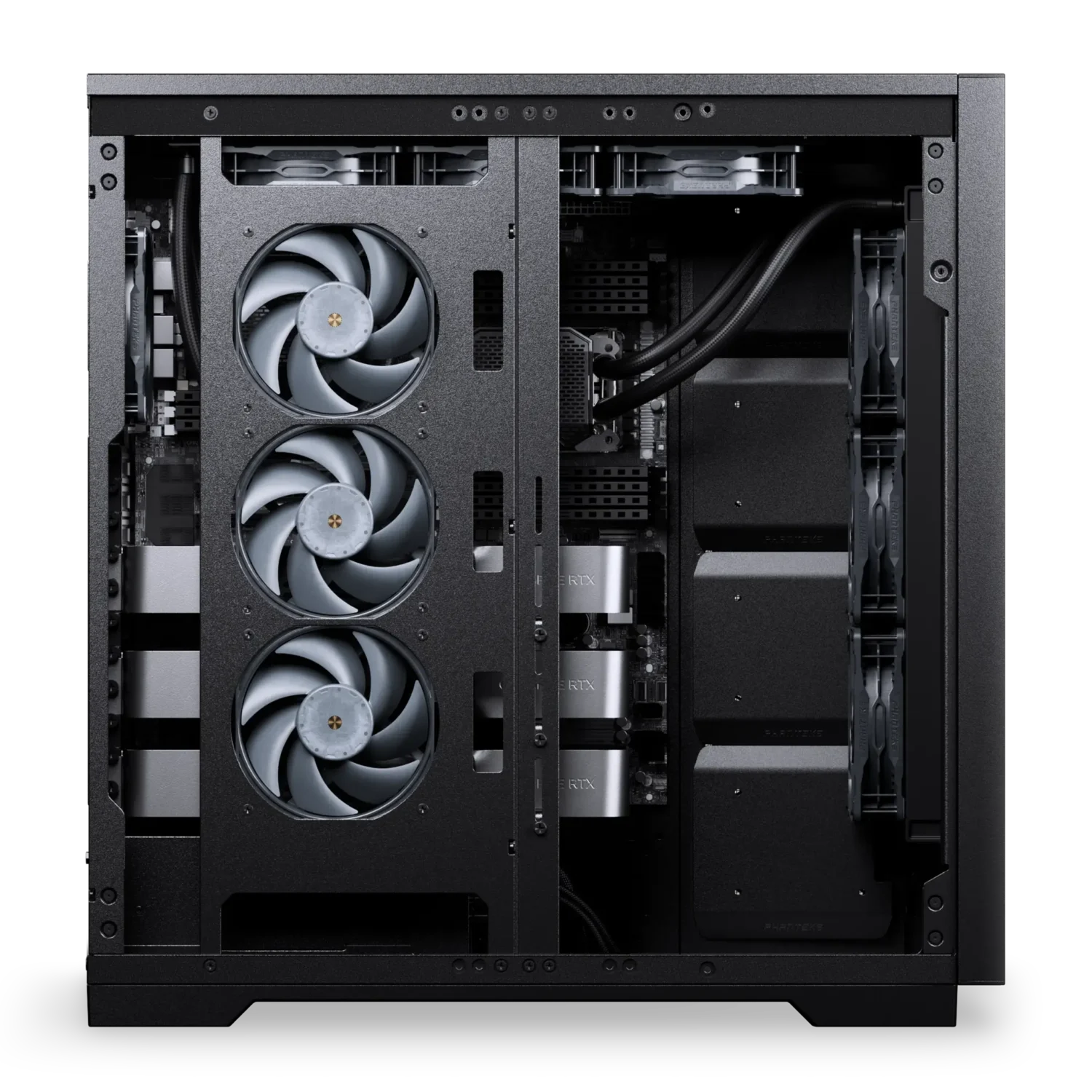
Specifications
General
Model No.
PH-ES620PC_BK03
UPC Code
886523304173
Case Dimensions
570 x 240 x 550 mm | 22.44 x 9.44 x 21.65 in
From Factor
Full-Tower
Mainboard Support
SSI-EEB | XL-ATX | E-ATX | ATX | Micro-ATX | Mini-ITX
Materials
Steel chassis | Aluminum panels | ABS plastic
Color
Black
Expansion Slots
11
Vertical GPU Support
Yes
Riser cable & bracket sold separately
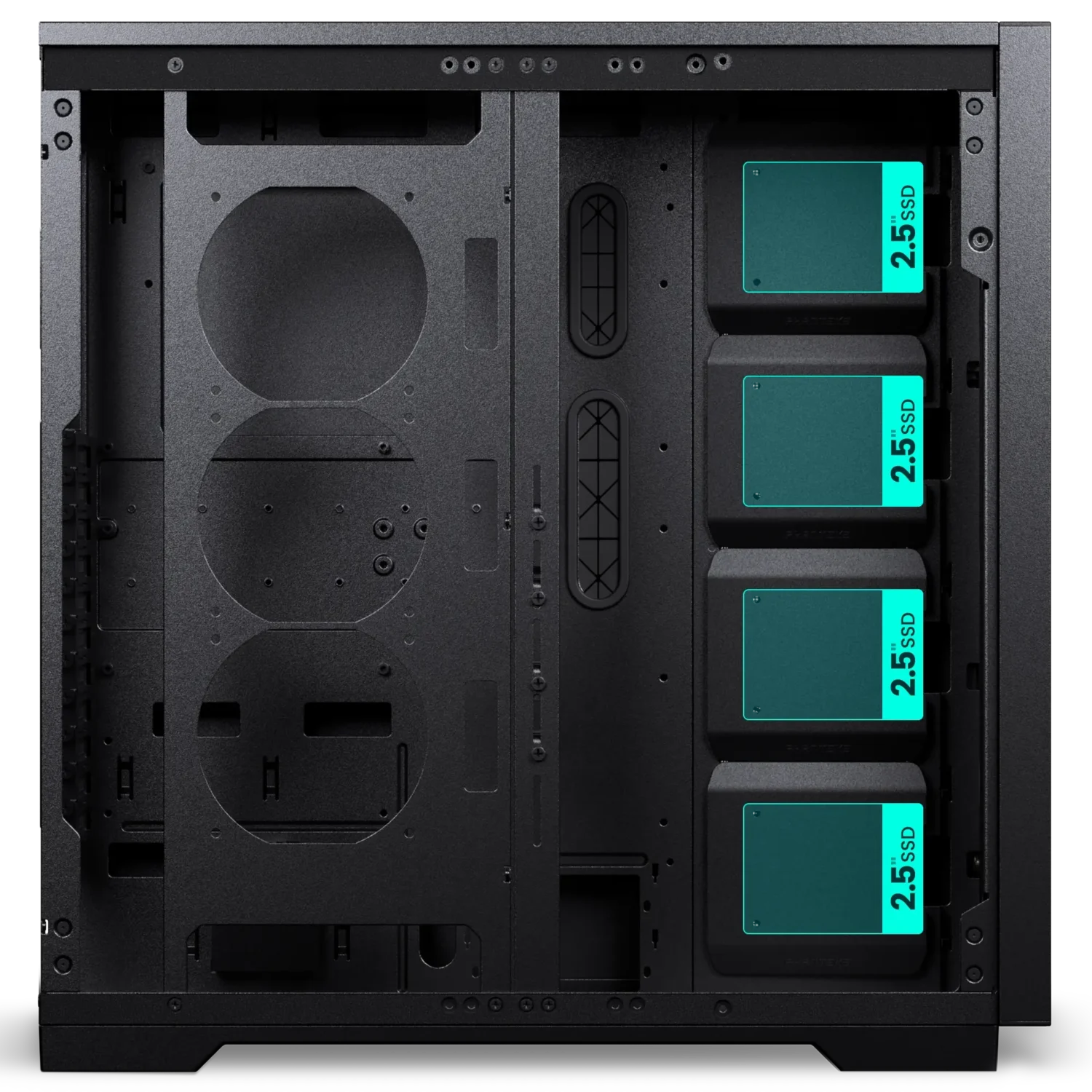
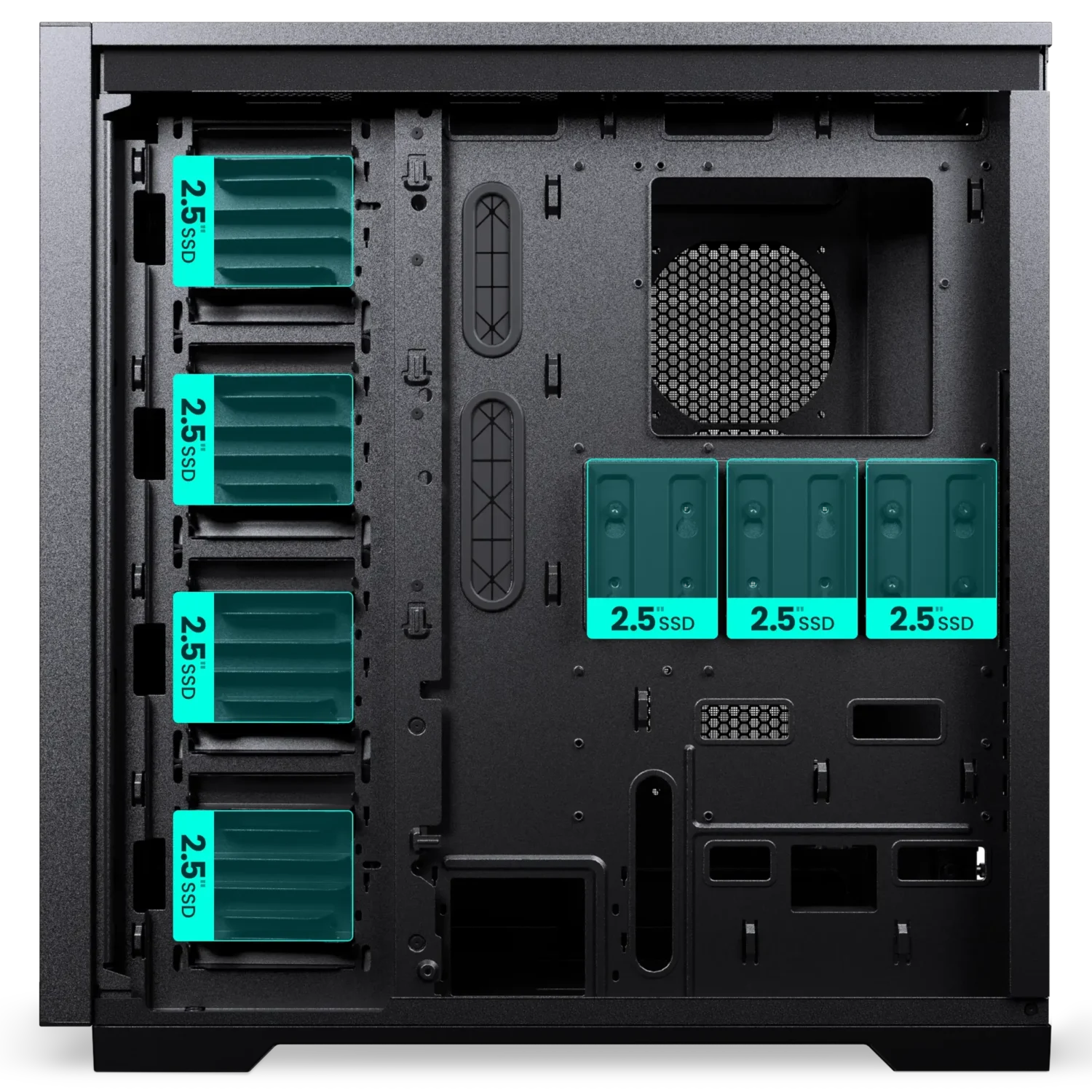
Internal 2.5″ Positions
11
+ 2x 3.5″ HDD
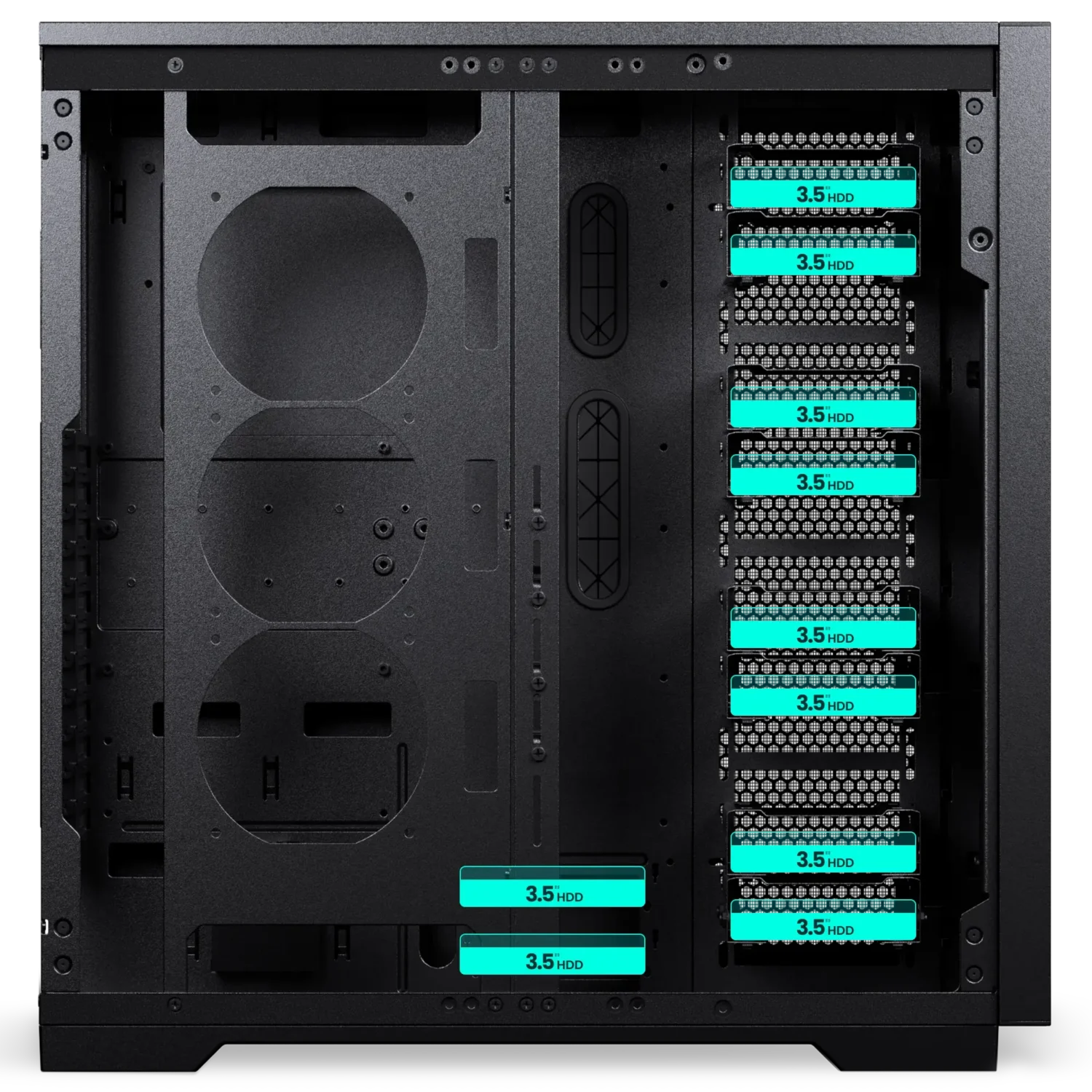
Internal 3.5″ Positions
10
+ 3x 2.5″ SSD
Front I/O
2x USB 3.0
1x USB-C 3.2 Gen2x2
1x Microphone | Headphone combo
Power button
Reset button
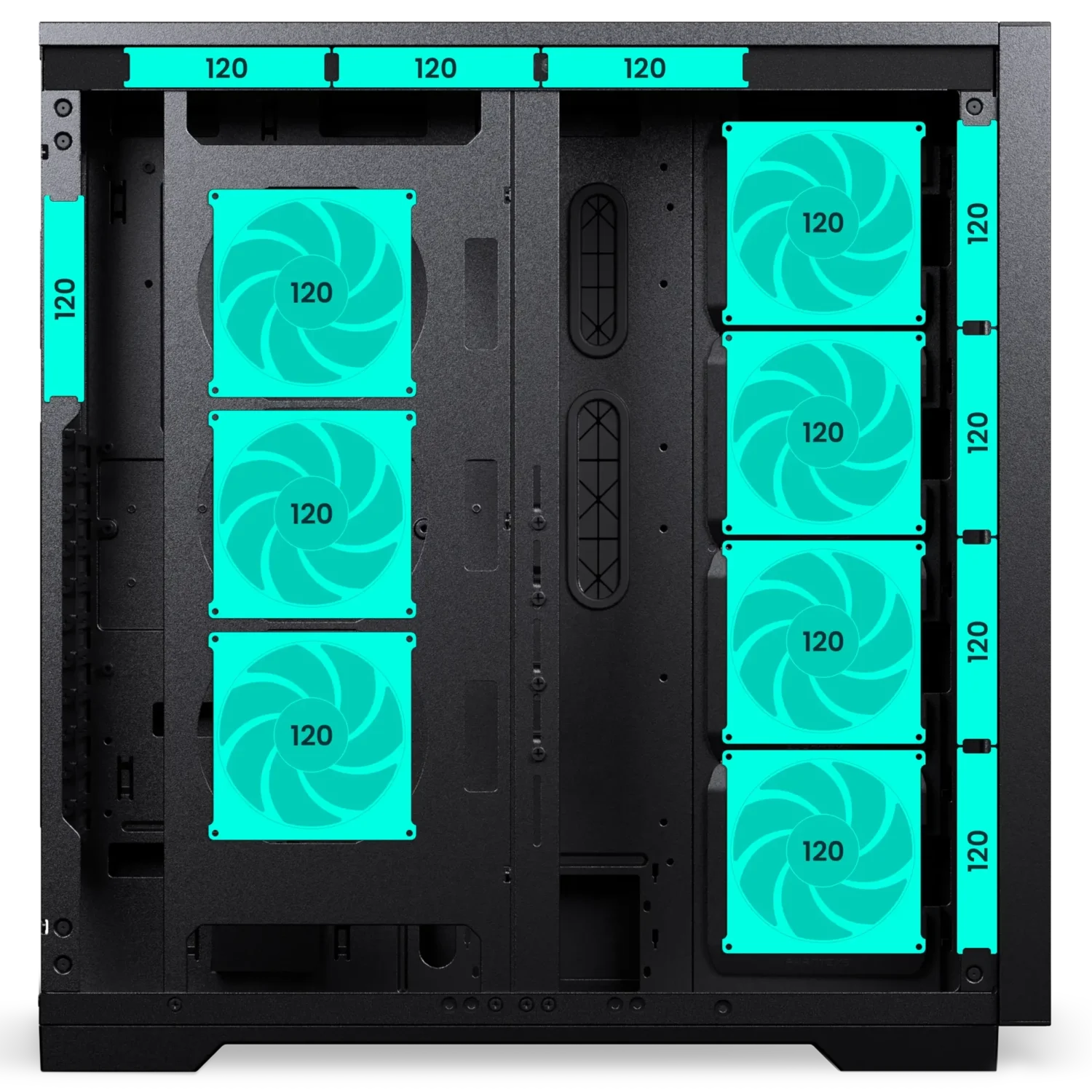
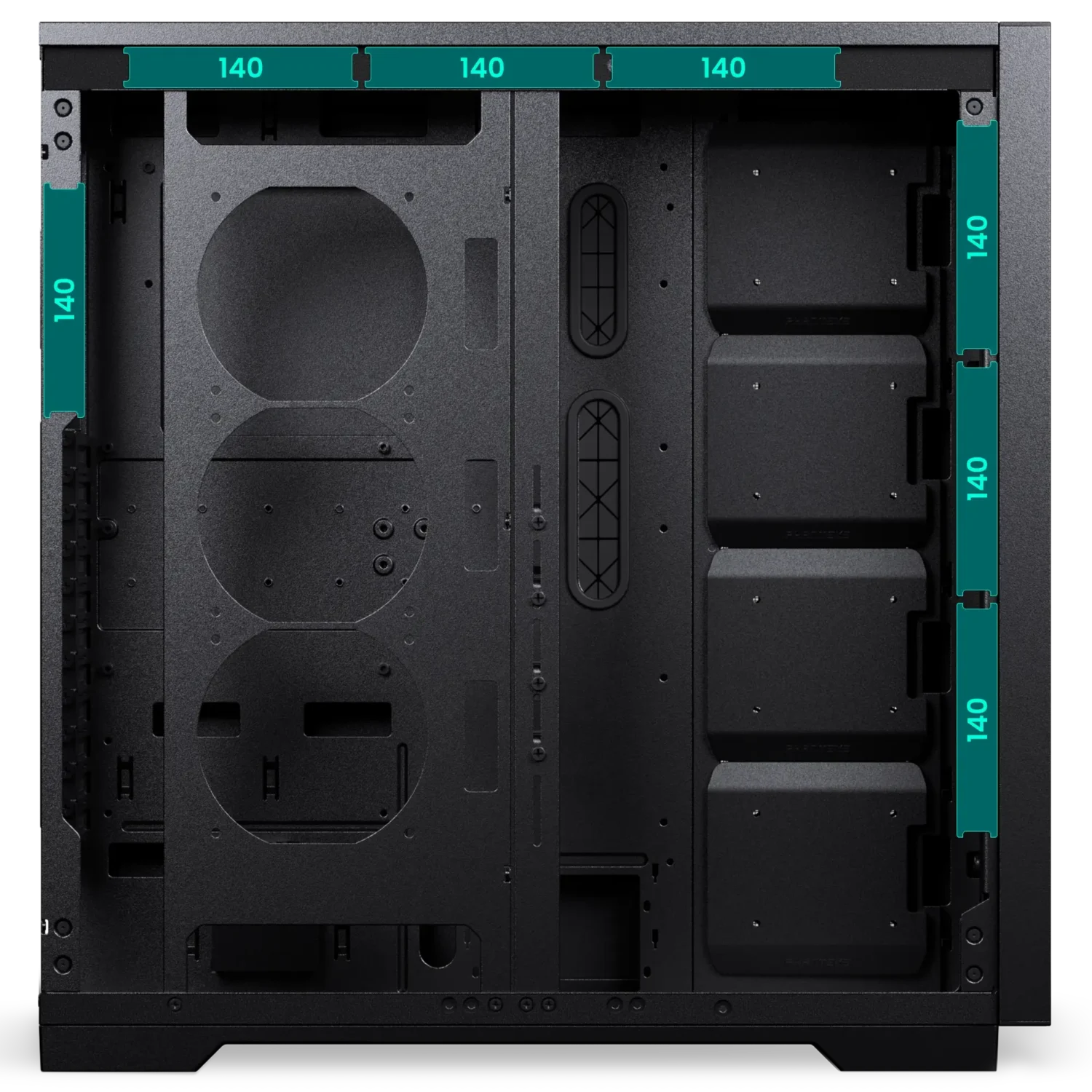
Fans 120 | 140
Total Fans
15 | 6
Top
3 | 3
Front
4 | 3
Side
4 | –
Optional Fan Bracket
3 | –
Rear
1 | –
Bottom
– | –
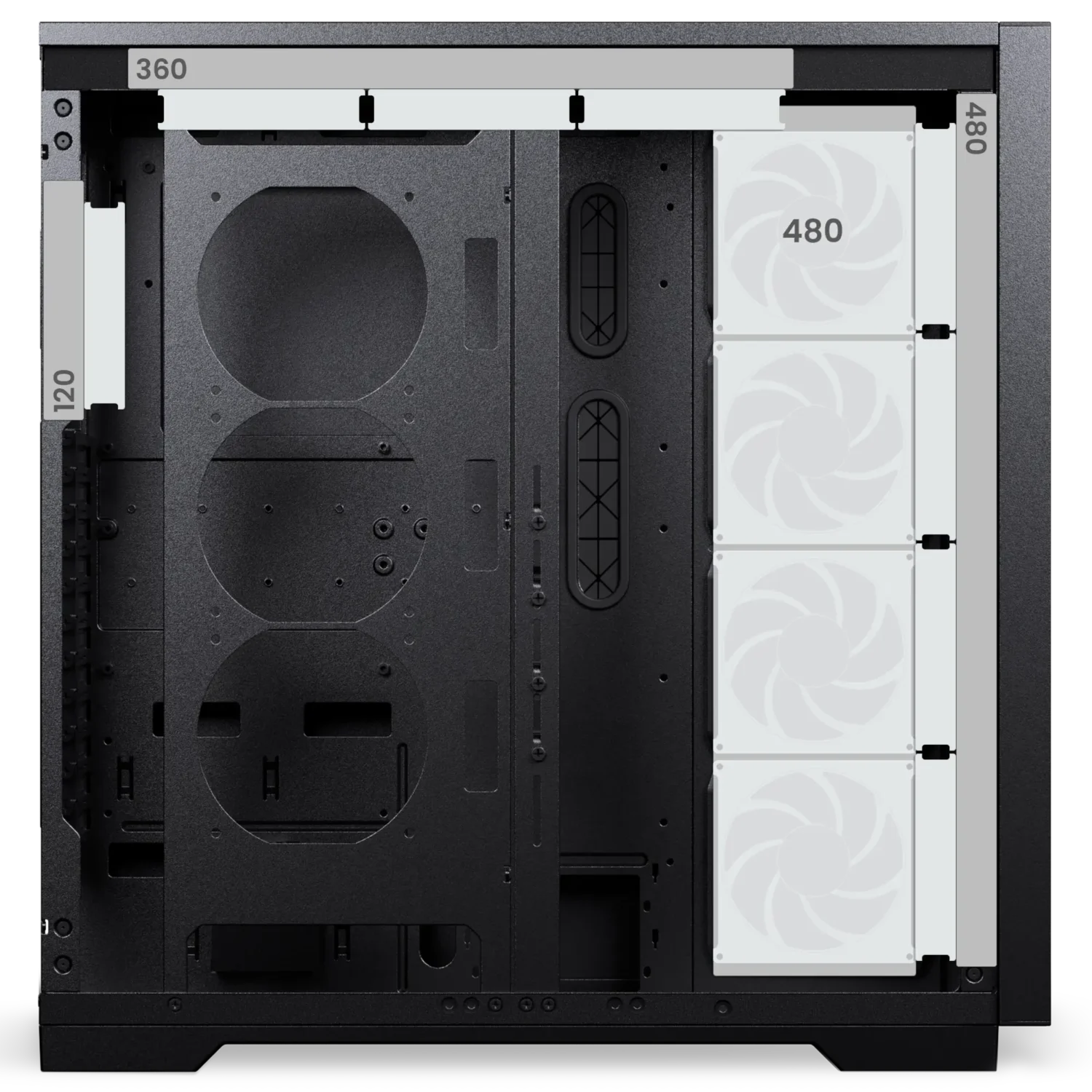
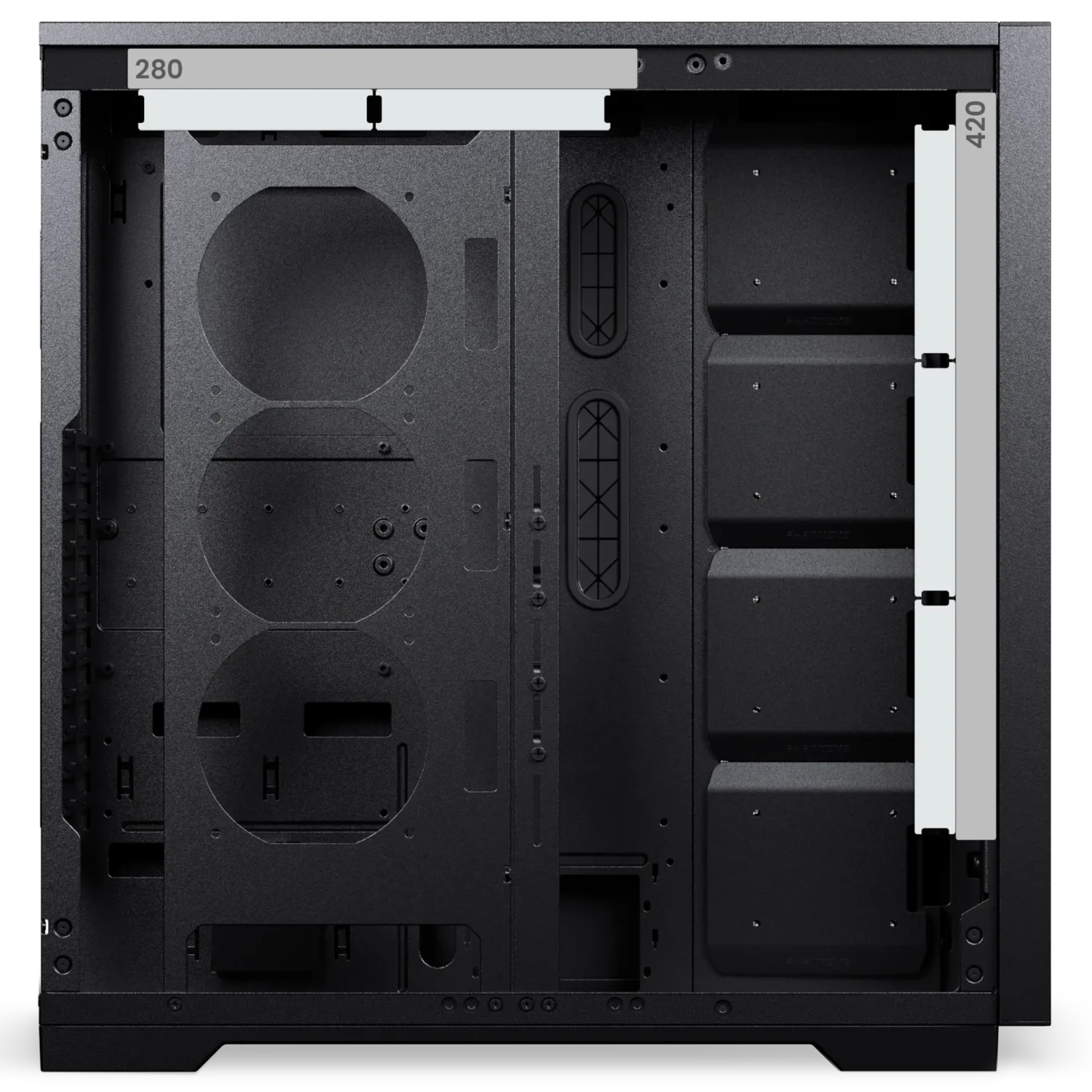
Radiator 120 | 140
Top
Max. 360 | –
Front
Max. 480 | Max. 420
Rear
Max. 120 | –
Side
Max. 480 | –
Clearance
CPU Cooler
Height
195 mm | 7.67 in
GPU
Length
503 mm | 19.80 in
Top Radiator
Length x Width x Height
475 x 120 x 55 mm | 18.70 x 4.72 x 2.16 in
Side Radiator
Length x Width x Height
525 x 134 x 35 mm | 20.66 x 5.27 x 1.37 in On the right side of chassis
Extra
Scope of Delivery
1x Enthoo Pro 2 Server V2 chassis
3x SSD bracket Pre-installed
4x SSD cover Pre-installed
Accessory Box
4x Stackable HDD bracket
4x GPU support bracket
1x Left side fan bracket
1x Server PSU bracket
6x Zip ties
1x Stand-off removal tool
Screws
38x Mainboard | SSD screws
7x Power supply screws
7x Fan screws
10x Thumb screws
16x HDD screws
1x Mainboard stand-off
Support
FAQ
Most products have their product manual in the accessory box or directly printed on the packaging if the installation only contains a few steps. For the latest version, we always recommend checking the online manual, which can be found under the support section of the product page.
Because there are many different GPU sizes, it is always recommended to check the GPU clearance beforehand. If the length of the GPU fits within the clearance numbers, the GPU should fit neatly. This information can be found within the ‘Specifications’ section on the product page.
The Phanteks website provides product information, specifications, features, compatibility information, manuals, downloads, and other resources for Phanteks products.
The Phanteks website is designed to provide product information and support. Products are available through authorized retailers and distributors. If you live within the USA, please visit our official online store: phanteks.store
Visit the product page for the product you are interested in. Product pages contain available specifications, features, compatibility information, downloads, and other relevant product details.
Compatibility information is provided on the corresponding product page where available. If you cannot find the information you need, contact our support team.
Product dimensions and other physical specifications can be found on the individual product page under the ‘Specifications’ section.
Information for discontinued products, also called ‘End of Life’ EoL for short, may remain available on the Phanteks website for reference. Availability of documentation and support may vary by product.
Product manuals can be found on the individual product page under the ‘Support’ section.
If you cannot find the information you are looking for, please contact our support team with your product name or model number.
Product availability varies by region and retailer. If a product is not currently available, check other authorized retailers or contact the appropriate regional Phanteks support team.
Use the Where to Buy section on the Phanteks website to find available retailers and distributors in your region.