NexLinq Hub
Hassle-Free Fan & Lighting Control
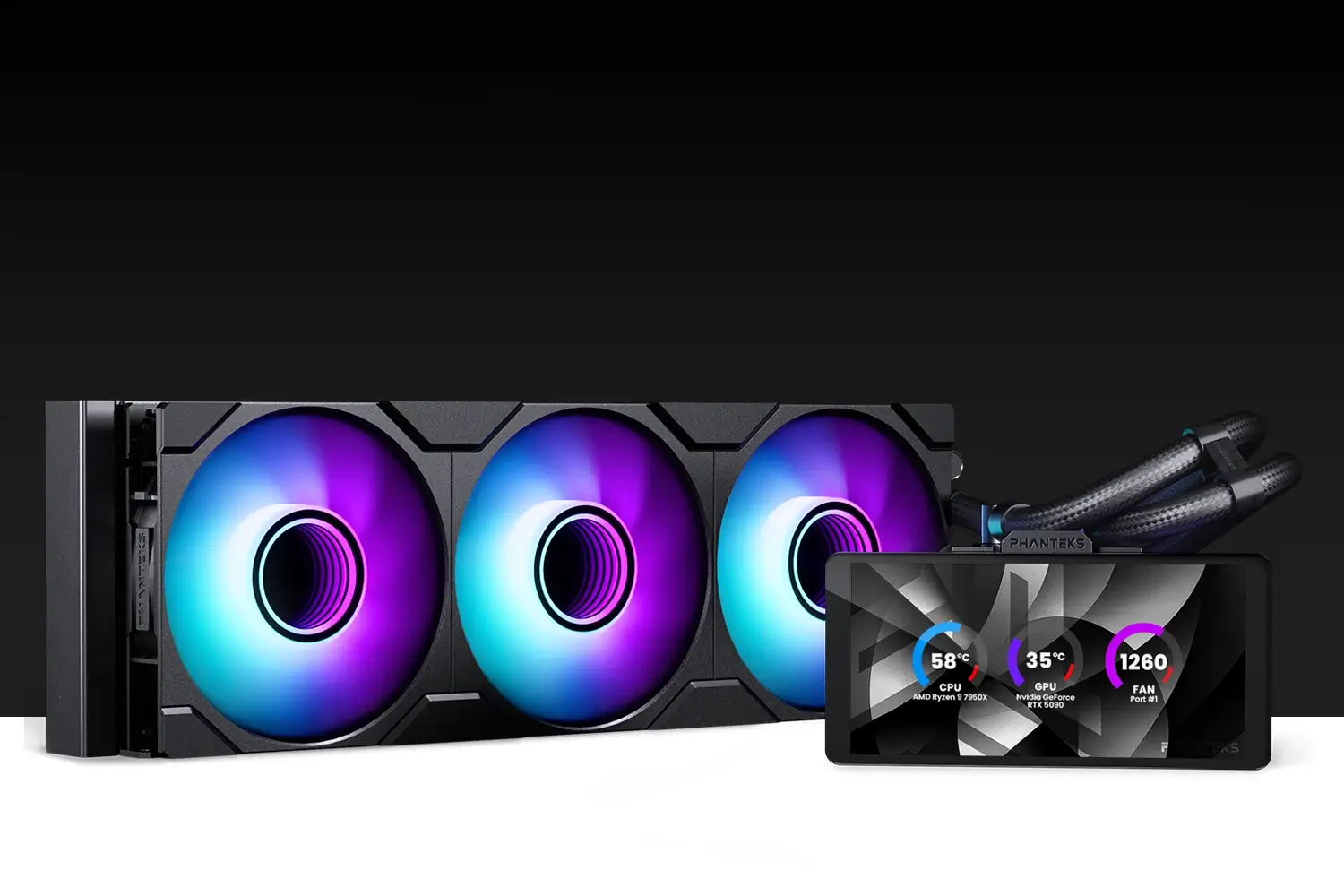
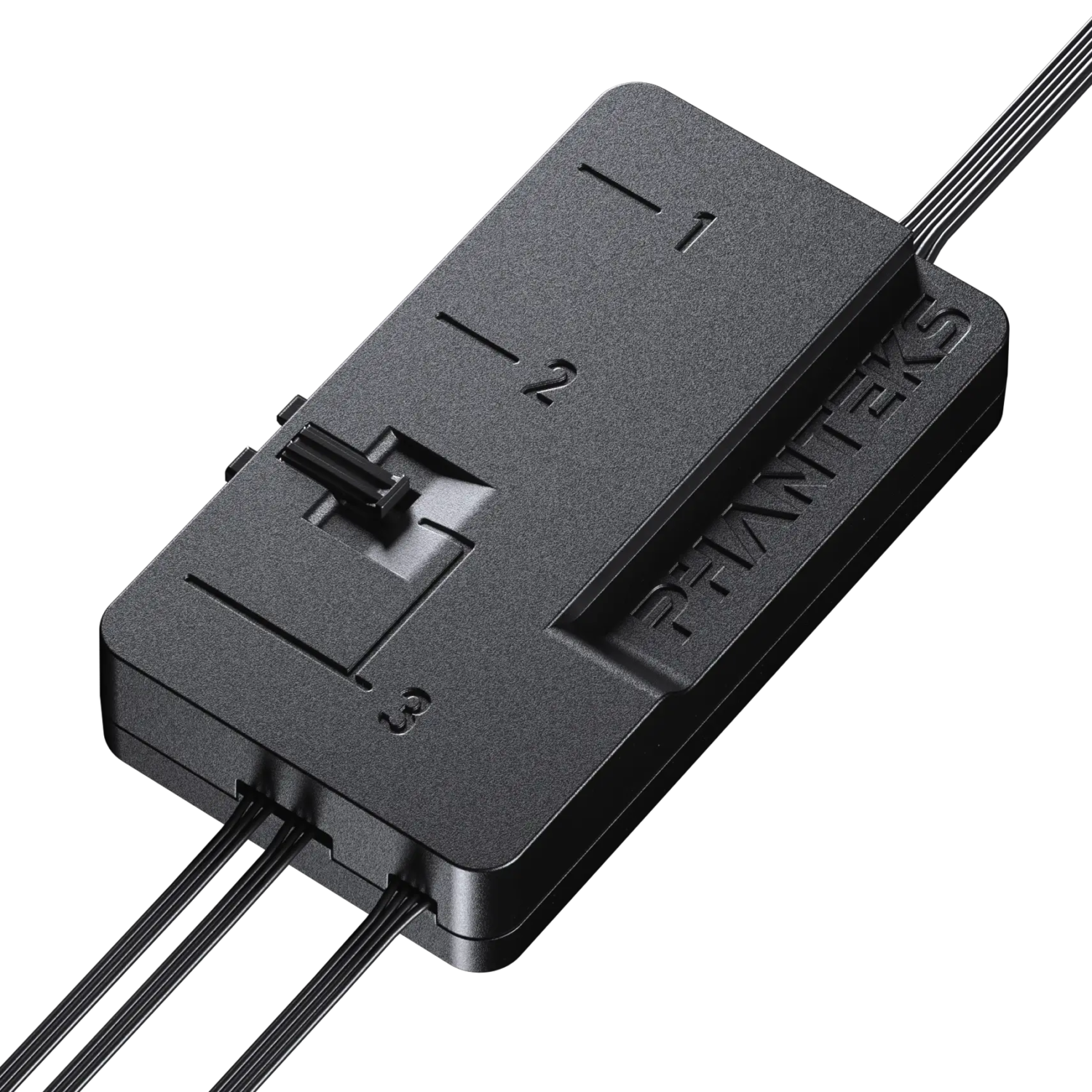
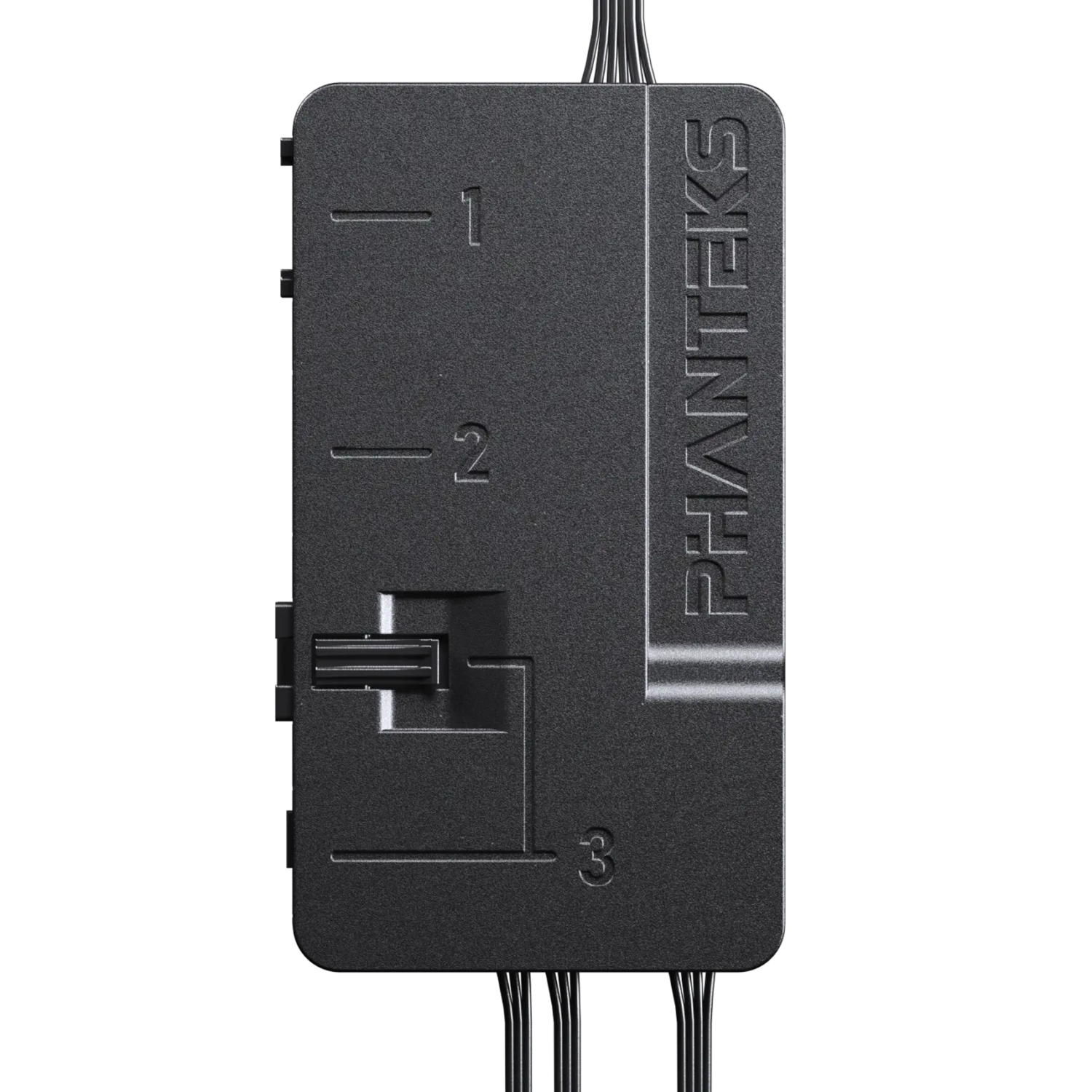
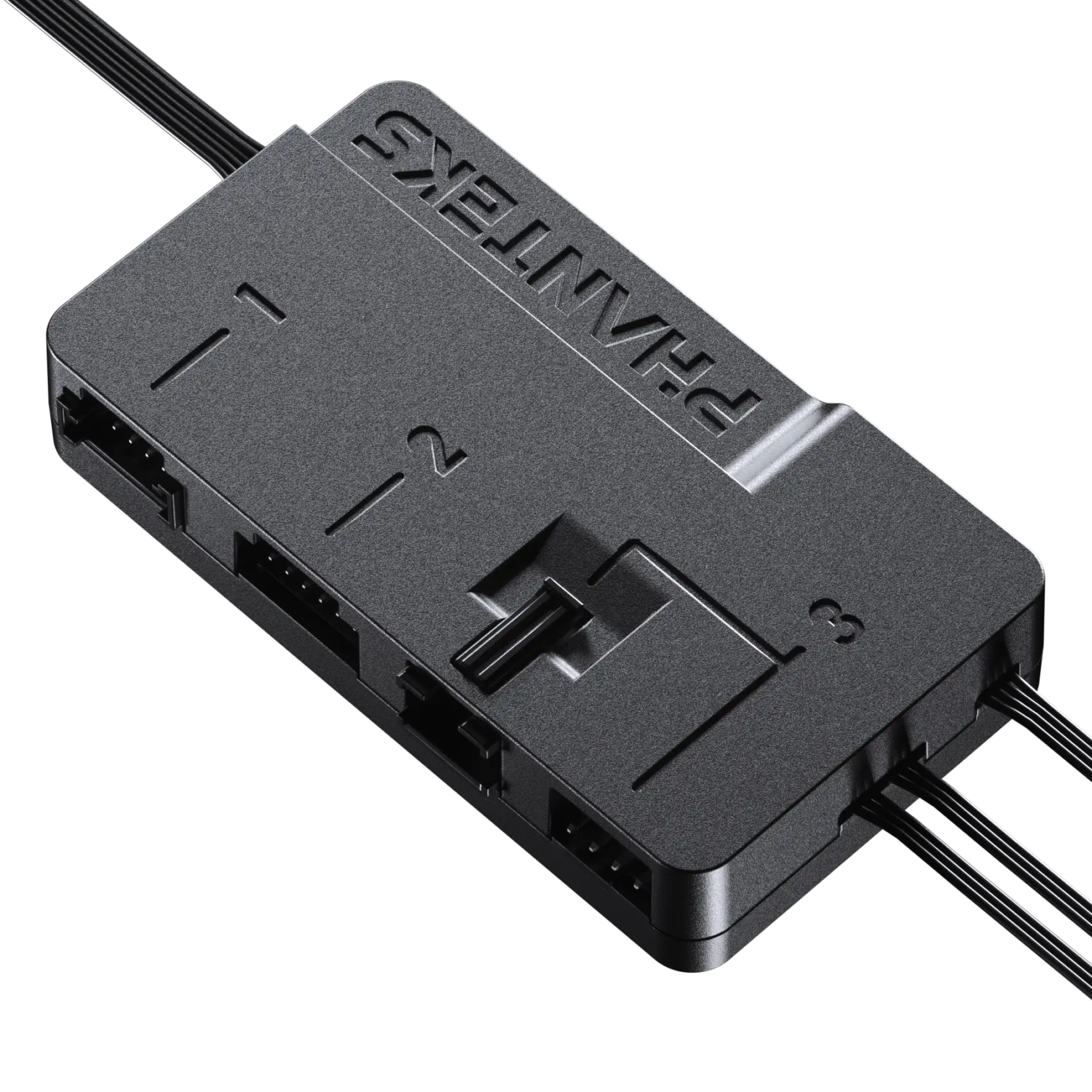
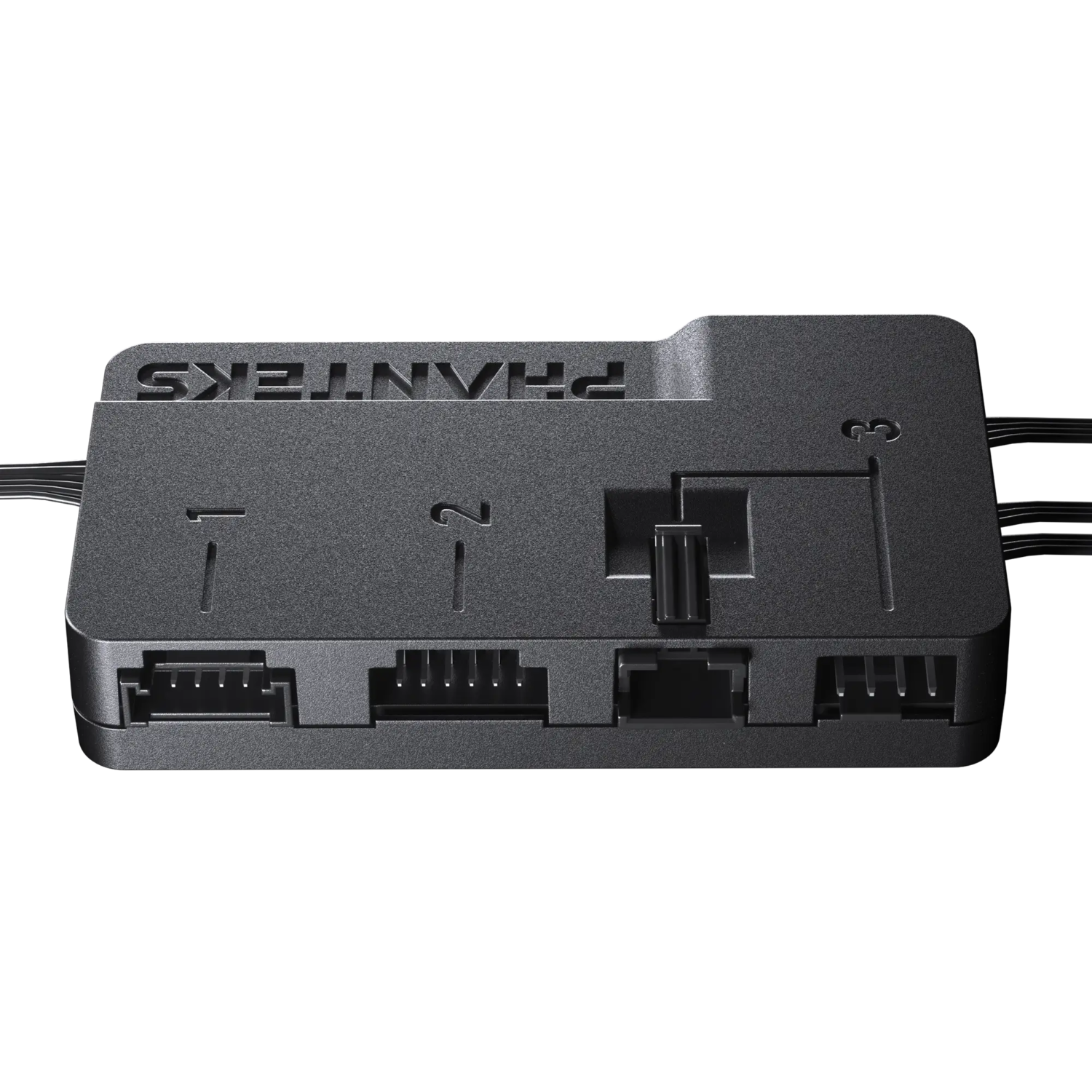
With the Phanteks Nexlinq Hub and Windows App, fan and lighting control becomes a breeze. Designed to be highly compatible with multiple input and control options, such as the Phanteks Nexlinq Windows App, Mainboard, or Windows Dynamic Lighting, users can decide how they want to control their fans and lighting in their system. Equipped with several output ports, the Nexlinq Hub can connect a broad range of fans and lighting accessories, allowing for precise RPM and lighting adjustments across the system.
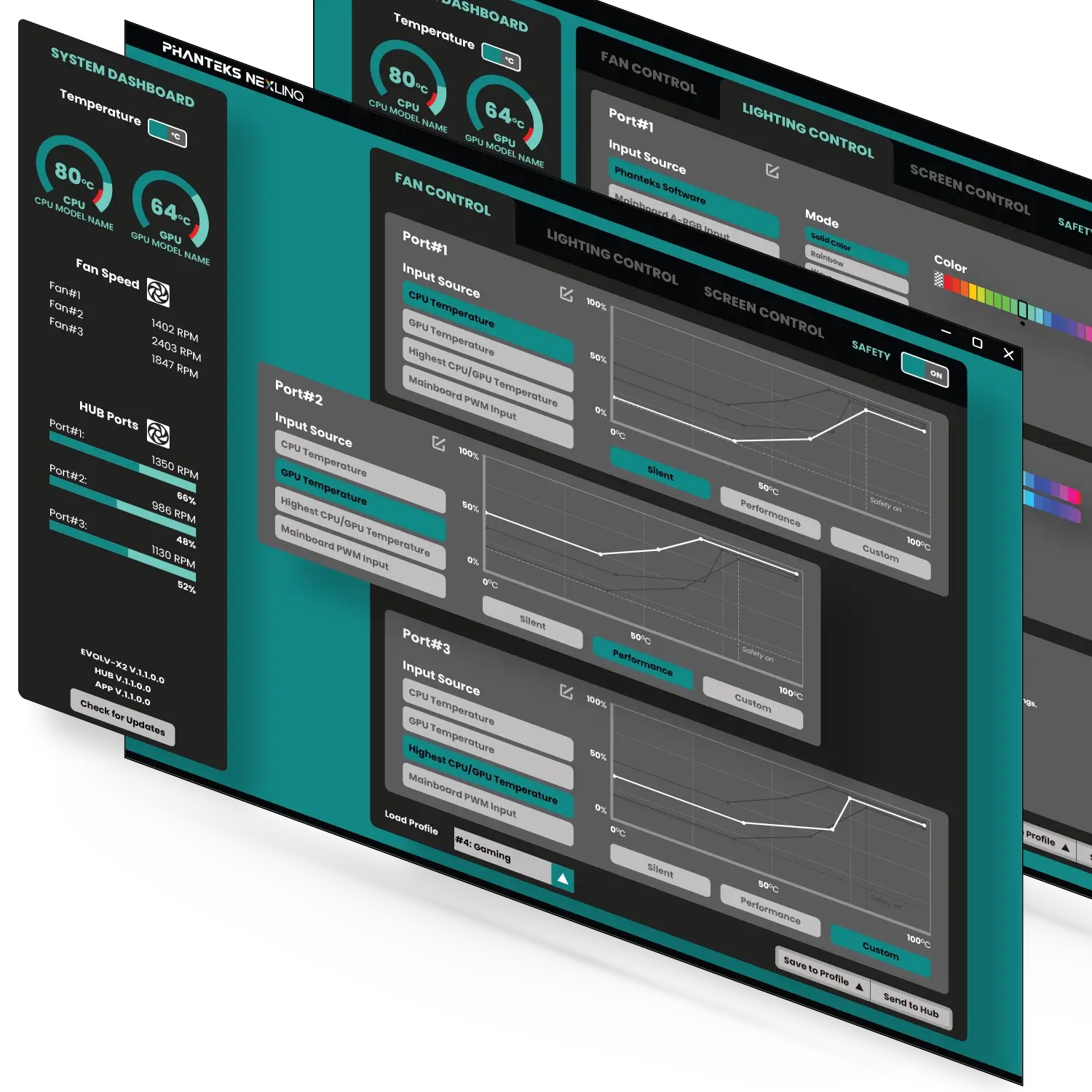
The Phanteks Nexlinq Windows App is a very lightweight application, taking very few resources, yet it presents a comprehensive overview of core system stats and powerful fan control settings. Users can automate fan RPMs through either automatic or manual PWM curves, based on CPU or GPU temperatures or whichever is higher. The lighting effects have been carefully curated to offer a wide range of tastefully executed options to personalize your build.

Specifications
General
Model No.
PH-NLHUB_02
UPC Code
886523003977
Dimensions
79 x 45 x 15.1 mm | 3.11 x 1.77 x 0.59 in
Materials
PC+ ABS_AC3100 plastic
Color
Black
Power Input Connector
2x SATA
Input Power Rating
12VDC | 9A
5VDC | 9A
Input Rated Power
100W
Input Sources
Linq6 mainboard input
USB NexLinq app
USB Windows Dynamic Lighting
Output Connector
Port 1 & 2 | Linq6 connectors
Port 3 | 4-Pin PWM & D-RGB 3-Pin JST
Output Rated
12VDC | 1.5A Per port
5VDC | 3A Per port
Output Rated Power
100W total
Extra
Scope of Delivery
1x NexLinq Hub
Accessory Box
1x USB 2.0 cable 600 mm
1x Linq6 mainboard adapter 500 mm
1x Linq6 output adapter 500 mm
1x Velcro strip 70 x 30 mm
Support
FAQ
With the V1.5.1.1 release, the Phanteks NexLinq App expands Preset support to both 6″ and 7″ LCD displays, bringing the signature NexLinq aesthetic across the entire display lineup. This update also refines WireView monitoring details and enhances overall system stability for a smoother experience.
Software
Firmware
The NexLinq App strives to provide a lightweight and stable solution to control your cooling, lighting, and screen devices. We will continue to improve it with more bug fixes and introduce new features to the Phanteks Nexlinq App for Windows.
With the V1.5.1.0 release, the Phanteks NexLinq App introduces Presets for quickly applying ready-to-use display layouts and expands functionality across multiple widgets. The update also adds support for the EX6 Max and EX6 Ultra LCD10-HD displays, including dedicated WireView II integration for the EX6 Ultra.
Software
Firmware
The NexLinq App strives to provide a lightweight and stable solution to control your cooling, lighting, and screen devices. We will continue to improve it with more bug fixes and introduce new features to the Phanteks Nexlinq App for Windows.
With the V1.5.0.0 release, the Phanteks NexLinq App further improves stability and reliability.
Software
Firmware
The NexLinq App strives to provide a lightweight and stable solution to control your cooling, lighting, and screen devices. We will continue to improve it with more bug fixes and introduce new features to the Phanteks Nexlinq App for Windows.
With the V1.4.0.1 release, the Phanteks NexLinq App further improves stability and reliability.
What’s New
What’s Fixed
The NexLinq App strives to provide a lightweight and stable solution to control your cooling, lighting, and screen devices. We will continue to improve it with more bug fixes and introduce new features to the Phanteks Nexlinq App for Windows.