


Neon
D-RGB LED Strips
Phanteks’ NEON Digital-RGB LEDs provides the smoothest lighting effect with many mounting positions to highlight your system. It’s easy to use and secure mounting set lets you choose which hardware to highlight with a diffuse ray of light from the NEON LED strip.
M1
Length: 1000 mm
M5
Length: 500 mm
CMBO
Length: 2x 400 mm
Colors



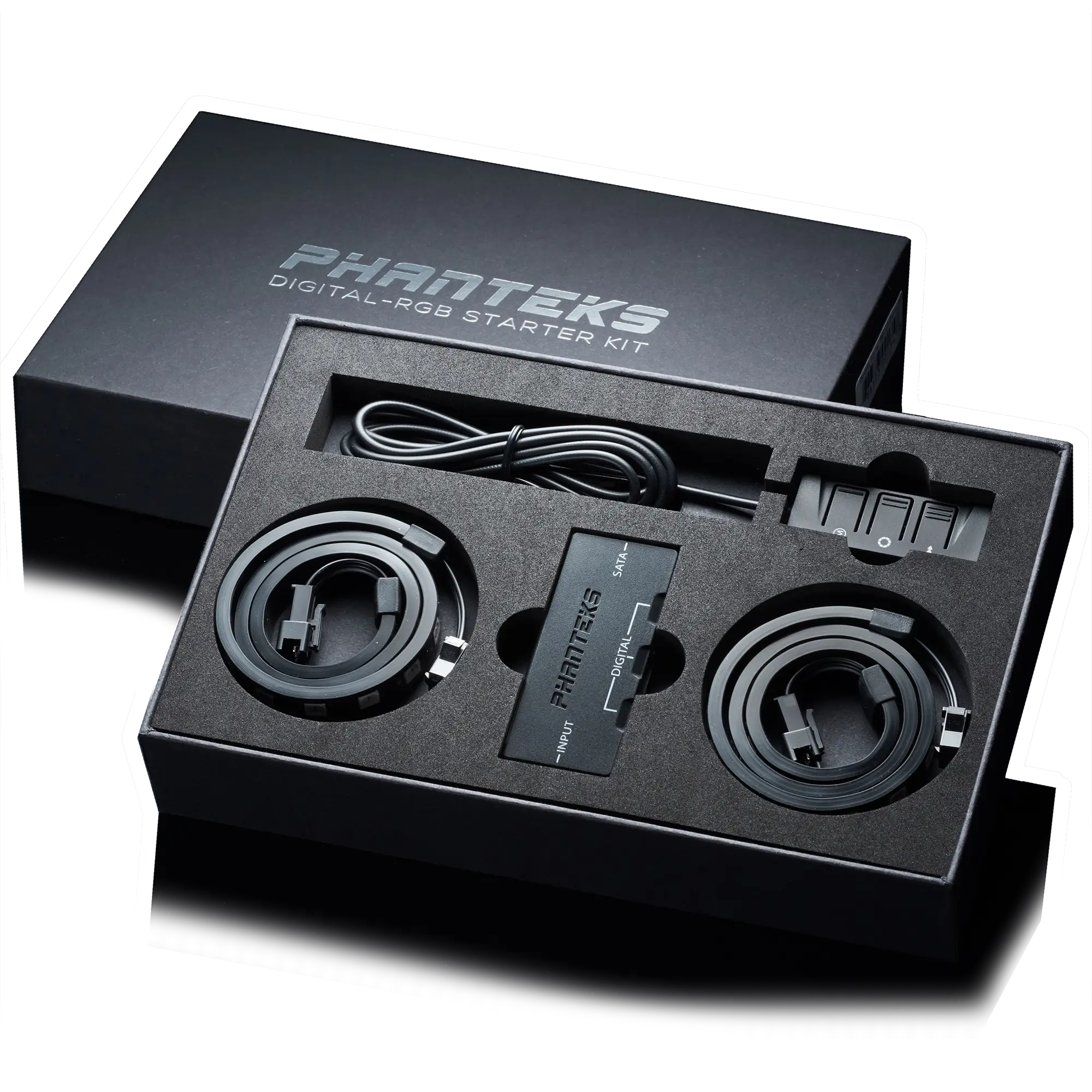
Starter Kit
Illuminate Your Hardware

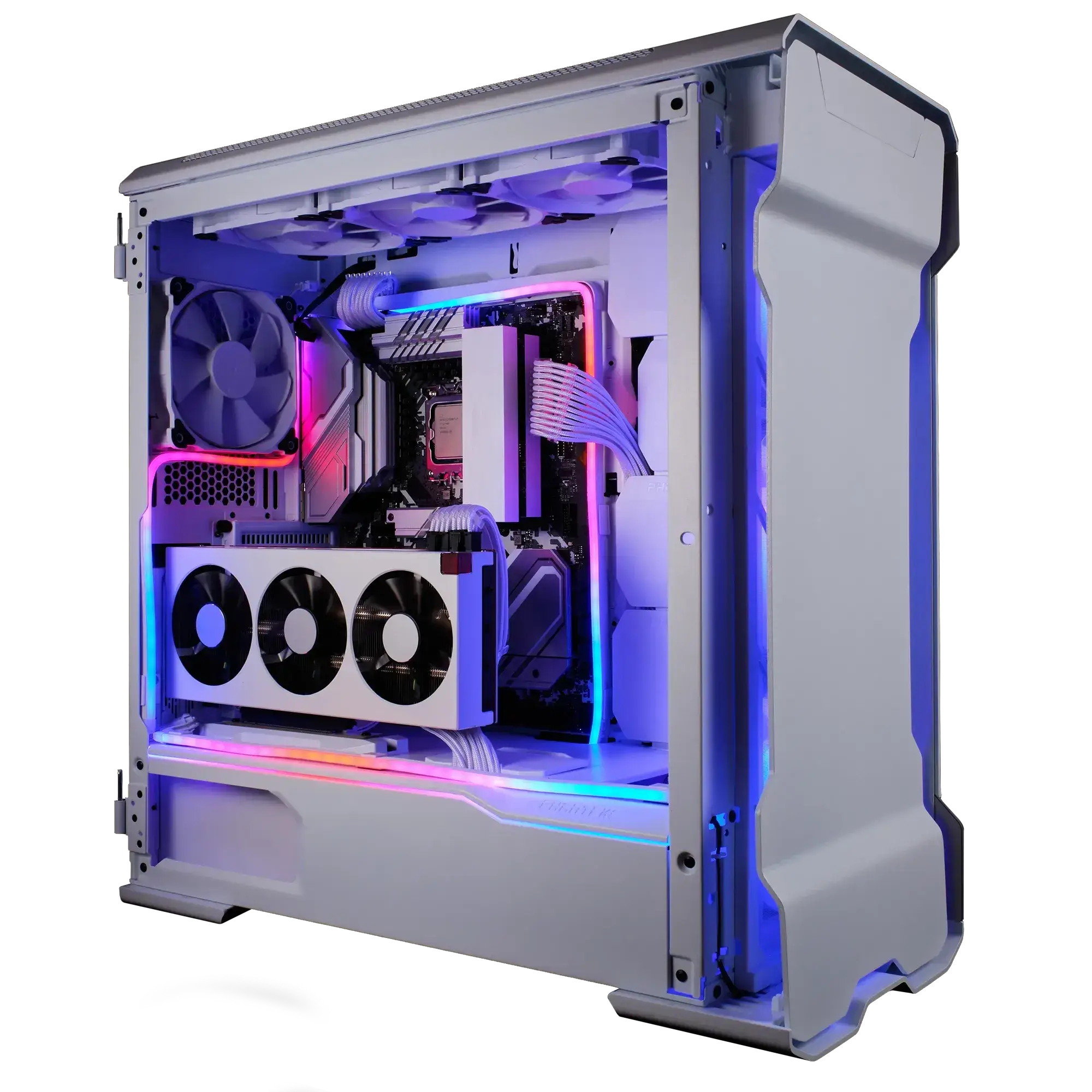
Easy Installation
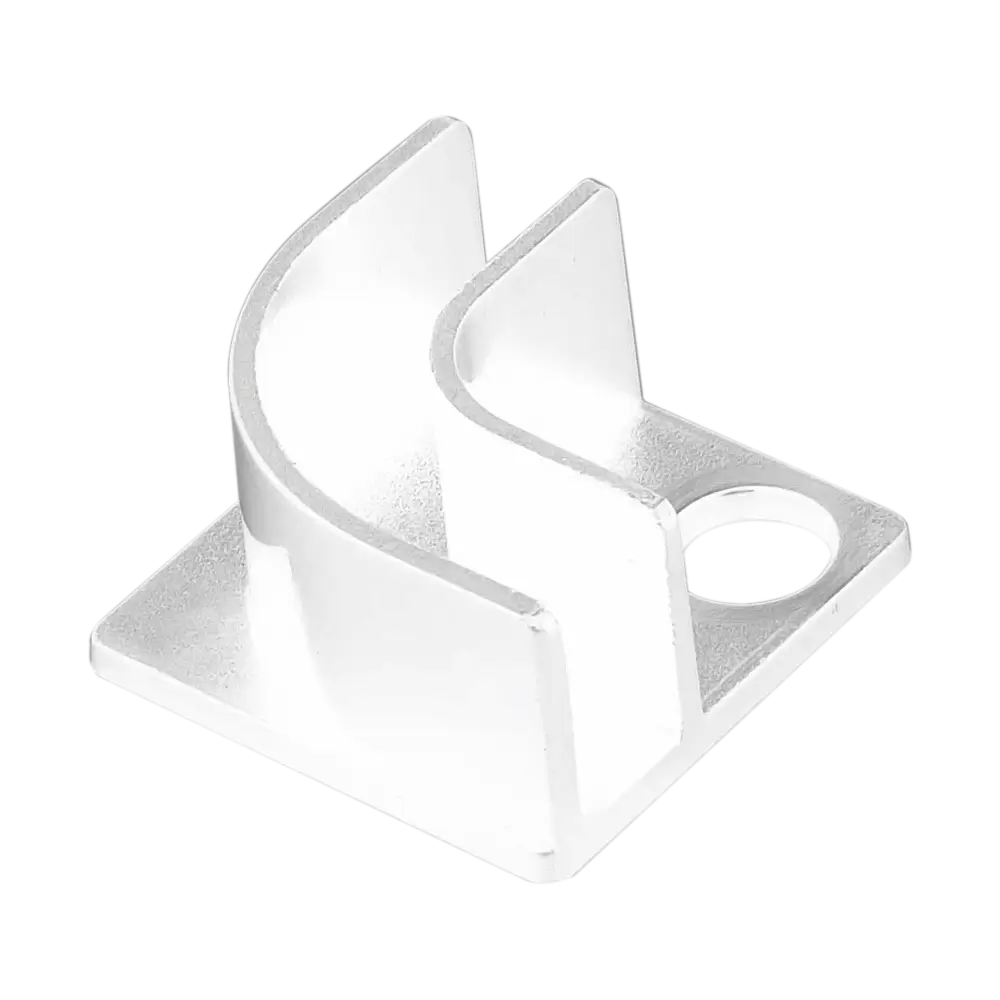
900 Mount
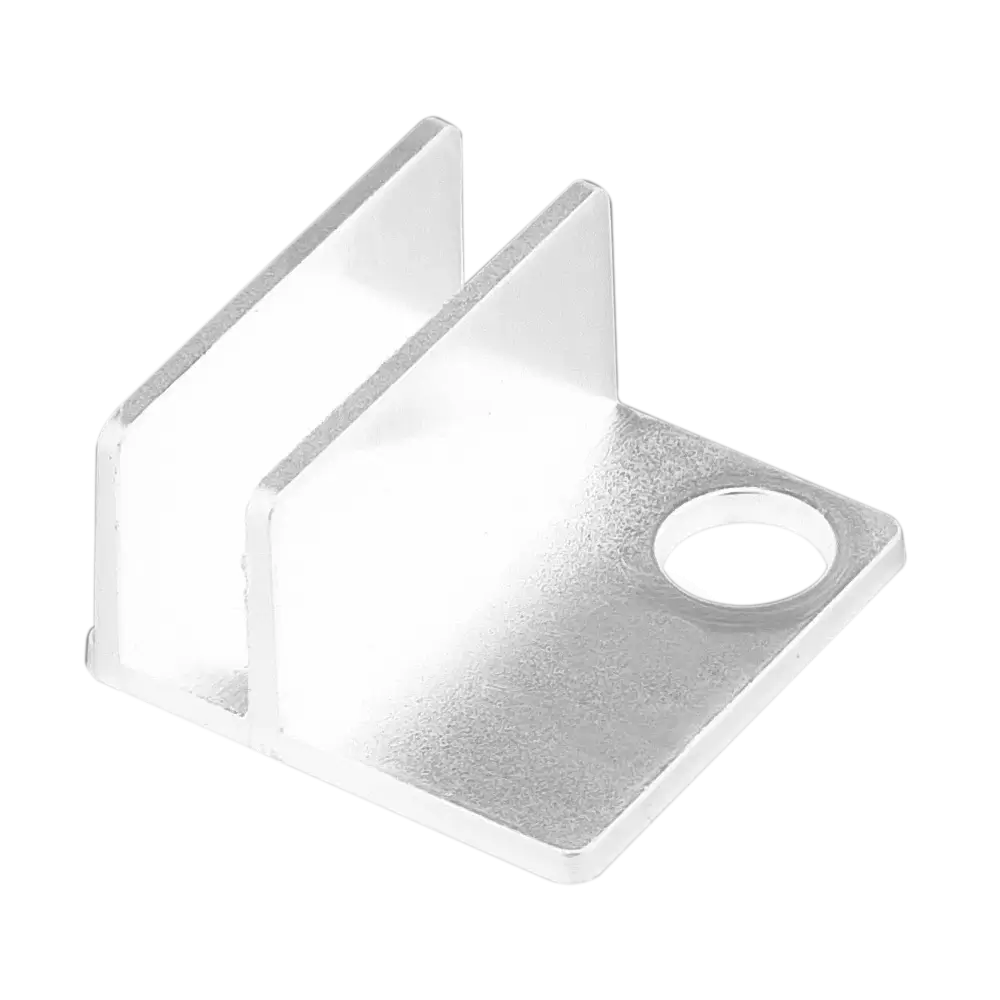
1800 Mount
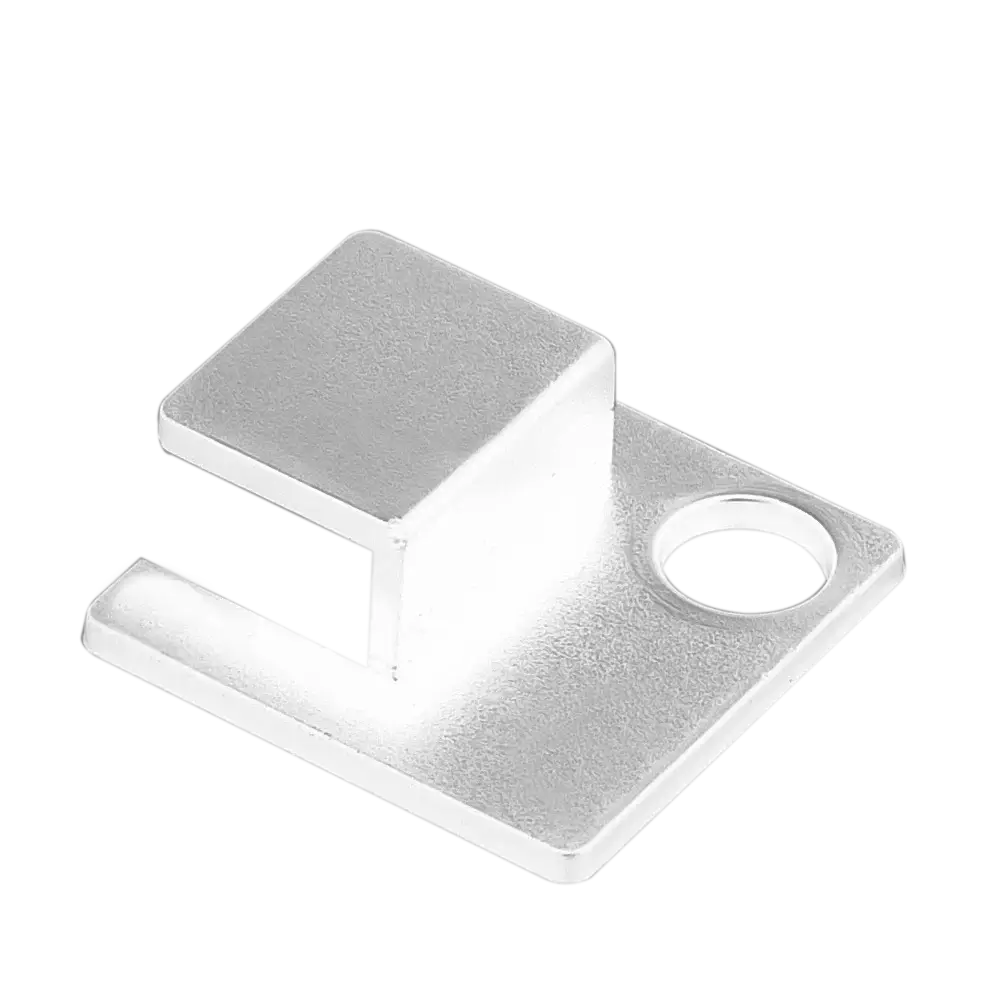
Flat Mount
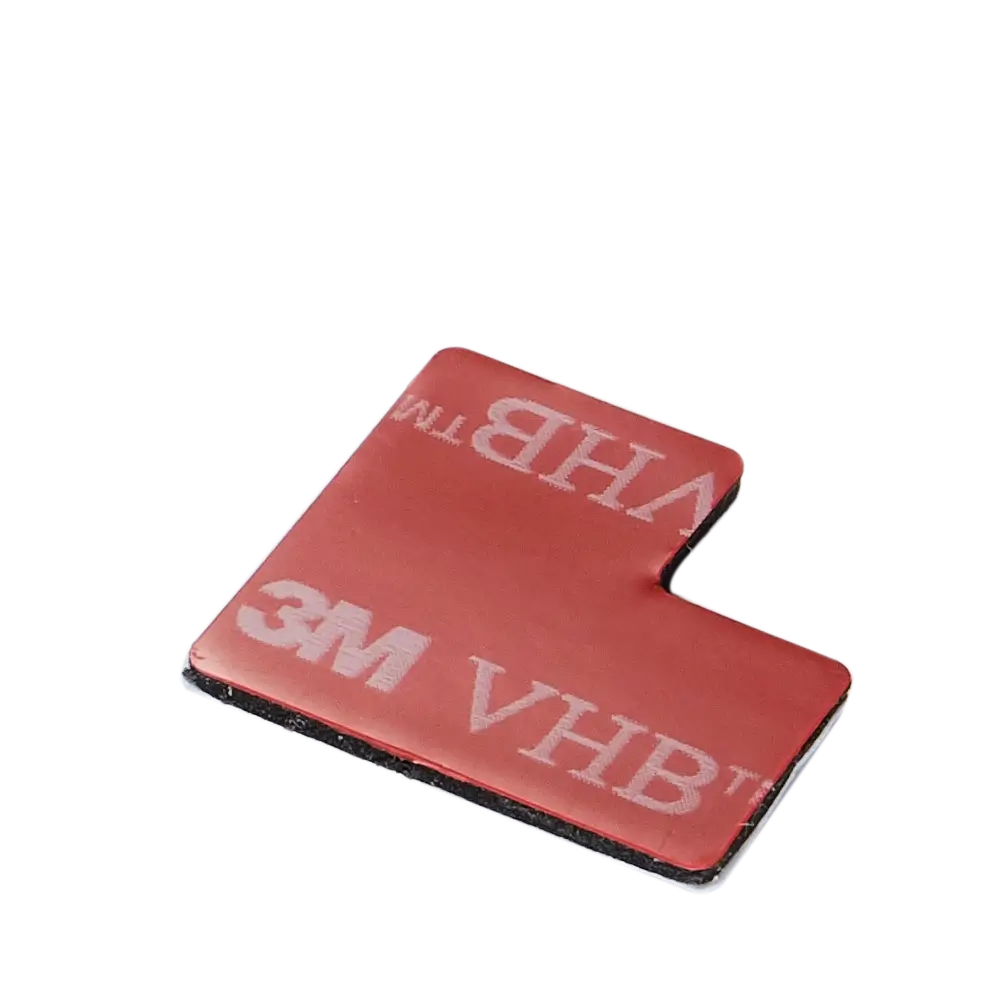
Strong M3 Adhesive
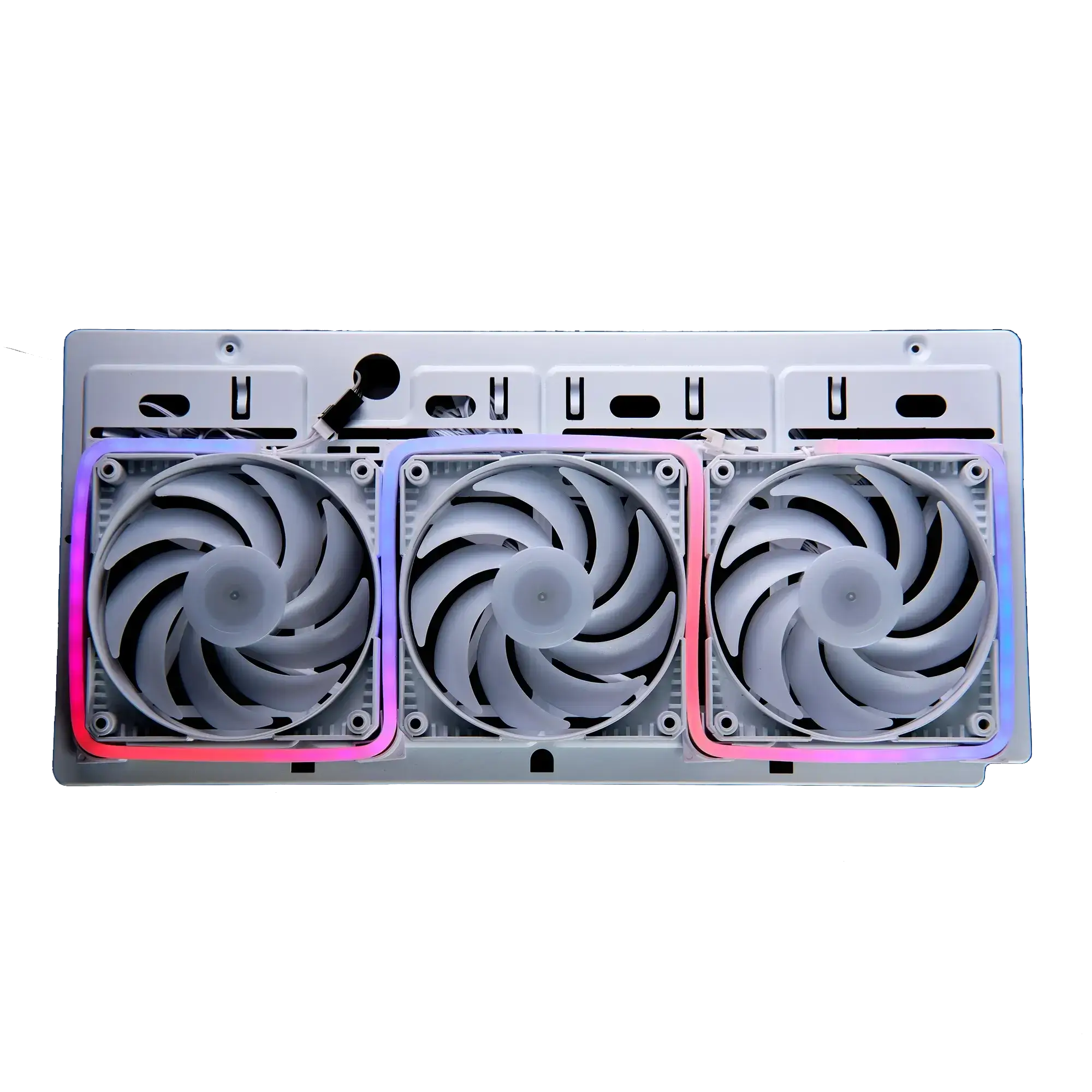
Smooth D-RGB Lighting
Specifications
M1
M5
Model No.
PH-NELEDKT_M1_WT
UPC Code
886523002703
Colors
White
D-RGB Color Range
Full RGB color spectrum
Connections
Input: Phanteks 3-pin (female) connector
Output: Phanteks 3-pin (male) connector
Input Voltage
+5V
Current
Single Strip
Max. 2.1A
Wattage
Single Strip
Max. 10.5W
LED Number
70
MTBF
20.000 hrs
Product Dimensions
1000 x 13 x 5.5 mm | 39.4 x 0.5 x 0.2 in
Scope of Delivery
1x 1000 mm | 39.4 in NEON Digital-RGB LED strip
1x 600 mm | 23.6 in Mainboard Digital-RGB adapter | extension
4x 90o mount
4x 180o mount
4x 180o flat mount
12x 3M adhesive
Warranty
2 Years
Model No.
PH-NELEDKT_M5_WT
UPC Code
886523002697
Colors
White
D-RGB Color Range
Full RGB color spectrum
Connections
Input: Phanteks 3-pin (female) connector
Output: Phanteks 3-pin (male) connector
Input Voltage
+5V
Current
Single Strip
Max. 1.14A
Wattage
Single Strip
Max. 5.7W
LED Number
38
MTBF
20.000 hrs
Product Dimensions
500 x 13 x 5.5 mm | 21.7 x 0.5 x 0.2 in
Scope of Delivery
1x 500 mm | 21.7 in NEON Digital-RGB LED strip
1x 600 mm | 23.6 in Mainboard Digital-RGB adapter | extension
4x 90o mount
4x 180o mount
4x 180o flat mount
12x 3M adhesive
Warranty
2 Years
Combo
Starter Kit
Model No.
PH-NELEDKT_CMBO_WT01
UPC Code
886523002680
Colors
White
D-RGB Color Range
Full RGB color spectrum
Connections
Input: Phanteks 3-pin (female) connector
Output: Phanteks 3-pin (male) connector
Input Voltage
+5V
Current
Single Strip
Max. 0.84A
Wattage
Single Strip
Max. 4.2W
LED Number
28 (Single strip)
MTBF
20.000 hrs
Product Dimensions
400 x 13 x 5.5 mm | 15.74 x 0.5 x 0.2 in
Scope of Delivery
2x 400 mm NEON D-RGB LED strip
1x 600 mm Mainboard D-RGB adapter
1x 600 mm Extension cable
4x 90o Mount
4x 180o Mount
4x 180o Flat mount
12x 3M Adhesive
Warranty
2 Years
Model No.
PH-DRGB_SKT
UPC Code
886523001348
Colors
Black
D-RGB Color Range
Full RGB color spectrum
Connections
Input: Phanteks 3-pin (female) connector
Output: Phanteks 3-pin (male) connector
Input Voltage
+5V
Current
Single Strip
Max. 0.84A
Wattage
Single Strip
Max. 4.2W
LED Number
30 (Single strip)
MTBF
20.000 hrs
Product Dimensions
400 x 13 x 5.5 mm | 15.74 x 0.5 x 0.2 in
Scope of Delivery
1 x Digital LED control hub with housing
1x Controller cable 1000 mm
1x SATA power cable 200 mm
3x Digital LED output cable 70 mm
1x Digital LED mainboard adaptor 60 0mm
1x 3M Velcro sticker for controller housing
2x 400 mm (15.7 in) Phanteks Digital RGB LED strip
1x 400 mm Extension cable
4x 150 mm (5.9 in) 3M strip stickers
1x User’s Manual
Warranty
2 Years
Support
Documentation
N/A
FAQ
Most products have their product manual in the accessory box or directly printed on the packaging if the installation only contains a few steps. For the latest version, we always recommend checking the online manual, which can be found under the support section of the product page.
Because there are many different GPU sizes, it is always recommended to check the GPU clearance beforehand. If the length of the GPU fits within the clearance numbers, the GPU should fit neatly. This information can be found within the ‘Specifications’ section on the product page.
The Phanteks website provides product information, specifications, features, compatibility information, manuals, downloads, and other resources for Phanteks products.
The Phanteks website is designed to provide product information and support. Products are available through authorized retailers and distributors. If you live within the USA, please visit our official online store: phanteks.store
Visit the product page for the product you are interested in. Product pages contain available specifications, features, compatibility information, downloads, and other relevant product details.
Compatibility information is provided on the corresponding product page where available. If you cannot find the information you need, contact our support team.
Product dimensions and other physical specifications can be found on the individual product page under the ‘Specifications’ section.
Information for discontinued products, also called ‘End of Life’ EoL for short, may remain available on the Phanteks website for reference. Availability of documentation and support may vary by product.
Product manuals can be found on the individual product page under the ‘Support’ section.
If you cannot find the information you are looking for, please contact our support team with your product name or model number.
Product availability varies by region and retailer. If a product is not currently available, check other authorized retailers or contact the appropriate regional Phanteks support team.
Use the Where to Buy section on the Phanteks website to find available retailers and distributors in your region.
