Glacier One 360M25 LCD
360 Cooling with 6″ Display
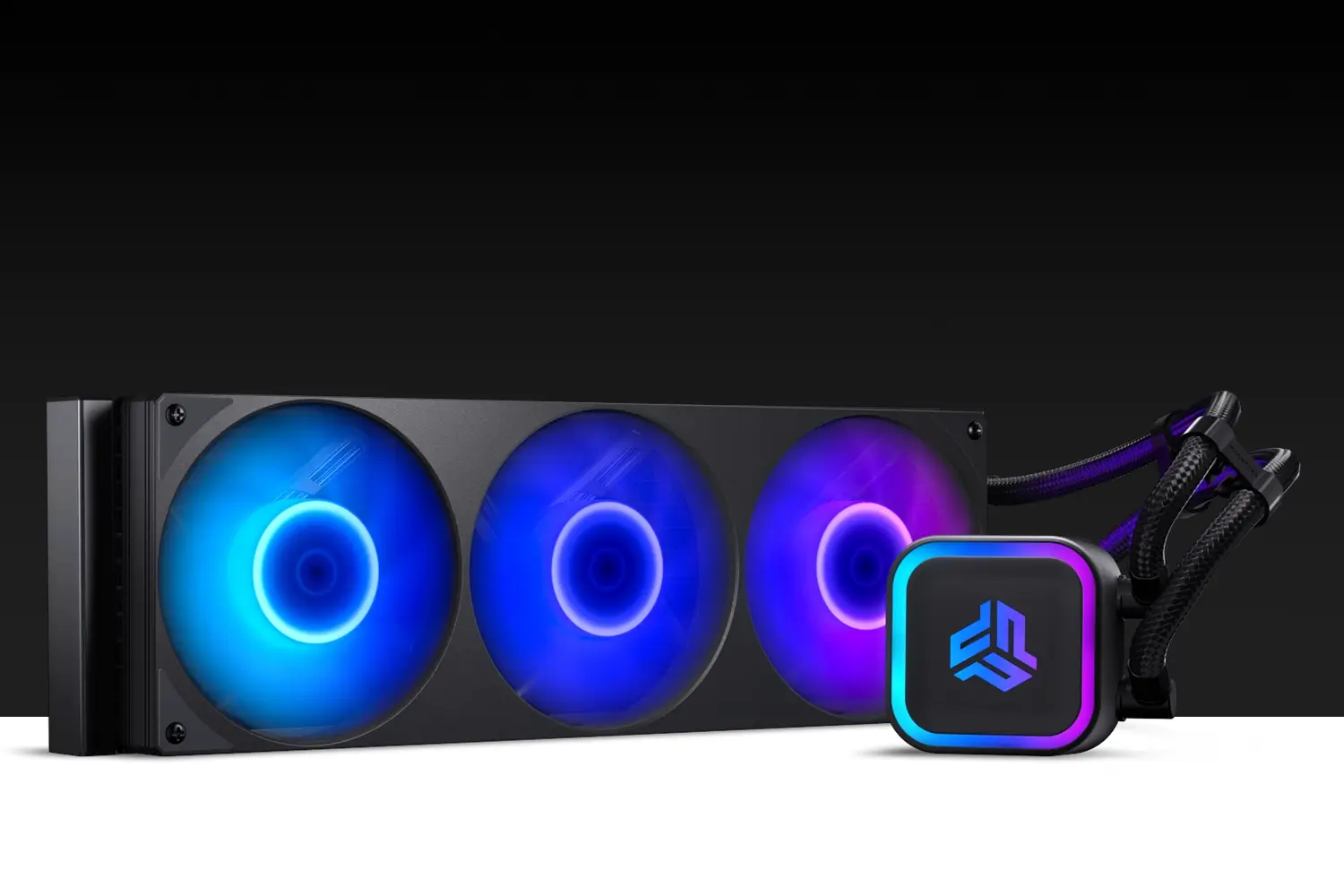
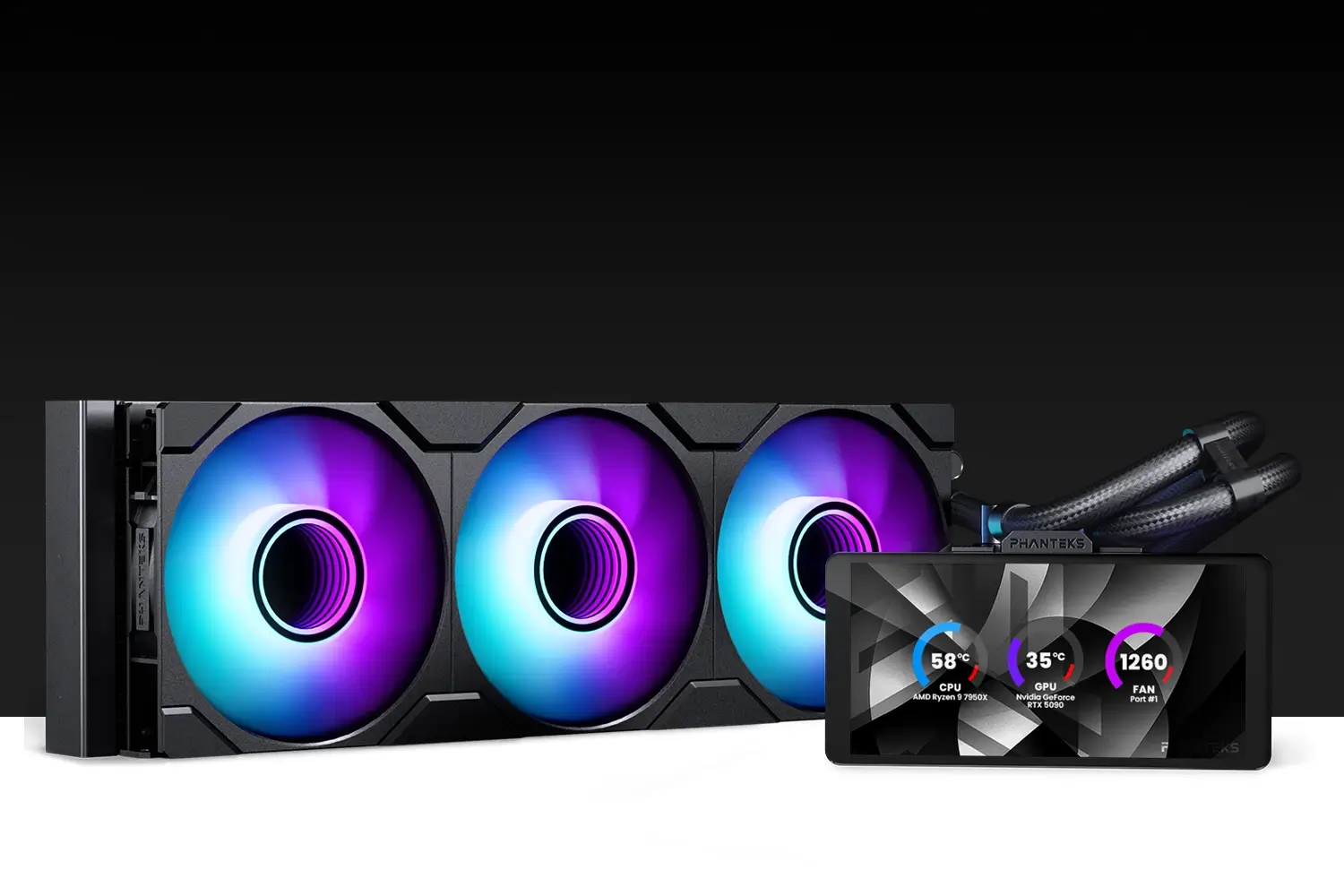
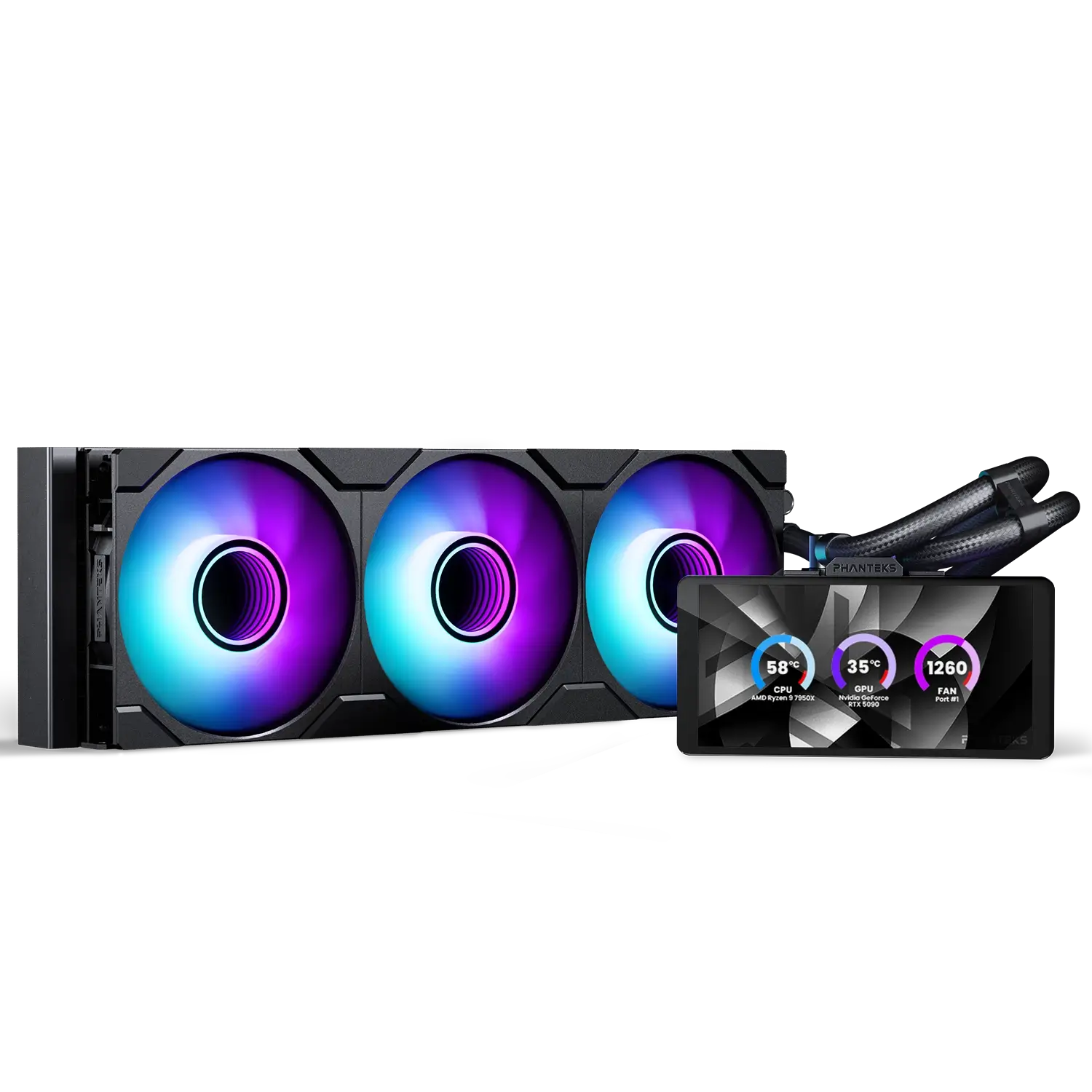
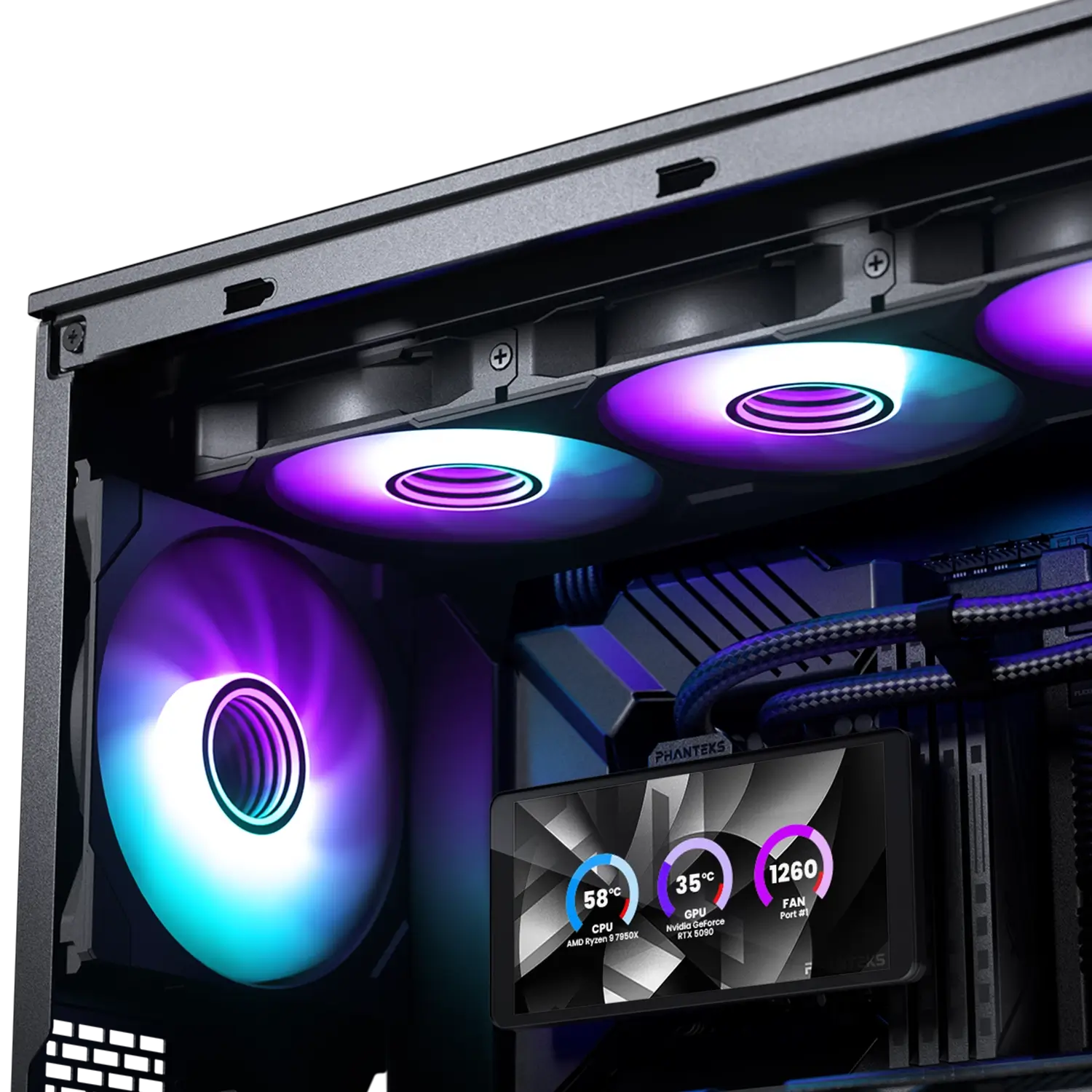
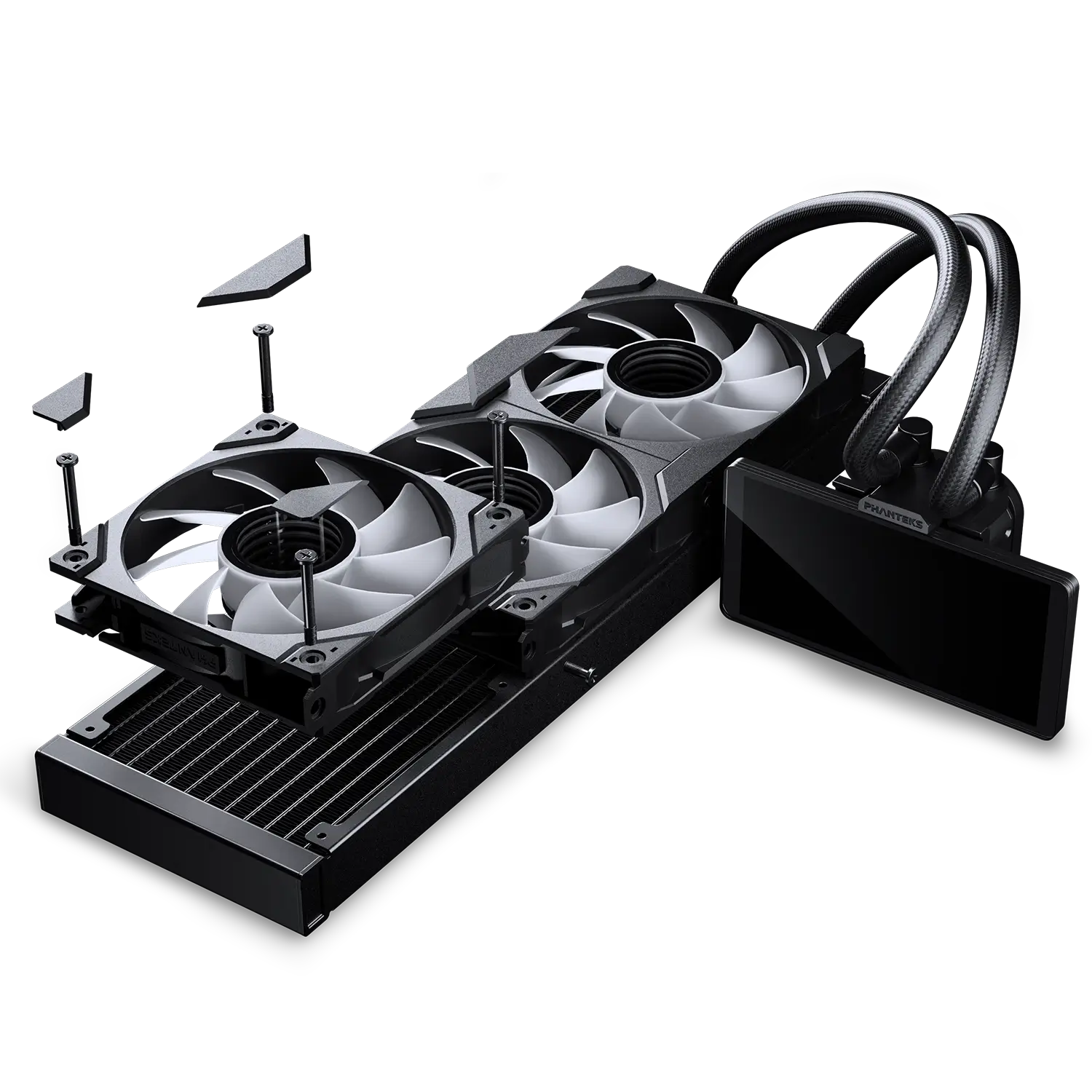
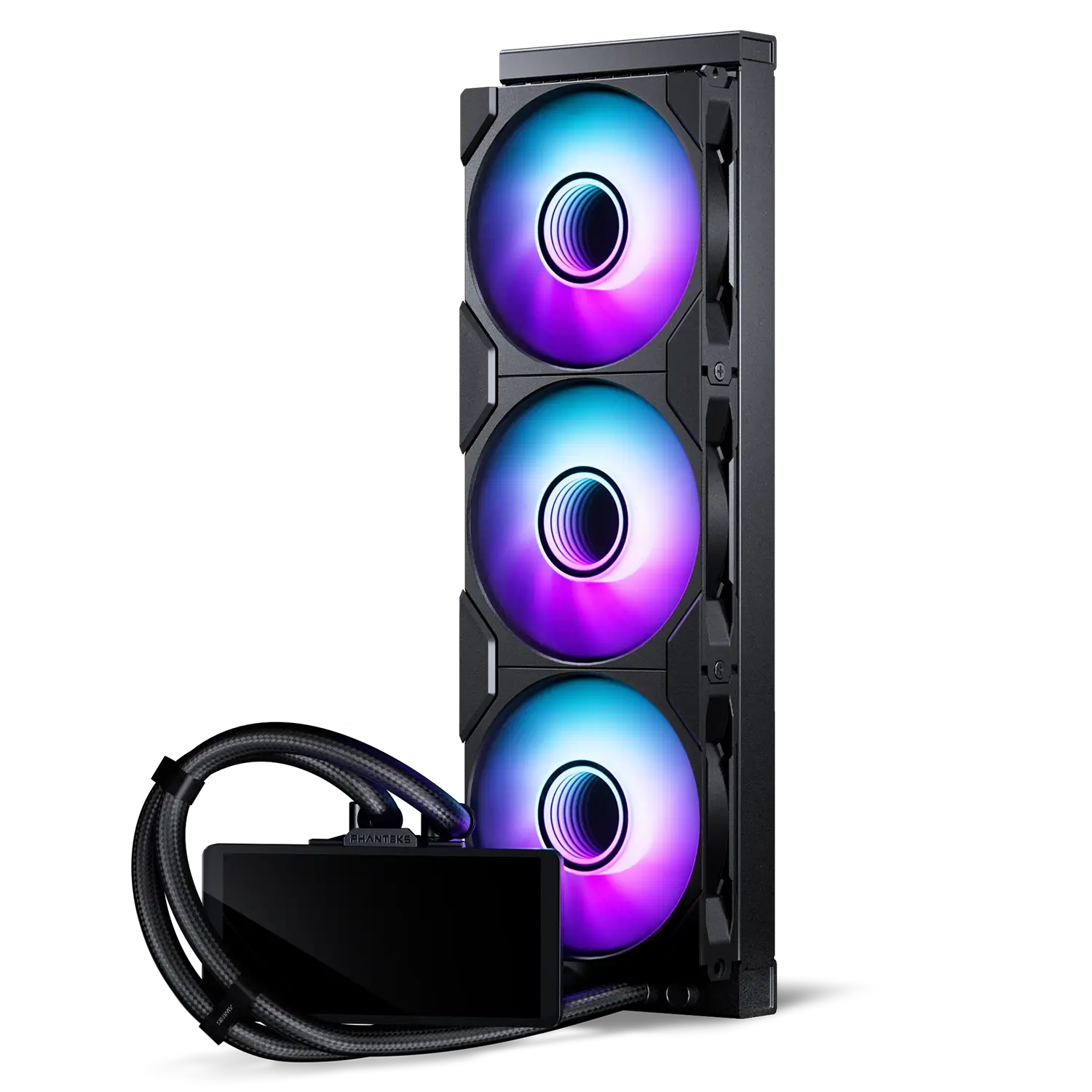
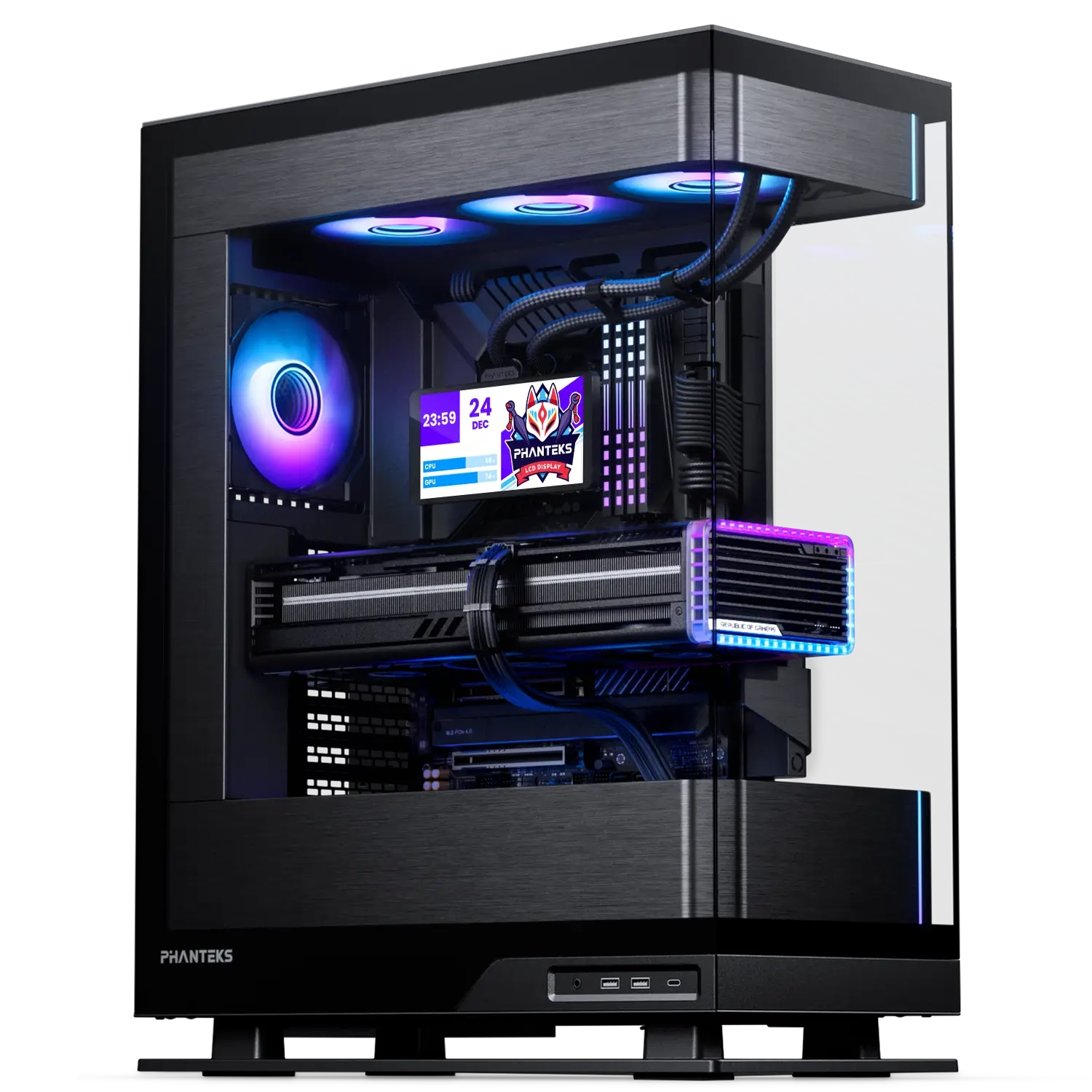
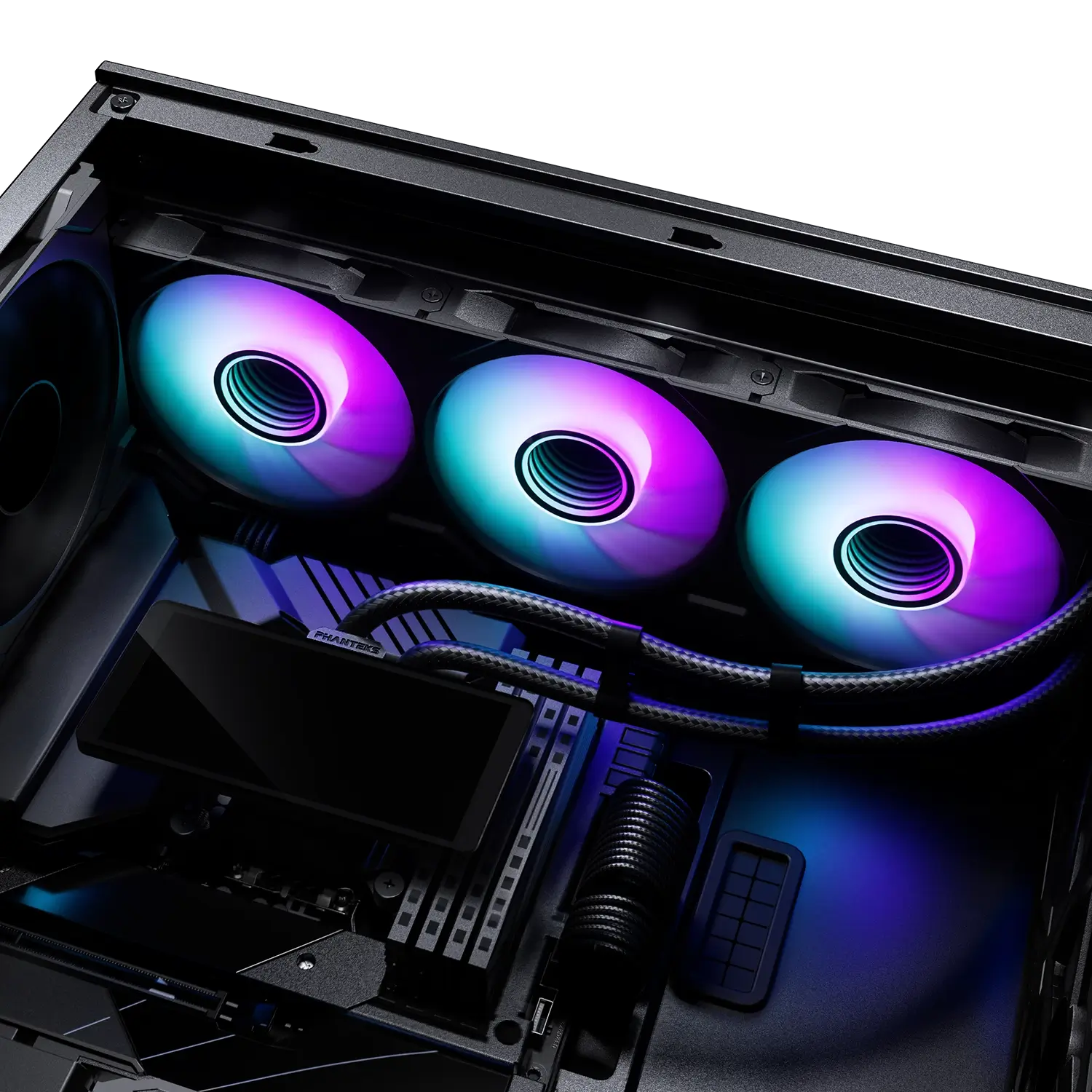
The Phanteks Glacier One 360M25-LCD brings customization to a whole new level with a crisp, super large LCD-IPS display. Built on top of a powerful and reliable liquid CPU cooler and three powerful M25 Gen2 fans, it keeps the most powerful CPUs cool and stays whisper quiet.
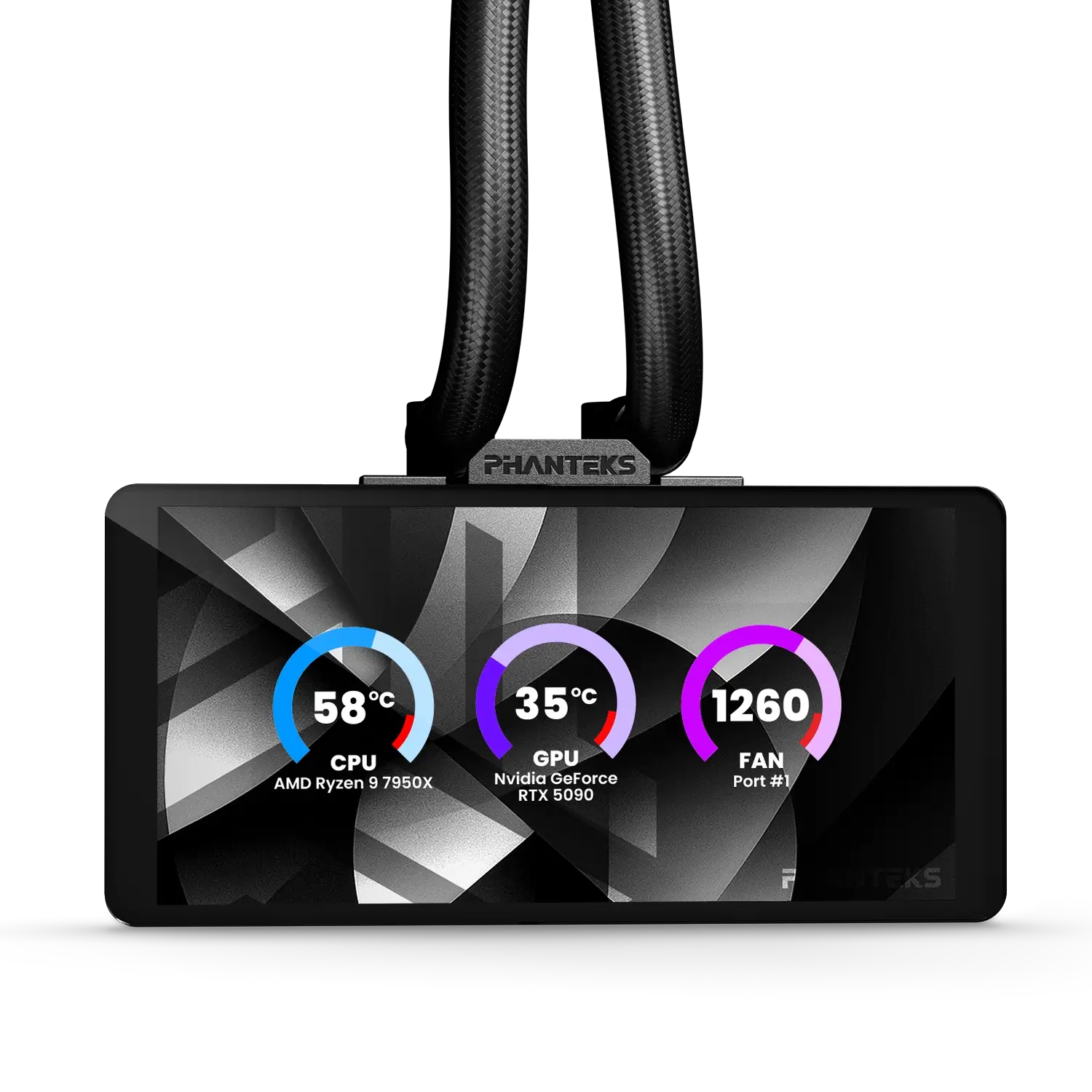
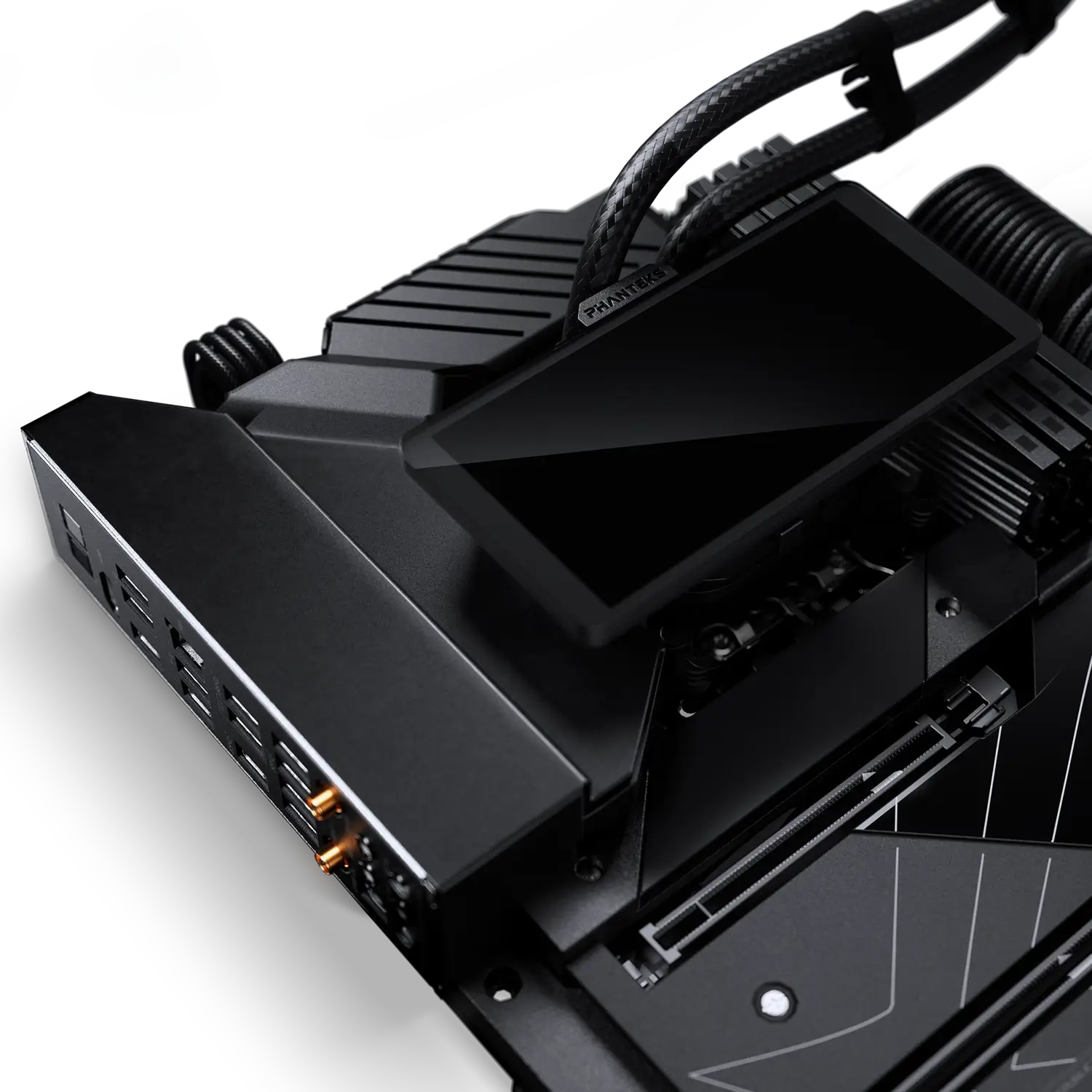
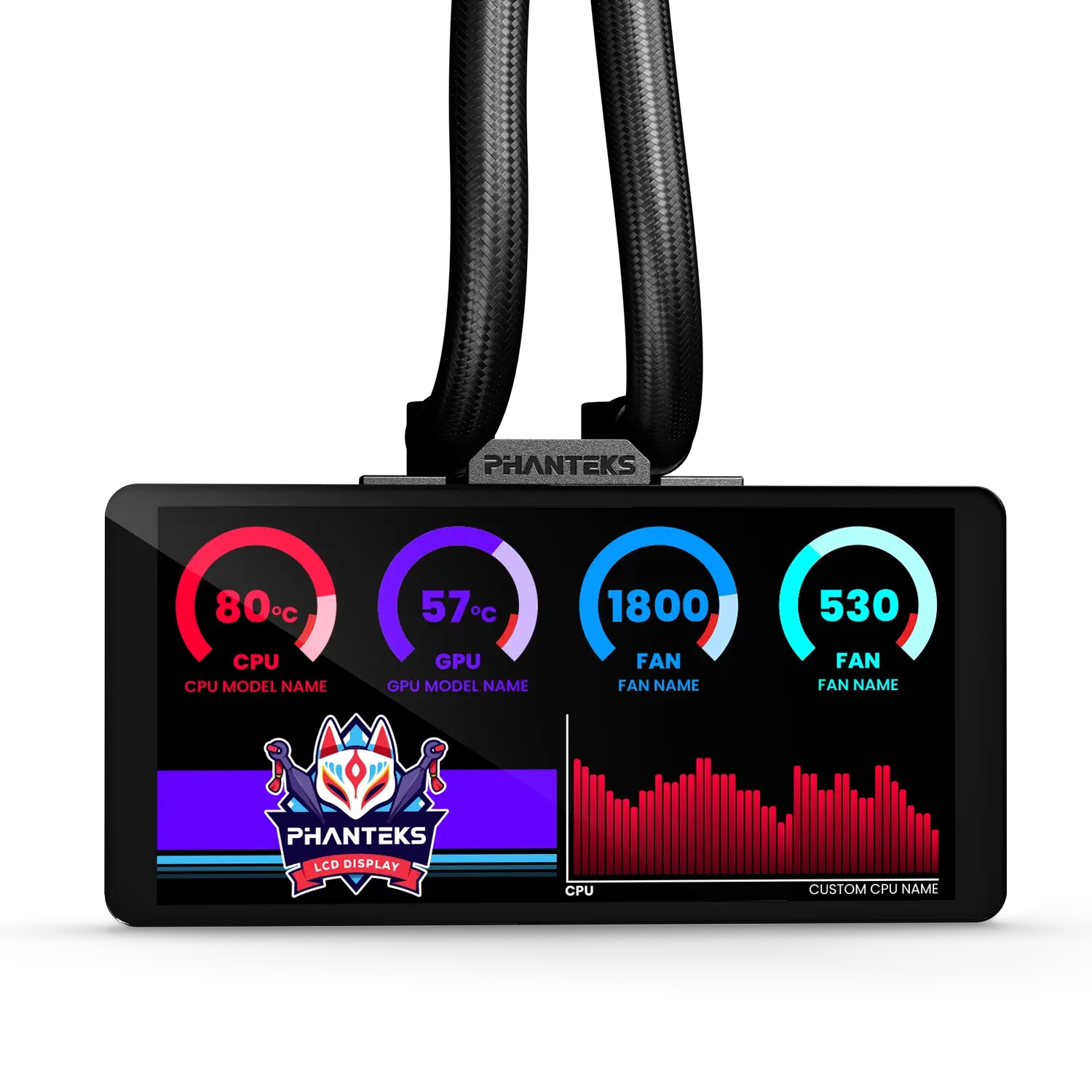
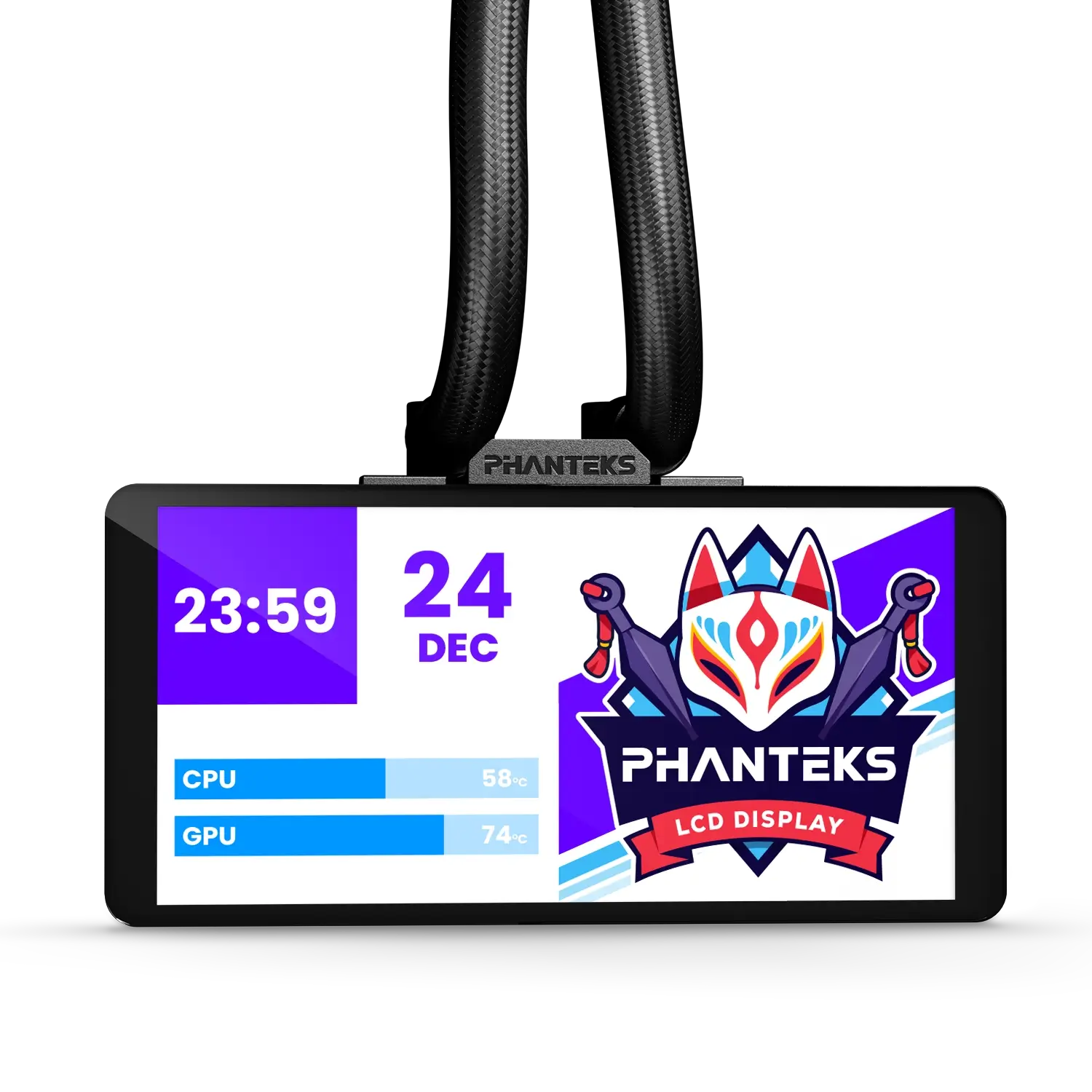
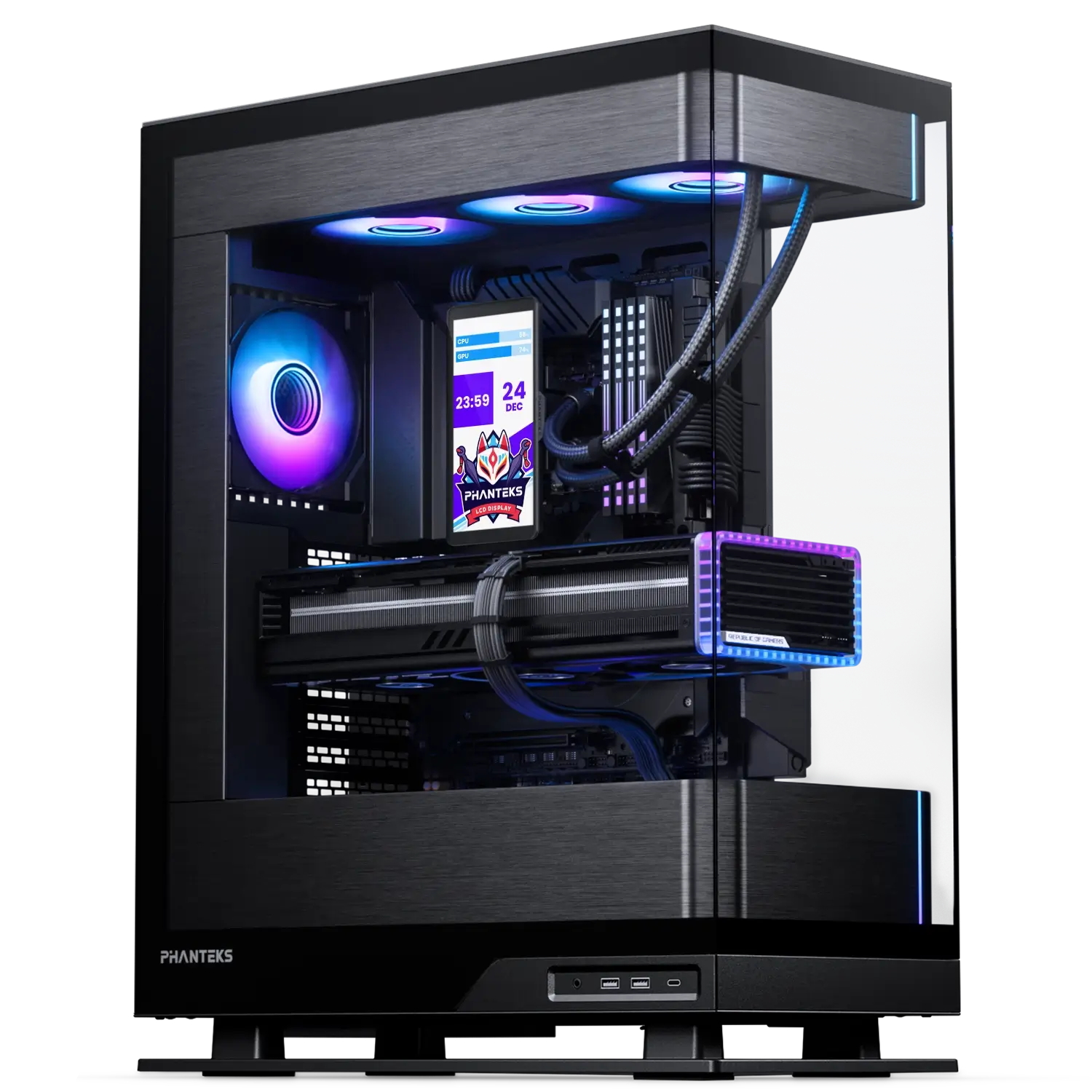
Its large 6″ LCD-IPS display is installed effortlessly and provides ample clearance for mainboard components and even RGB RAM modules. Customization is at the core, with numerous orientations possible and endless possibilities in the Nexlinq App for Windows.
Transform the 6″ display into a personalized command center with real-time system telemetry, thermals, speeds, time, and media—all while running on the hardware itself, saving your precious CPU resources.
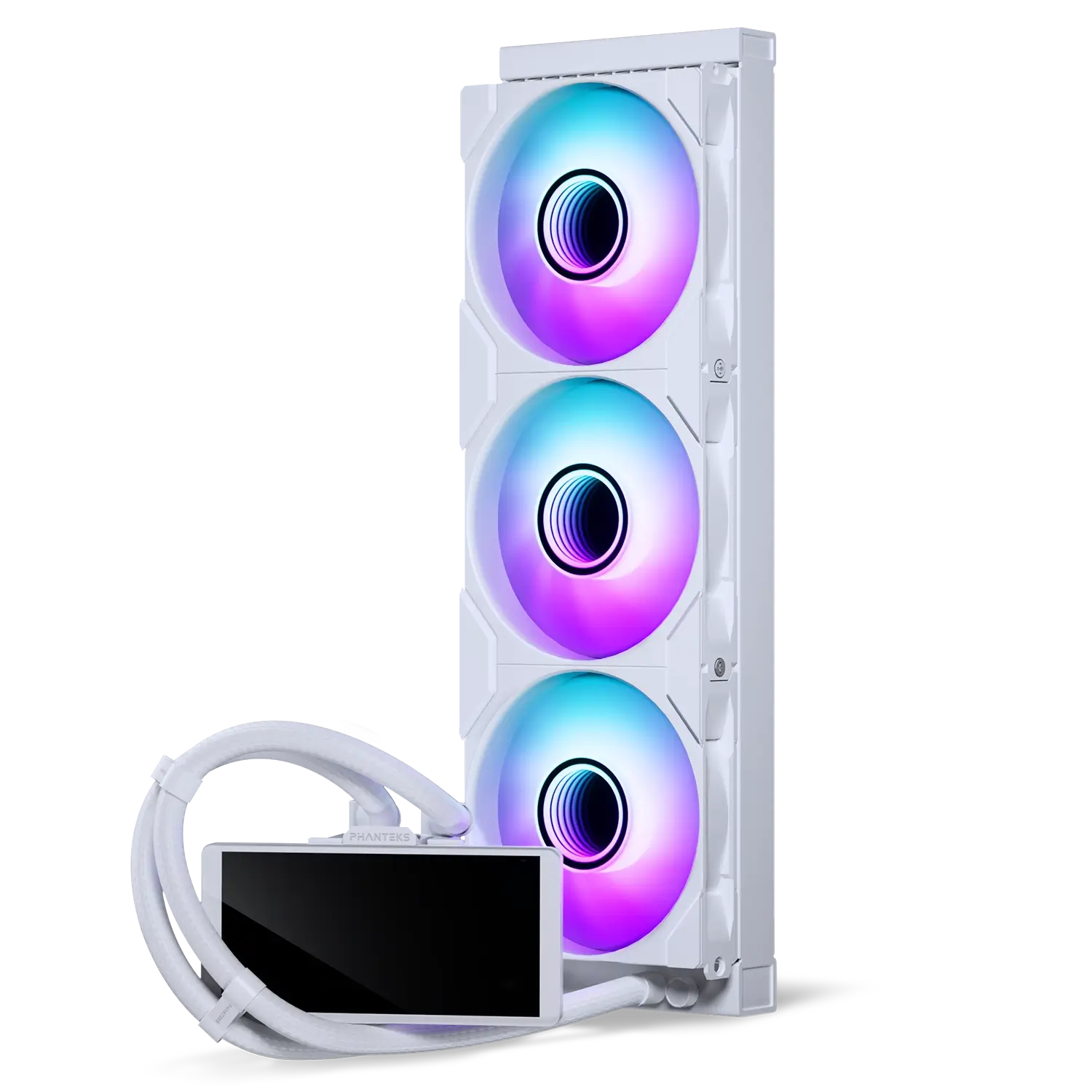
Colors


Specifications
General
Model No.
PH-GO360M25G2LCD_DBK01
UPC Code
886523004202
Materials
Aluminum | ABS plastic | Copper | Glass
Color
Black
Intel Compatibility
LGA 115x | 1200 | 1700 | 1851
AMD Compatibility
AM4 | AM5
Radiator Dimensions
Length x Width x Height
397 x 120 x 27mm | 15.62 x 4.72 x 1.06 in
Pump Dimensions
Length x Width x Height
68.0 x 74.5 x 51.1 mm | 2.67 x 2.92 x 2.01 in
Pump Details
Tube Details
Motor Speed
3100 RPM ± 10% (100% Duty Cycle)
Power
12V | 0.28A – 0.45A | 3.36W – 3.96W
Pump DC Cable
400 + 10 mm | 15.74 + 0.39 in
Sound Level
20.0 dBA
Material
Copper | ABS
Length
400 mm | 15.74 in
Diameter
12.5 mm ⌀| 0.49 in ⌀
Tube Clips
3x
Material
CIIR rubber| Braided sleeves
LCD Screen LCD6-HD
Fans M25G2-120
LCD Type
IPS panel
LCD Dimensions
145.2 x 70.5 x 2.08 mm | 5.71 x 2.77 x 0.08
LCD Resolution
1480 x 720
Refresh Rate
60 Hz
Luminance
250 Nit
LCD RAM Clearance
51.00 mm
Connector
USB-C
Max Power Draw
0.43A
Fan Model
M25G2-120 D-RGB
Dimensions
Length x Width x Height
120 x 120 x 30 mm | 4.72 x 4.72 x 1.18 in
Speed
350 – 2000 ± 10% RPM
Air Flow
72.72 CFM
Fan Static Pressure
2.51 mm H₂O
Sound Level
35.13 dBA
MTFB
150.000 Hours
Connector
Linq6
Cable Length
500 mm | 19.68 in Daisy-chain
Extra
Scope of Delivery
1x Glacier One 360M25-LCD Pre-applied thermal paste
3x M25G2 fans Pre-installed
4x Screw corner covers Pre-installed
4x Screw bridge covers Pre-installed
Accessory Box
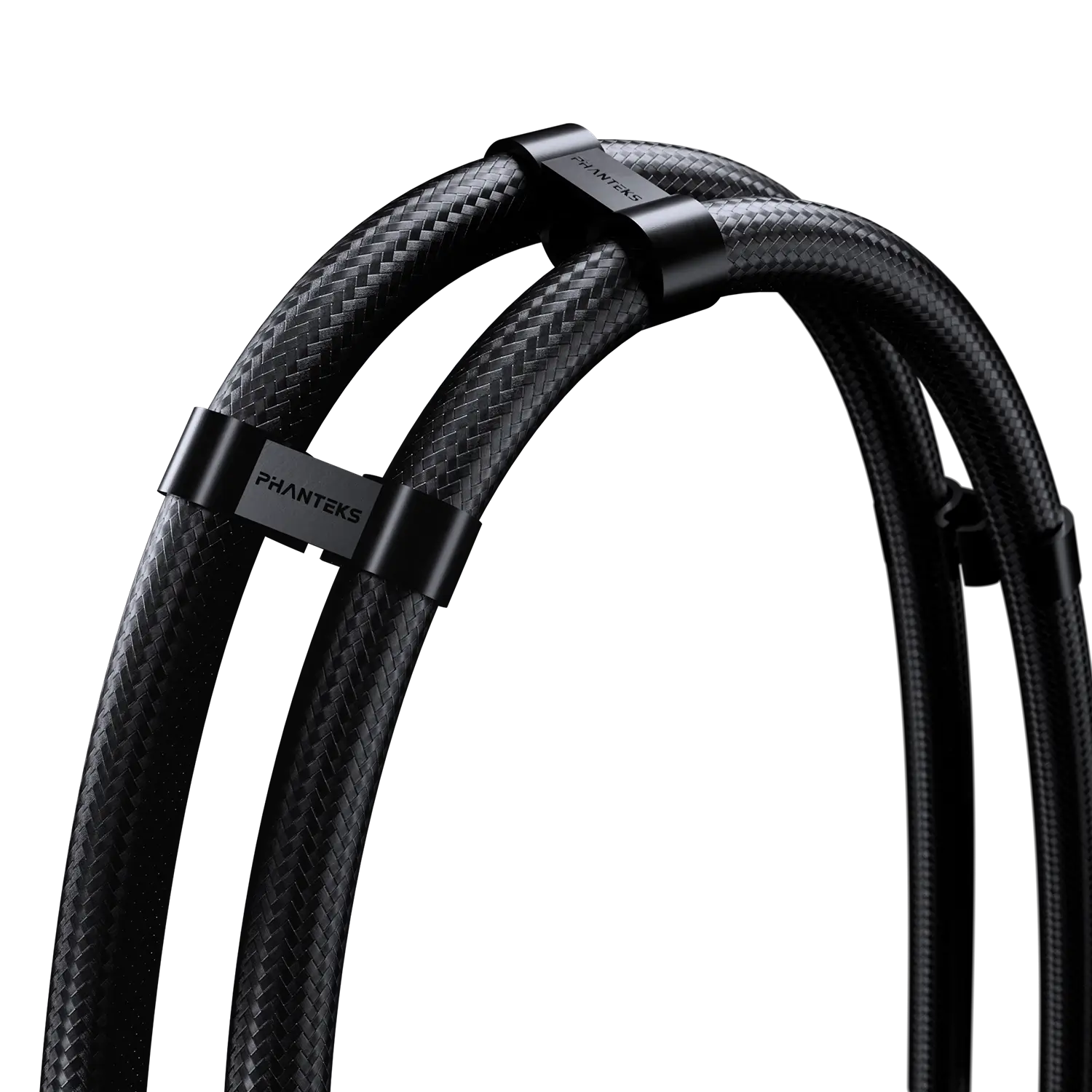
3x Tube clip
1x USB-C to USB 2.0 internal header 600 mm
1x Linq6 extension cable 500 mm
1x Linq6 Mainboard adapter cable 500 mm
Screws
12x 36 mm 6-32 UNC Radiator screws
12x 6 mm 6-32 UNC Radiator screws
Mounting Hardware
1x LGA 115X | 1200 | 1700 | 1851 Bracket
1x LGA 115X | 1200 | 1700 | 1851 Plastic backplate
4x LGA 1700 | 1851 Stand-off screws
4x LGA 115X | 1200 Stand-off screws
4x Thumb nuts
2x AM4 | AM5 Adapter brackets
Support
FAQ
Digital-RGB means that each LED chip can be controlled individually, allowing for multiple colors and effects in a single D-RGB LED strip. While regular RGB LED strips can only show the same color on each LED chip per strip at a time. However, not every Digital-RGB (Addressable) product is the same.
You don’t need the Nexlinq app directly for housing your PC in the Matrix-supported cases. However, the Nexlinq app is required to set up and customize the Matrix display (system stats, animations, lighting, and custom visuals). Without the app, the Matrix screen cannot be configured and will show the text ‘Matrix 600’ or ‘Matrix 900’ depending on the Matrix display size.
Are plug-and-play. No software is needed, yet it is compatible with software control through MSI or ASUS compatible motherboards if desired. Have custom developed color patterns. We believe D-RGB lighting can be stylish when having the right color/pattern settings, which is why the Phanteks D-RGB controller is pre-installed with custom selected color modes and patterns.
Have 30 LED chips. This is a lot! Having 30 LEDs per product instead of just 8 or 12 creates a much more beautiful color gradient and higher quality lighting. This also means more color tints can be displayed simultaneously in one strip.
Digital-RGB and RGB have a different connector. Digital-RGB uses a 3-pin connector while RGB uses a 4-pin connector. Technical explanation: Digital-RGB uses 5 Volts while RGB uses 12 Volts. Connecting Digital-RGB products and RGB products would cause damage.
Digital-RGB from Phanteks is compatible with Asus Addressable-equipped motherboards and MSI Mystic Light Rainbow-equipped motherboards. Check with the Motherboard specifications if your motherboard has a ‘AURA Addressable Header’ or a ‘Mystic Light Sync Rainbow header’ with 3 pins.
Each D-RGB product uses 1 Ampere. Check the power output with your motherboards specifications to determine how many D-RGB products can be powered by your mainboards. Currently mainboards support 3 Amperes.
The Phanteks D-RGB controller can support up to 7 D-RGB products when using the remote. If the D-RGB controller is connected to your motherboard a total of 9 D-RGB can be connected to the controller. A maximum of 4 D-RGB products can be connected to a single output port on the controller.
Most of the D-RGB products and compatible mainboards include a mainboard adapter. Simply connect this mainboard adapter to the Addressable or Rainbow port on your mainboard and the Phanteks D-RGB products. D-RGB products from Phanteks can be daisy-chained so you only need one port on your motherboard. Most mainboards also include this motherboard adapter cable.
You can install as many D-RGB controllers as you would like. However they do not connect to each other. Each controller will work, and need to be controlled, individually.
Press and hold the ‘Mode’ for 2 seconds until the LED’s turn off. When using software control please consult with the motherboard manufacturer.